
- Choose a tracked service with cover suitable for the device value, and check that the carrier accepts electronic devices.
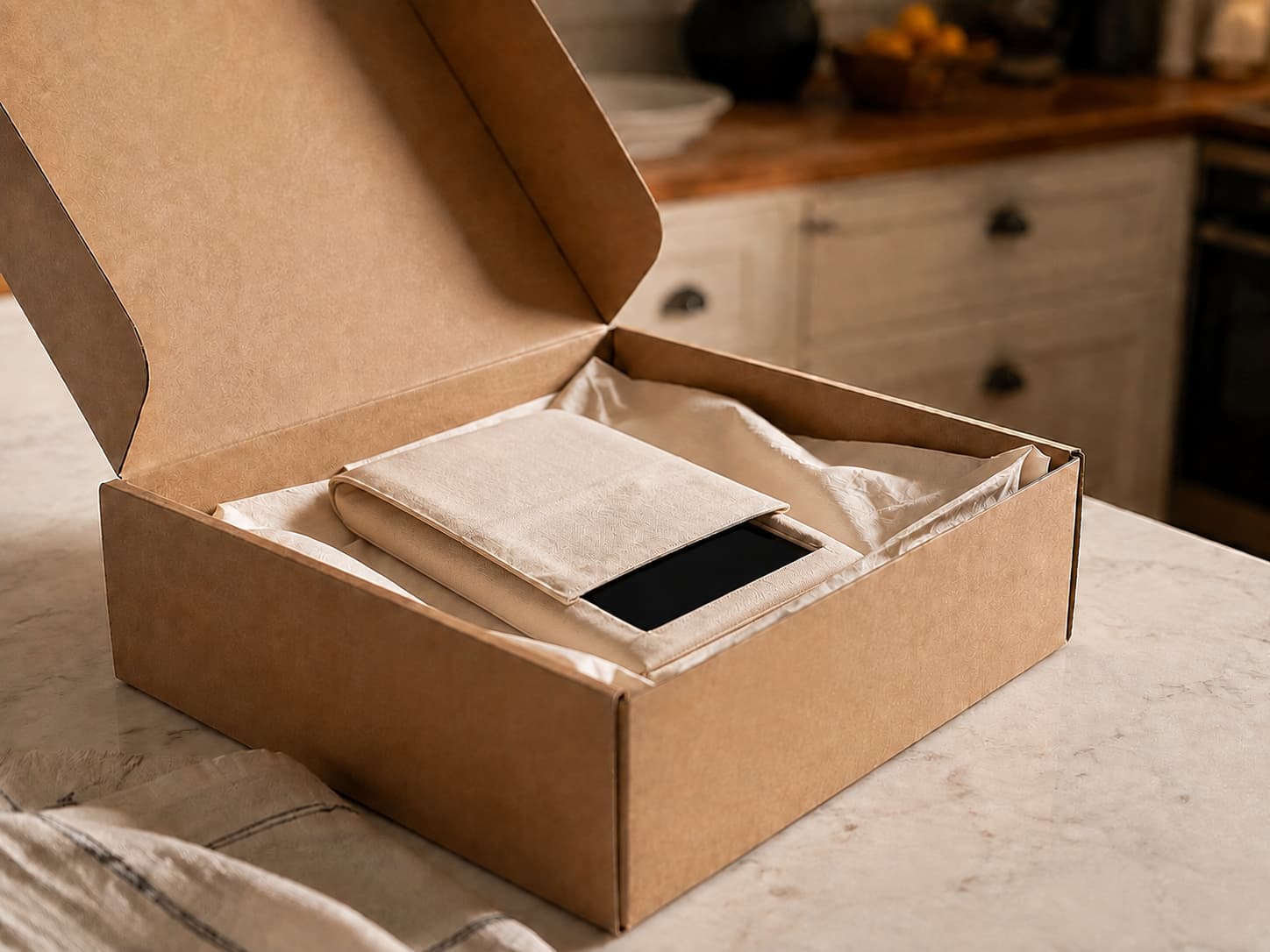
- Place your We Buy Back Order Confirmation inside and make sure your sender details are visible.
- Hand the parcel to the carrier at a staffed acceptance point. For Royal Mail, use a Post Office counter.
- Keep the receipt and tracking details until your order has been completed.
POST YOUR DEVICE WITH CONFIDENCE
How to post your device safely.
Your order confirmation tells you which postage route to use. Start there, then prepare your phone, protect the parcel and keep proof of handover.
Follow your confirmationPrepare before sealingKeep your proof
START WITH YOUR CONFIRMATION
Which postage method is on your order?
Select the route named in your confirmation. The practical steps will open inside the card, so the guidance stays close to your choice.

BEFORE THE BOX CLOSES
Prepare the device first.
Finish the personal and safety checks while the device is still in your hands.
Back up anything you want to keepSign out and remove account locksRemove SIM and memory cardsStop if the battery looks unsafe
PROTECT IT IN TRANSIT
Pack for movement, not appearance.
A neat box is not enough. The device should be protected from knocks, prevented from moving and easy to identify when it arrives.
Protect
Wrap each device separately and use a strong, rigid outer box.
Stabilise
Fill empty space so nothing shifts, touches another device or can switch on.
Identify
Include the Order Confirmation, cover old barcodes and keep the new label visible.
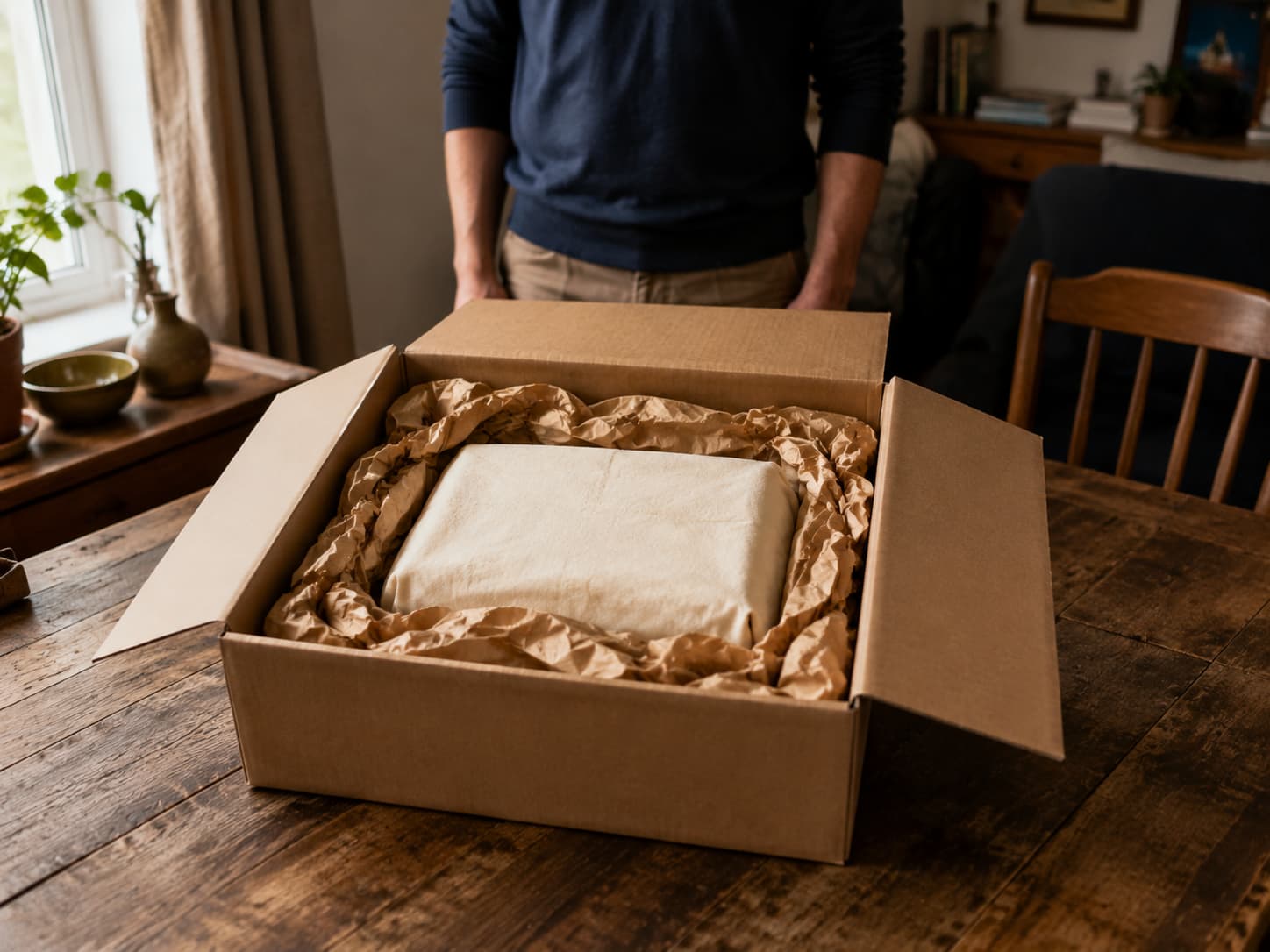
No movement inside
Slip inside, label outside
A SMALL RECORD THAT MATTERS
Two photos. One receipt.
Keep a simple record until the order has been completed. It gives both you and our team something clear to refer to if a parcel needs investigating.
Device condition
Photograph the device before it is wrapped.
Sealed parcel
Photograph the closed parcel with its label visible.
Proof of handover
Keep the counter receipt or collection confirmation and tracking.
PAUSE BEFORE POSTING
Contact us if the route no longer fits.
It is easier to correct a posting problem before the parcel leaves your hands.
Ask the teamThe battery looks unsafe
Do not put a swollen, leaking, hot or seriously damaged battery into ordinary post.
Your label or link is missing
Let us check the postage route attached to your order before you create another.
The collection cannot go ahead
Contact us if the offered option is unavailable or the parcel details have changed.
Your parcel plan has changed
Check with us before splitting an order or combining devices from different orders.
AFTER IT LEAVES YOUR HANDS
Keep the journey easy to follow.
Handover is not the end of the record. Keep the details that connect the carrier journey to your We Buy Back order.
Use your order route
Follow the label, QR code or collection instructions supplied with your order.
Hand over the sealed parcel
Use the instructed counter, acceptance point or booked collection.
Keep the evidence
Retain the receipt, collection confirmation and tracking details.
Follow the tracking
The carrier scan and our booking-in step may happen at different times.
REAL PEOPLE, READY TO HELP
Need help posting?
If your confirmation, label, collection or parcel does not look right, ask before you send it.
WHEN THE DEVICE ARRIVES
A clear inspection. A clear next step.
Delivery gets the parcel to us. Inspection connects the device in the box with the details in your order.
IF THE DETAILS MATCH
We confirm the order.
The order can continue using the information already agreed.
IF SOMETHING DIFFERS
We explain what we found.
You receive a clear reason and the available next step before the order moves on.
POSTING QUESTIONS
Before the parcel leaves.
Clear answers about labels, printers, multiple devices and tracking.
Ask another posting questionDo I need a printer to post my phone?
Not always. Your order confirmation may provide a printable label, a QR option or an eligible Bring My Label collection. Use the exact postage option shown with your order rather than creating a different label.
Where can I find my postage label or QR code?
Start with your We Buy Back order confirmation and the postage instructions sent with it. If the expected label, QR code or collection link is missing, contact us before sending the parcel so we can check the route attached to your order.
Can I send several devices in one parcel?
Follow the parcel instructions attached to your order. Protect each device separately so they cannot touch or move, and contact us before splitting an order across parcels or combining devices from different orders.
Should I include a charger or other accessories?
Send the items listed with your order. If you are unsure whether an accessory is expected, contact us before sealing the parcel rather than adding loose items that were not requested.
Why does tracking show delivered before my order updates?
A carrier delivery scan and We Buy Back booking the parcel into the inspection process are separate events. Keep your tracking and proof of handover, and contact us with your order reference if you need help checking the next step.
What should I do if the battery looks swollen or damaged?
Do not post a device with a swollen, leaking, unusually hot or seriously damaged battery. Stop using it, keep it away from heat and contact We Buy Back so the safest next step can be discussed.