
Pixel or Pixel a?
Standard PixelThe generation number appears without an a suffix, such as Pixel 8 or Pixel 9.
Pixel a-seriesThe a is part of the model name, such as Pixel 8a or Pixel 9a, and identifies a separate product.

SELL YOUR GOOGLE PIXEL
Find your Pixel, match the exact model and storage, then check the quotation currently available.
FROM PIXEL NAME TO QUOTATION
Match it, describe it and review the available quotation.
Check the generation and whether the phone is a standard, a-series, Pro, Pro XL or Fold model.
Confirm the capacity in Settings or on the original box before opening a quotation.
Check the display, rear cameras, body, functions and any foldable parts that apply.
Review what is currently offered and follow the postage instructions on the order.
LISTED GOOGLE PIXEL PHONES
Search by model, suffix and storage, then open the exact quotation.
72 products currently have an active cash or recycling route, with cash quotes up to £610.00.
Showing 24 of 72 Pixels.
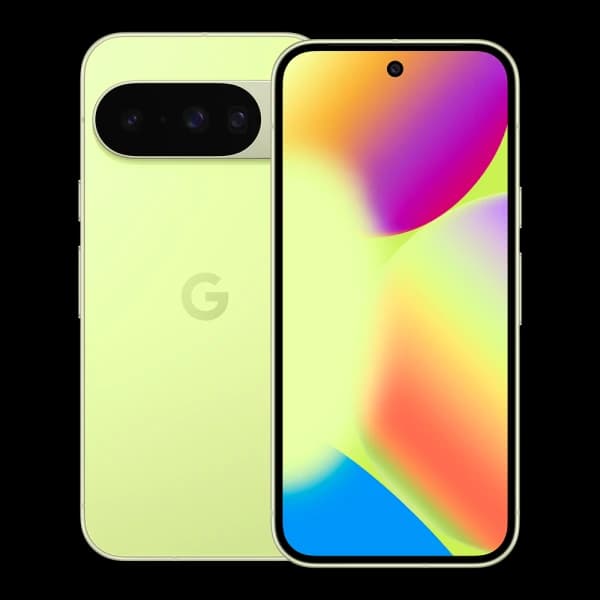 Google
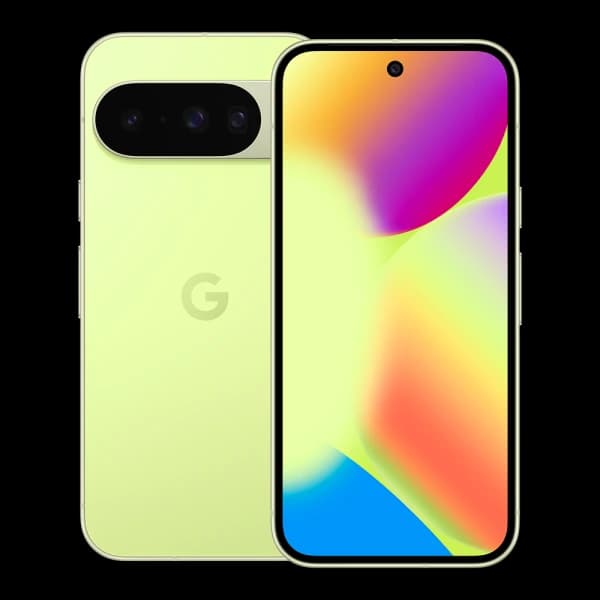 Google
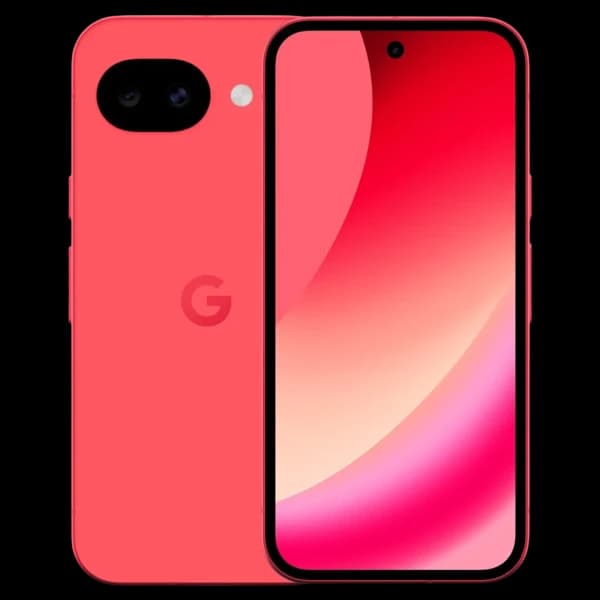 Google
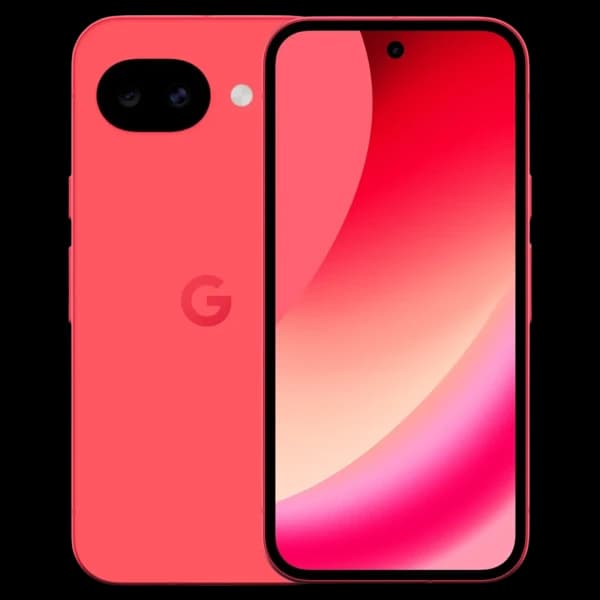 Google
 Google
 Google
 Google
 Google
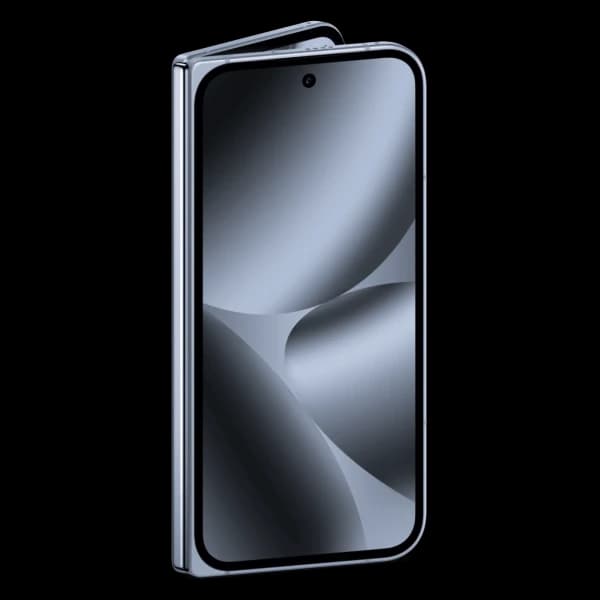 Google
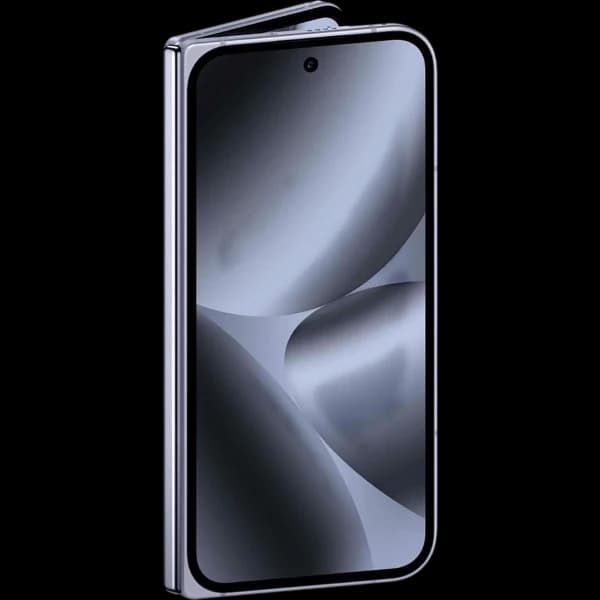 Google
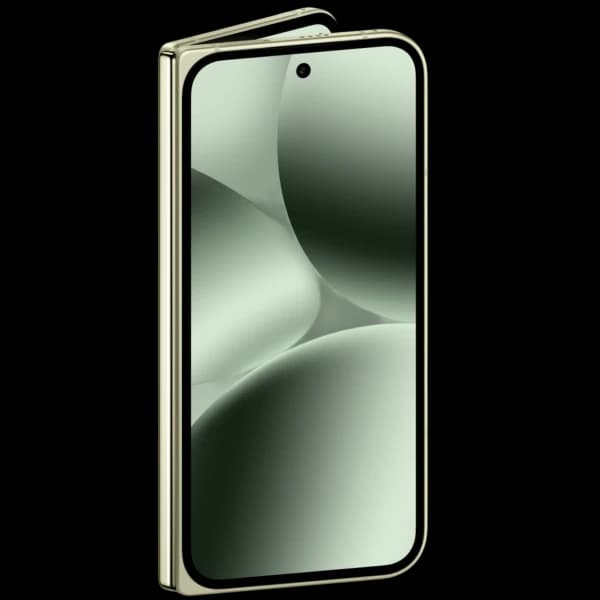 Google
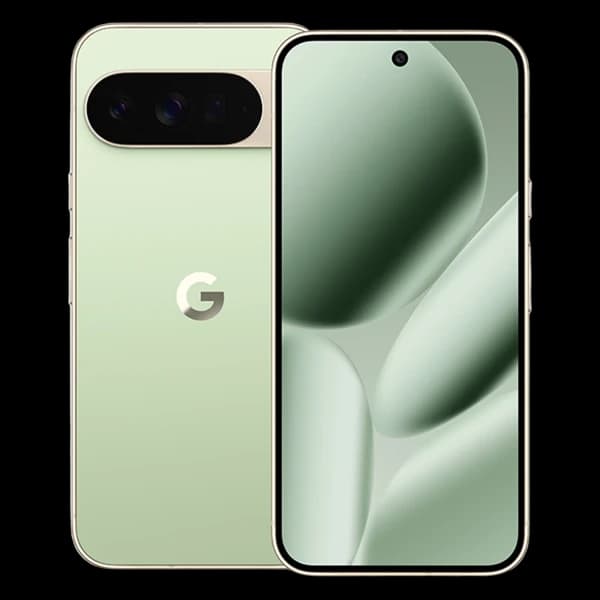 Google
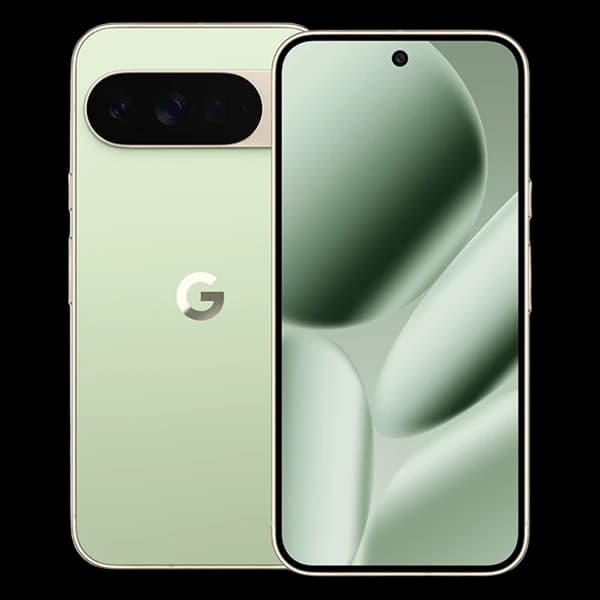 Google
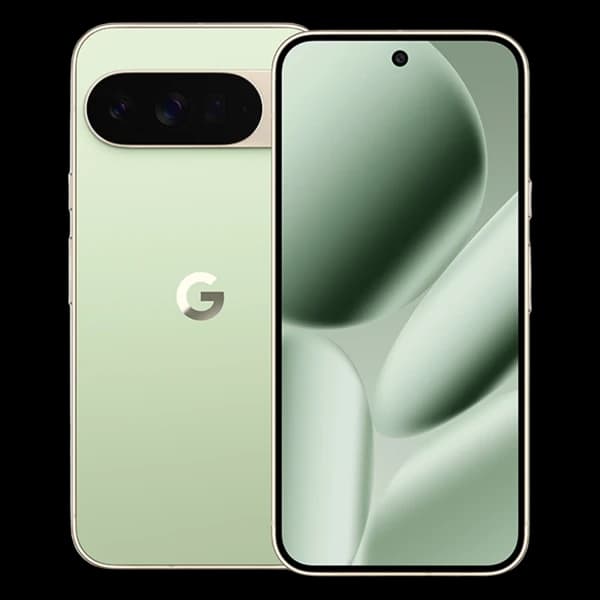 Google
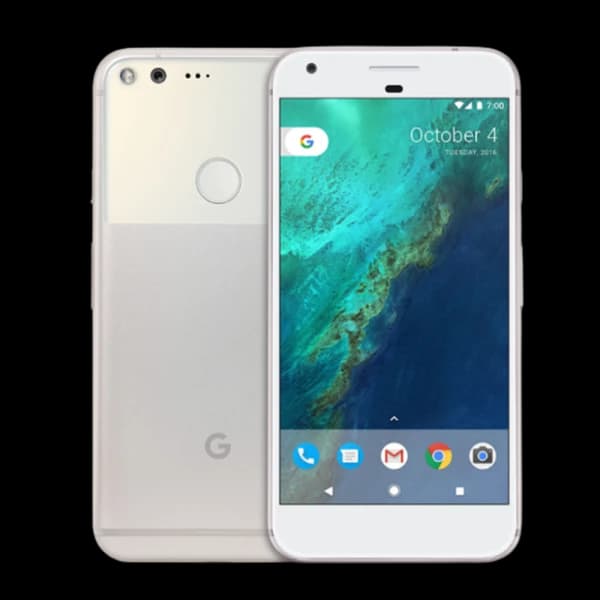 Google
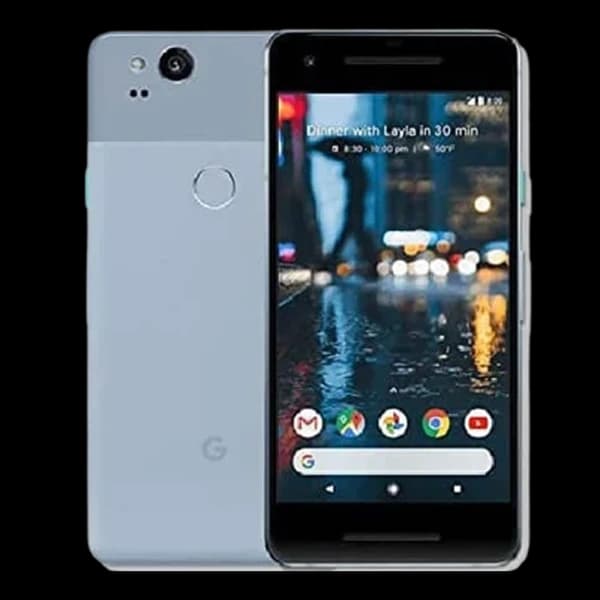 Google
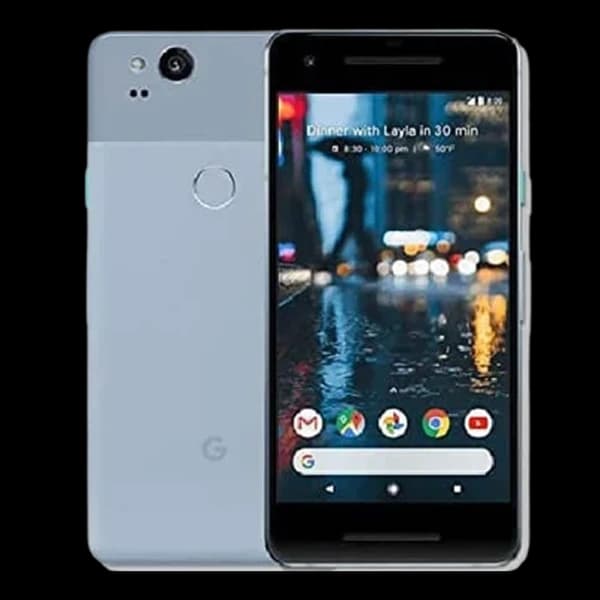 Google
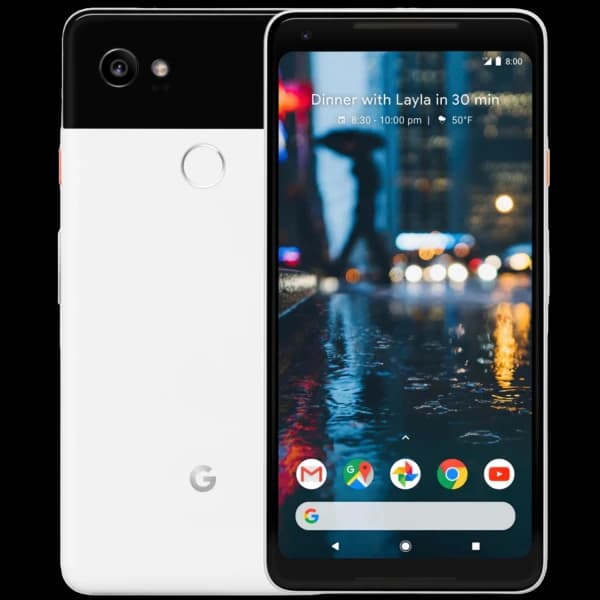 Google
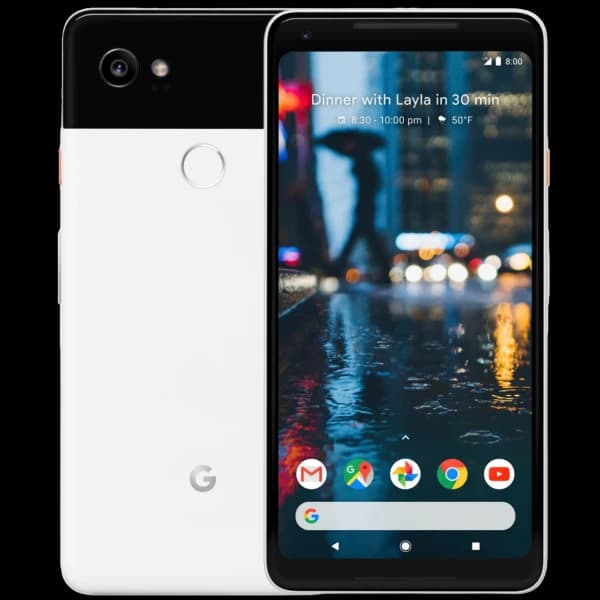 Google
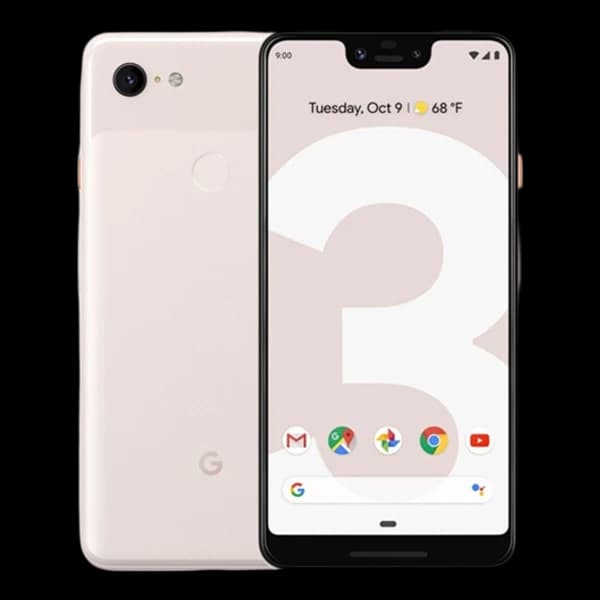 Google
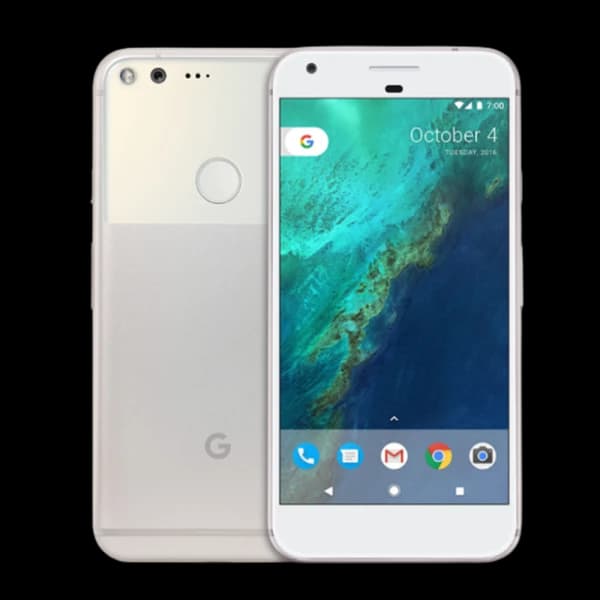 Google
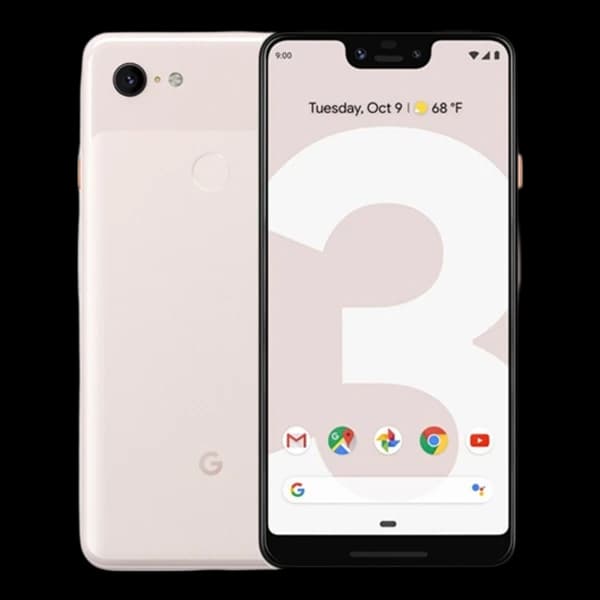 Google
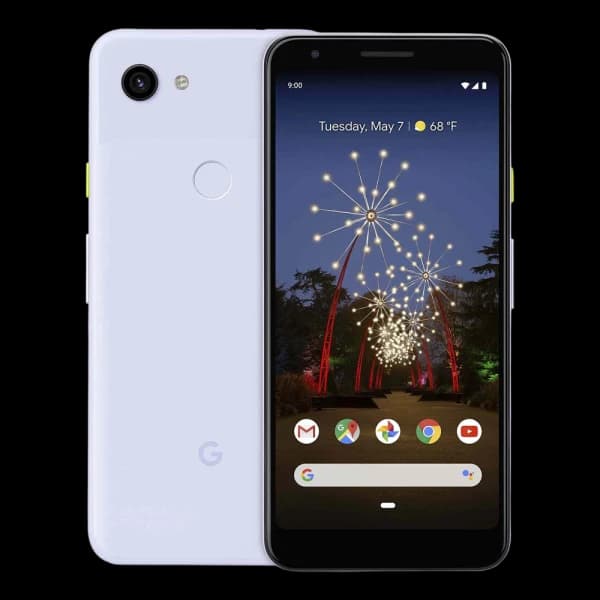 Google
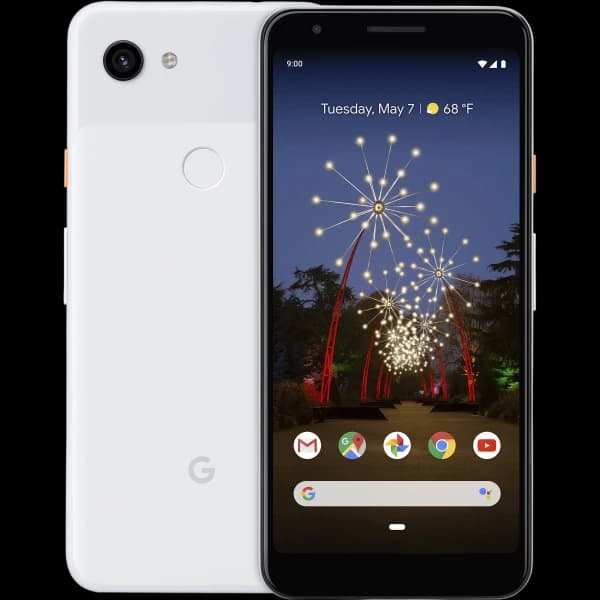 Google
PIXEL, A, PRO, XL AND FOLD
Phones from the same generation can be separate products.
Standard PixelThe generation number appears without an a suffix, such as Pixel 8 or Pixel 9.
Pixel a-seriesThe a is part of the model name, such as Pixel 8a or Pixel 9a, and identifies a separate product.
Pixel ProPro is part of the complete model name and should be matched exactly with its generation and storage.
Pixel Pro XLPro XL is a separate larger-name variant. Do not choose it simply because another Pixel looks similar.
Pixel Pro or Pro XLThese are conventional slab phones with one main display and no folding hinge.
Pixel Fold or Pro FoldFold models have cover and inner displays plus a hinge, so both the identity and condition checks differ.
FIND THE EXACT PIXEL
Similar Pixels can have different names and storage.
Open Settings on the Pixel when the phone is available.
Open About phone to reach the identifying information.
Read the full model name and model number rather than relying on appearance.
Check the capacity because storage is part of the product name.
Use the IMEI, original box or purchase record when another identifier is needed.
Choose the entry whose generation, suffix and storage all agree.
PIXEL HARDWARE CHECKS
Slab Pixels and Fold models have different hardware to describe.
One honest conditionDescribe ordinary wear and genuine faults separately. The exact active product shows the conditions currently available.Check for cracks, lines, dark areas, missed touches and fingerprint or Face Unlock faults where provided.
Look for cracked camera glass, damaged lenses and camera functions that do not work normally.
Check the body, buttons, speakers, microphones and charging connection.
Include the display, rear camera housing or bar, body, controls, charging and relevant functions.
Do not peel away the factory-installed inner-screen protector to inspect underneath it.
PERSONAL, WORK OR SUPERVISED
Personal and managed Pixels need different preparation.
PERSONAL OR AUTHORISED
Only continue when you own the Pixel or the owner has clearly authorised you to sell it.
Check any finance, lease or other agreement and resolve it with the provider before selling.
WORK, SCHOOL OR SUPERVISED
Ask the organisation to remove management and enrolment before the phone is sold.
The supervising person may need to remove controls or approve the account changes first.
STOP AND CHECK
Contact the owner, organisation or network and resolve the status before continuing.
GOOGLE ACCOUNT AND RESET
The correct preparation helps prevent Factory Reset Protection from blocking the next step.
Never send passwords, PINs or recovery codes. A Find Hub erase is not guaranteed to remove the previous account requirement, and Repair Mode is not sale preparation.
SELL MY PIXEL FAQS
Clear answers about model names, Fold hardware, Google Accounts, condition and preparation.
Browse every frequently asked questionOpen Settings and About phone to check the model name and model number, then check the storage. If the Pixel cannot be opened normally, use the original box, purchase record or IMEI information before choosing a listed product.
Search the complete Pixel name and storage. A listed model can be identified on this page, but only a product with an active quotation can currently continue into an order.
Possibly, when the exact active product offers a suitable condition. Describe screen damage, camera faults, charging problems and other issues honestly. Final acceptance remains subject to inspection and safe handling.
Check the cover display, inner display, touch response, hinge movement, fold area and factory-installed protector. Do not peel away the protector to inspect underneath it.
Yes. Back up what you need, remove the Google Account through Settings and then erase the Pixel through Settings. We never need your Google password, PIN or recovery codes.
Do not rely on remote erasure as guaranteed account-lock removal. A remotely erased Pixel can still require a Google Account that was previously synced to it. Resolve the account access before sending the phone.
Remove the physical SIM. Transfer or erase an eSIM where the model and network provide one, and contact the network separately if a mobile plan must be ended. SIM and eSIM support varies by Pixel model.
Only when you have permission to sell it and the organisation or supervising person has removed the management, work profile, enrolment or supervision that applies.
No. Repair Mode is intended for a phone being handed to a repair service. It is not a substitute for removing your Google Account and erasing the Pixel before sale.