
S, Ultra and FE
The S family includes standard, Plus, Ultra, Edge and FE variants. Use the complete name because they are separate products.

SELL YOUR SAMSUNG GALAXY
Find your Galaxy, check its quote and choose free postage when offered.
FROM GALAXY NAME TO QUOTE
Find the exact model, describe it honestly, review the quote and send it.
Start with the series, model and storage shown in Settings or on the box.
Check details such as Ultra, FE, 5G, Fold or Flip before opening the quotation.
Check the screens, body, functions and foldable parts that apply to your Galaxy.
Review what is offered, place the order and follow its postage instructions.
LISTED SAMSUNG GALAXY PHONES
Search by Galaxy series, model and storage, then open the right quotation.
292 products currently have an active cash or recycling route, with cash quotes up to £760.00.
Showing 292 of 292 Galaxy phones.
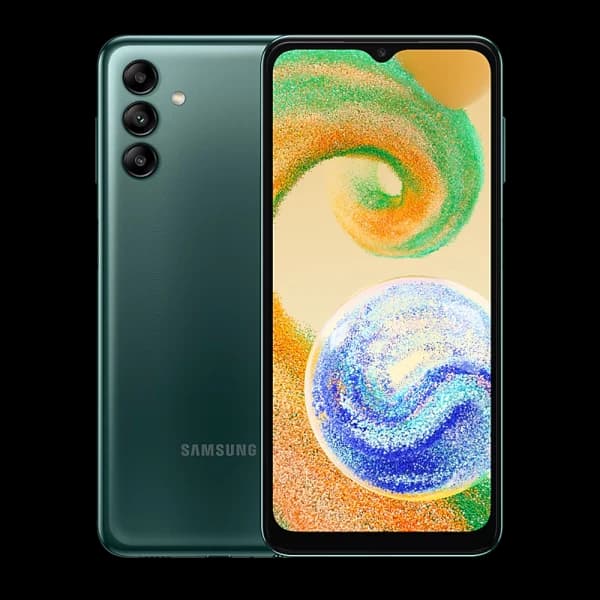 Samsung
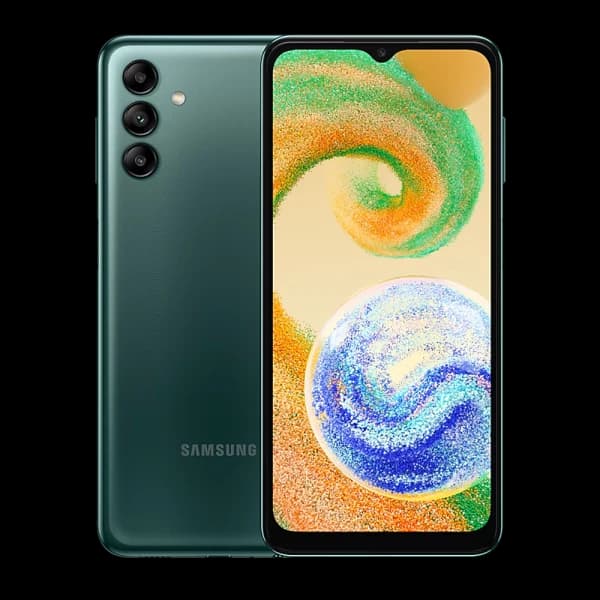 Samsung
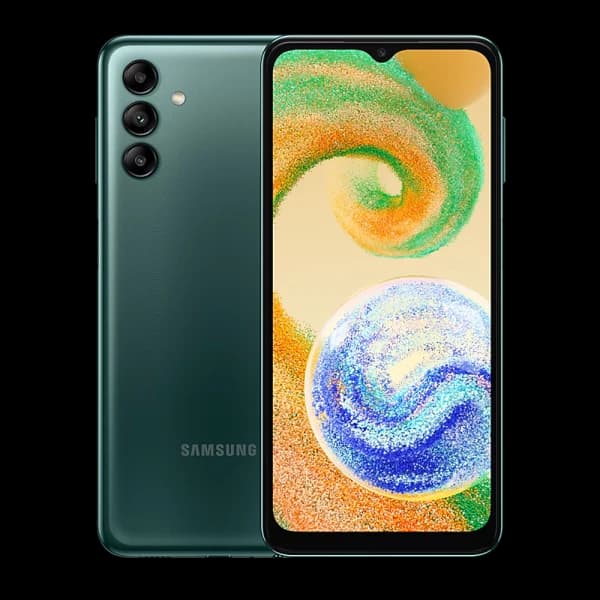 Samsung
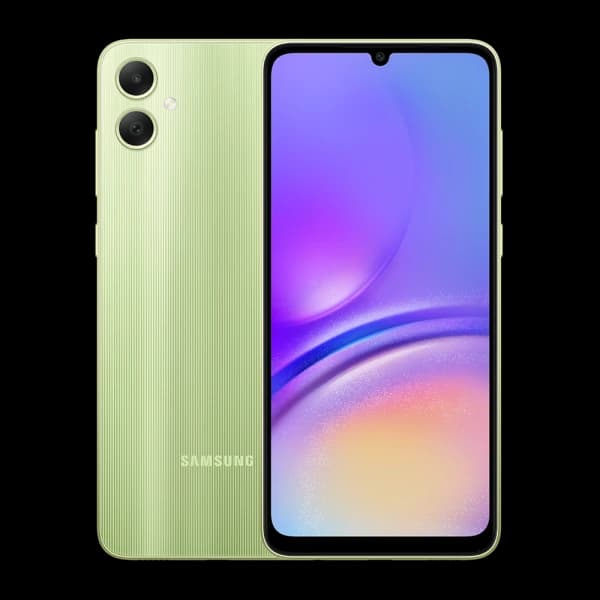 Samsung
 Samsung
 Samsung
 Samsung
 Samsung
 Samsung
 Samsung
 Samsung
 Samsung
 Samsung
 Samsung
 Samsung
 Samsung
 Samsung
 Samsung
 Samsung
 Samsung
 Samsung
 Samsung
 Samsung
 Samsung
 Samsung
 Samsung
 Samsung
 Samsung
 Samsung
 Samsung
 Samsung
 Samsung
 Samsung
 Samsung
 Samsung
 Samsung
 Samsung
 Samsung
 Samsung
 Samsung
 Samsung
 Samsung
 Samsung
 Samsung
 Samsung
 Samsung
 Samsung
 Samsung
 Samsung
 Samsung
 Samsung
 Samsung
 Samsung
 Samsung
 Samsung
 Samsung
 Samsung
 Samsung
 Samsung
 Samsung
 Samsung
 Samsung
 Samsung
 Samsung
 Samsung
 Samsung
 Samsung
 Samsung
 Samsung
 Samsung
 Samsung
 Samsung
 Samsung
 Samsung
 Samsung
 Samsung
 Samsung
 Samsung
 Samsung
 Samsung
 Samsung
 Samsung
 Samsung
 Samsung
 Samsung
 Samsung
 Samsung
 Samsung
 Samsung
 Samsung
 Samsung
 Samsung
 Samsung
 Samsung
 Samsung
 Samsung
 Samsung
 Samsung
 Samsung
 Samsung
 Samsung
 Samsung
 Samsung
 Samsung
 Samsung
 Samsung
 Samsung
 Samsung
 Samsung
 Samsung
 Samsung
 Samsung
 Samsung
 Samsung
 Samsung
 Samsung
 Samsung
 Samsung
 Samsung
 Samsung
 Samsung
 Samsung
 Samsung
 Samsung
 Samsung
 Samsung
 Samsung
 Samsung
 Samsung
 Samsung
 Samsung
 Samsung
 Samsung
 Samsung
 Samsung
 Samsung
 Samsung
 Samsung
 Samsung
 Samsung
 Samsung
 Samsung
 Samsung
 Samsung
 Samsung
 Samsung
 Samsung
 Samsung
 Samsung
 Samsung
 Samsung
 Samsung
 Samsung
 Samsung
 Samsung
 Samsung
 Samsung
 Samsung
 Samsung
 Samsung
 Samsung
 Samsung
 Samsung
 Samsung
 Samsung
 Samsung
 Samsung
 Samsung
 Samsung
 Samsung
 Samsung
 Samsung
 Samsung
 Samsung
 Samsung
 Samsung
 Samsung
 Samsung
 Samsung
 Samsung
 Samsung
 Samsung
 Samsung
 Samsung
 Samsung
 Samsung
 Samsung
 Samsung
 Samsung
 Samsung
 Samsung
 Samsung
 Samsung
 Samsung
 Samsung
 Samsung
 Samsung
 Samsung
 Samsung
 Samsung
 Samsung
 Samsung
 Samsung
 Samsung
 Samsung
 Samsung
 Samsung
 Samsung
 Samsung
 Samsung
 Samsung
 Samsung
 Samsung
 Samsung
 Samsung
 Samsung
 Samsung
 Samsung
 Samsung
 Samsung
 Samsung
 Samsung
 Samsung
 Samsung
 Samsung
 Samsung
 Samsung
 Samsung
 Samsung
 Samsung
 Samsung
 Samsung
 Samsung
 Samsung
 Samsung
 Samsung
 Samsung
 Samsung
 Samsung
 Samsung
 Samsung
 Samsung
 Samsung
 Samsung
 Samsung
 Samsung
 Samsung
 Samsung
 Samsung
 Samsung
 Samsung
 Samsung
 Samsung
 Samsung
 Samsung
 Samsung
 Samsung
 Samsung
 Samsung
 Samsung
 Samsung
 Samsung
 Samsung
 Samsung
 Samsung
 Samsung
 Samsung
 Samsung
 Samsung
 Samsung
 Samsung
 Samsung
 Samsung
 Samsung
 Samsung
 Samsung
 Samsung
 Samsung
 Samsung
 Samsung
 Samsung
 Samsung
 Samsung
 Samsung
 Samsung
 Samsung
 Samsung
 Samsung
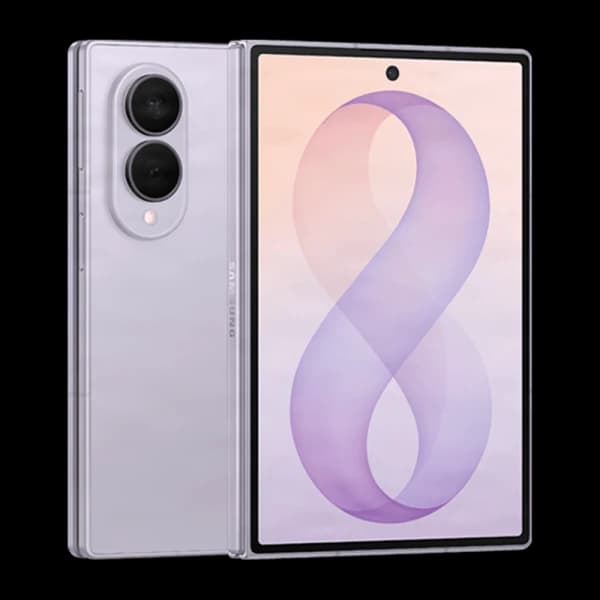 Samsung
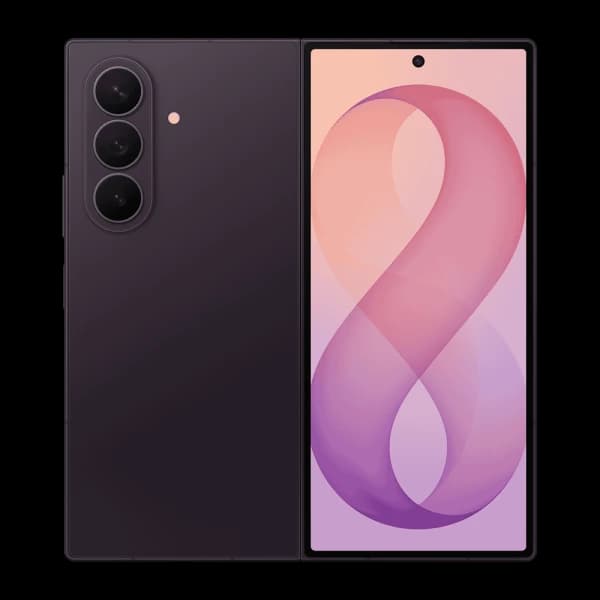 Samsung
 Samsung
 Samsung
All 292 Galaxy phones shown.
S, Z, A AND NOTE
Start with the series name before matching the exact model and storage.
The S family includes standard, Plus, Ultra, Edge and FE variants. Use the complete name because they are separate products.
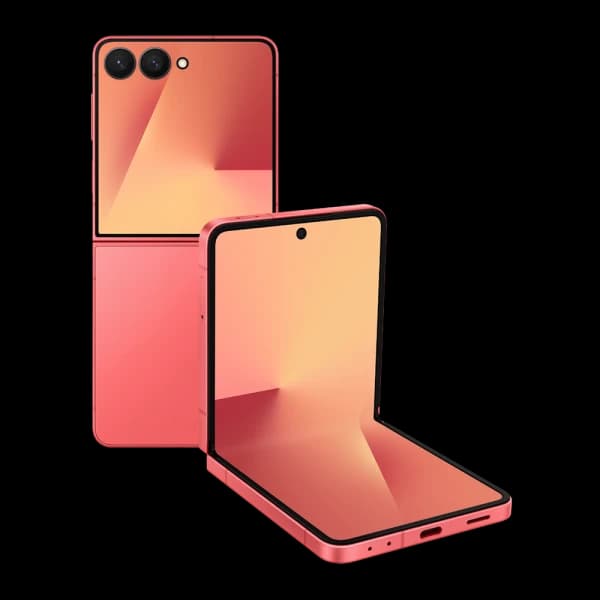
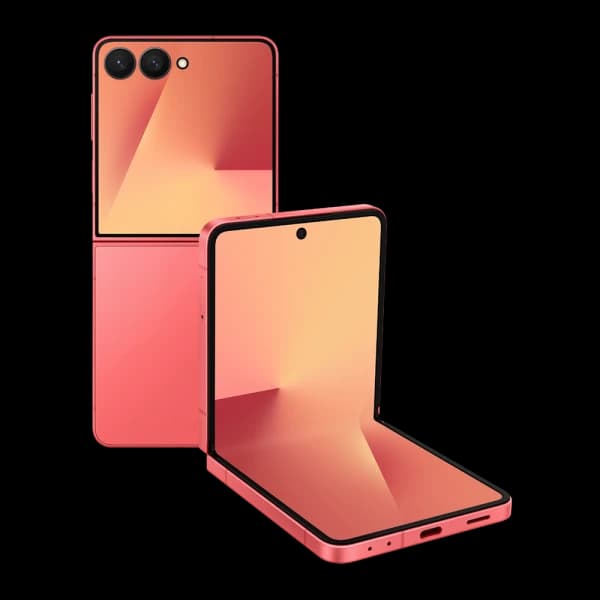
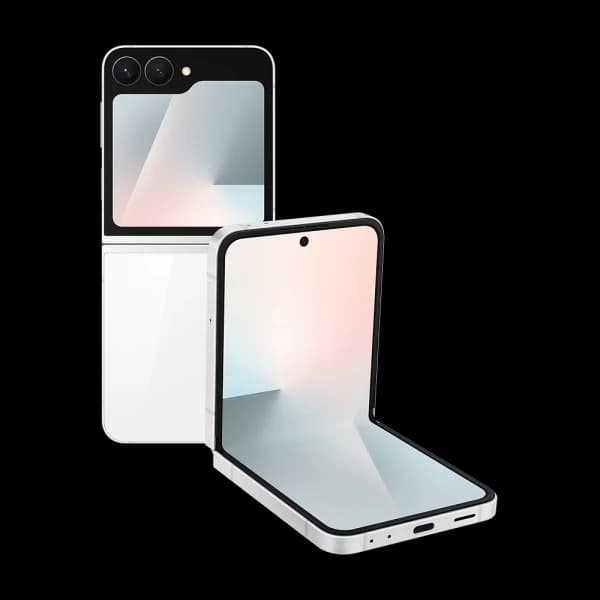
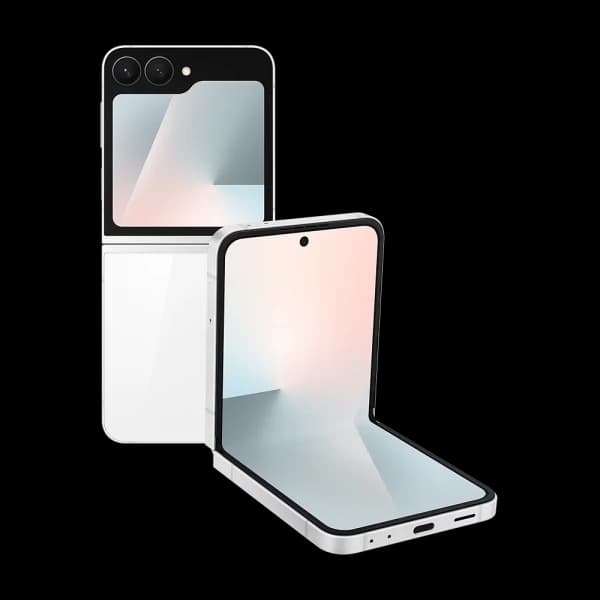
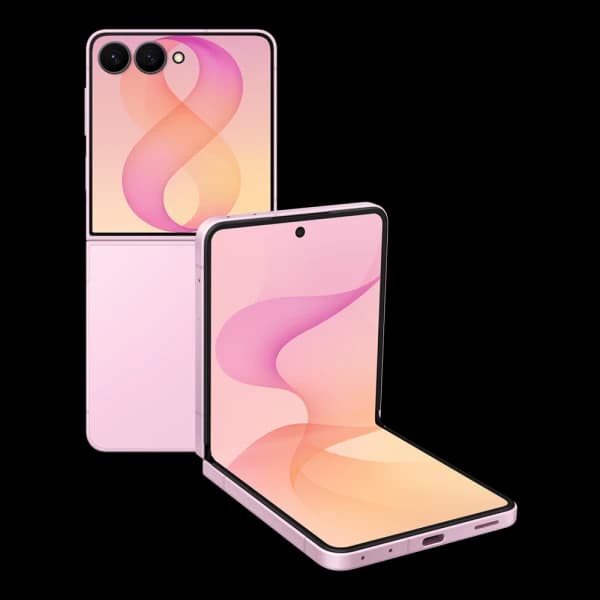
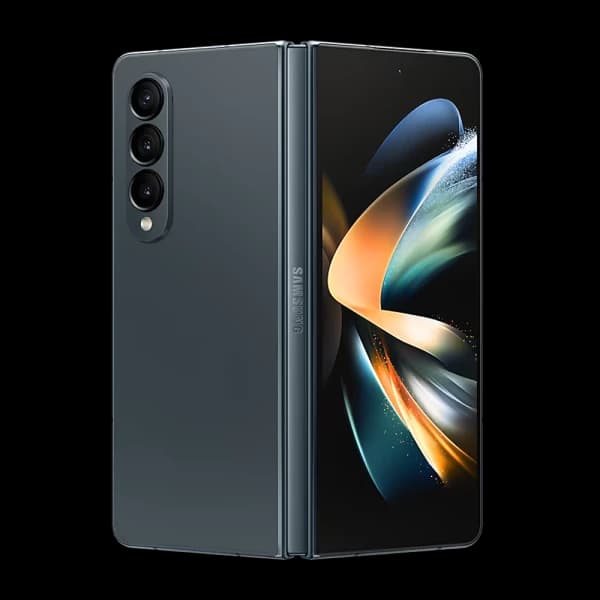
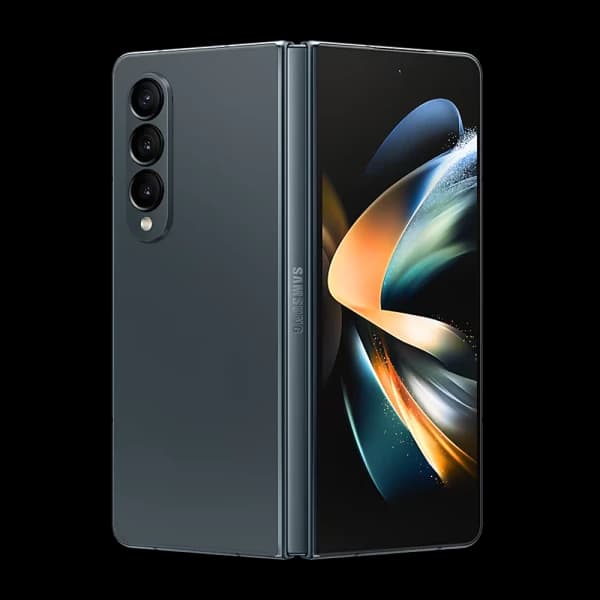
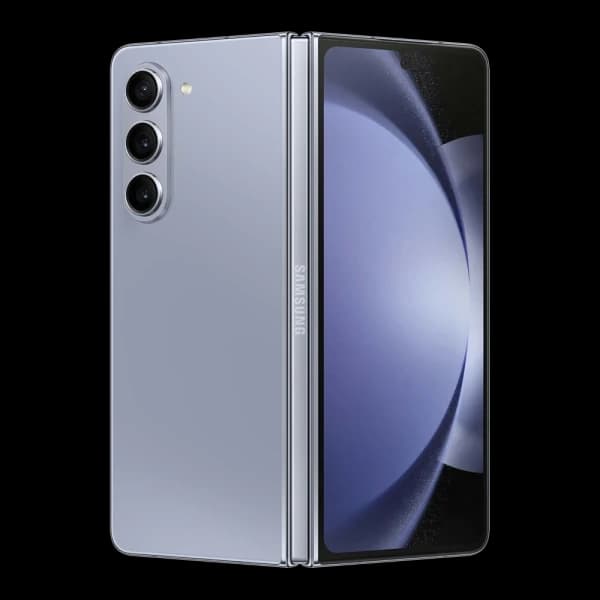
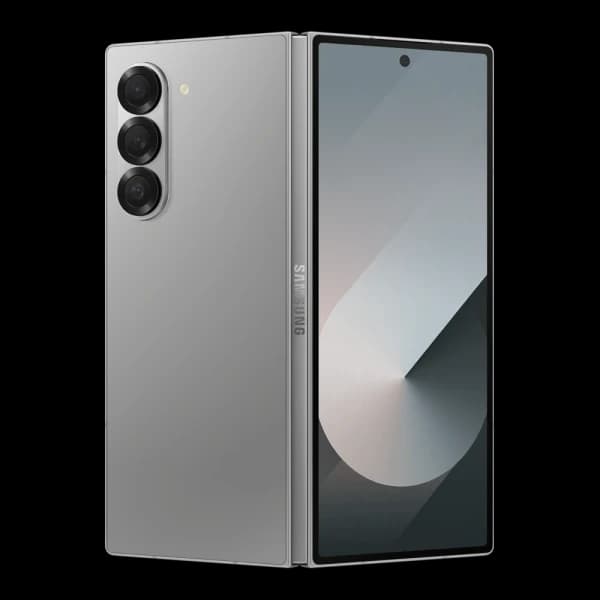
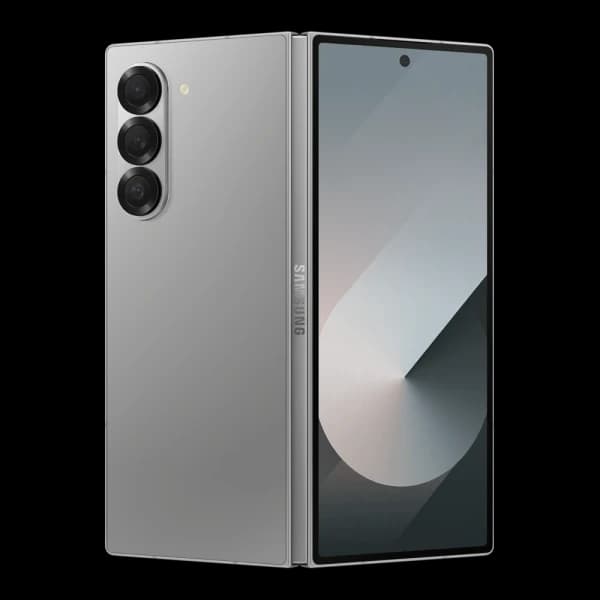
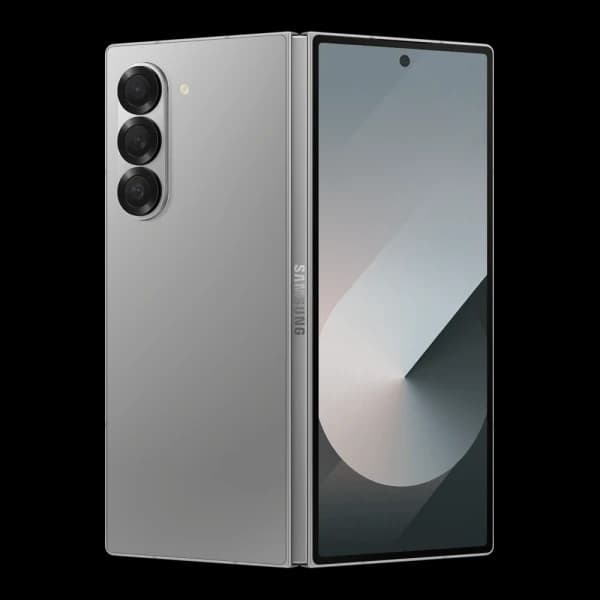
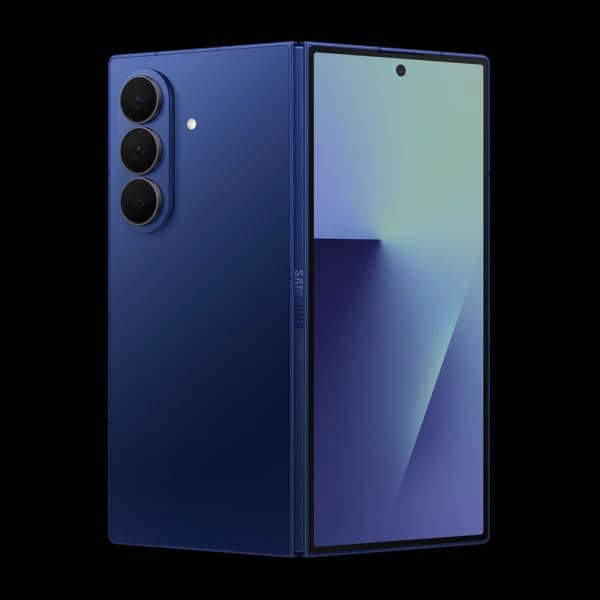
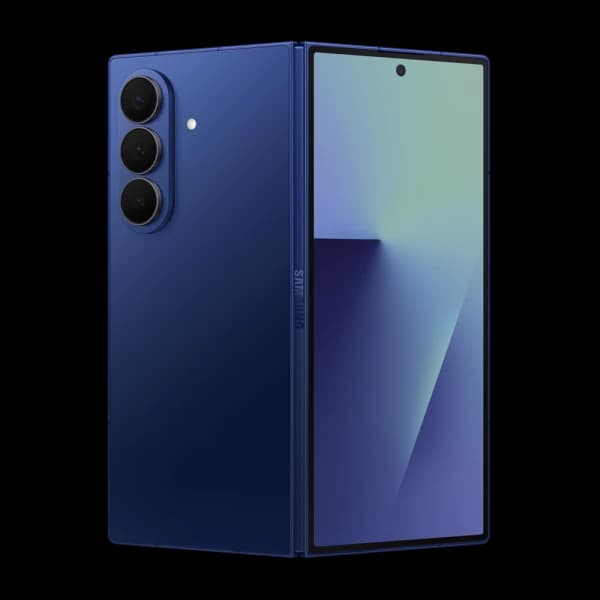
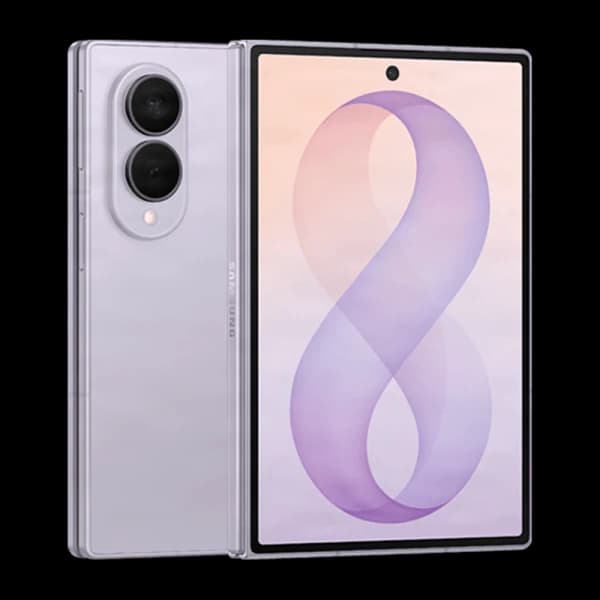
Fold and Flip models have inner and cover displays, a hinge and foldable-specific checks that ordinary phones do not have.
A-series generations and older Note phones remain distinct. Match the number, variant and storage instead of relying on appearance.
FOLDABLES ARE CHECKED DIFFERENTLY
The hinge, inner display, cover display and touch response are checked separately.
BEFORE YOU RESET IT
A Galaxy can stay linked to Google and Samsung after the wrong reset.
MATCH THE NAME, NOT JUST THE LOOK
Ultra, FE, 5G and storage can lead to different products.
PERSONAL, WORK OR MANAGED
A reset may not remove a work profile or Knox enrolment.
Back up the Galaxy, remove Google and Samsung accounts, then reset it through Settings.
See the preparation guideRemove your accounts and reset it Back up the Galaxy, remove Google and Samsung accounts, then reset it through Settings.
SELL MY GALAXY FAQS
Clear answers about models, foldables, accounts, condition and postage.
Browse every frequently asked questionOpen Settings, About phone and note the product name and model number. Check storage in Settings too. If the Galaxy will not switch on, use the box, purchase record or model code before choosing a listed product.
Search for the complete Galaxy name. Listed S, FE, A, Note, Fold and Flip models can show a cash quote, free recycling or no offer, depending on the exact product and condition.
A visible fold line can be normal on a foldable display. Protector lifting, cracks, black spots, coloured lines and touch faults are different issues and should be described honestly. Do not remove the factory protector just to inspect underneath it.
Possibly, when the exact product supports the Damaged grade. Check both displays, touch response and hinge movement, then choose the closest available condition. Final acceptance remains subject to inspection and safe handling.
Yes. Back up the information you need, remove every Google account and the Samsung account from the Galaxy, then reset it through Settings. This helps avoid account and Factory Reset Protection problems for the next owner.
Only after you have permission to sell it and the organisation has removed any work profile, device management and Knox enrolment that applies. A factory reset may not release an organisation-managed Galaxy.
Some Galaxy product pages may ask for the network and others may not. Choose the exact model and answer the options shown. Network status is separate from the phone's physical condition.
Search the exact model first. Older or damaged Galaxy phones may receive a cash quote, free recycling or no offer. Do not send a phone with an unsafe or swollen battery through ordinary post.