

FIND IT
SELL YOUR APPLE IPHONE
Sell your iPhone for cash.
Find your exact model, get a clear quote and choose a free option when offered.
Clear preliminary quoteFree options when offeredPayment after inspection
SELL YOUR IPHONE IN FOUR STEPS
Find your iPhone value in four simple steps.
Choose the exact model, describe it honestly, review the quote and send it.
DESCRIBE IT
Select its condition
Choose the closest grade and answer only the options shown for that model.VALUE IT
Review the quotation
See the preliminary cash amount or another available choice.SELL IT
Place and follow the order
Choose postage, send the iPhone and follow the inspection outcome.LISTED APPLE IPHONES
Check your iPhone trade-in value.
Search listed Apple iPhones by model and storage, then open the right quote.
153 products currently have an active cash or recycling route, with cash quotes up to £890.00.
Showing 120 of 153 iPhones.
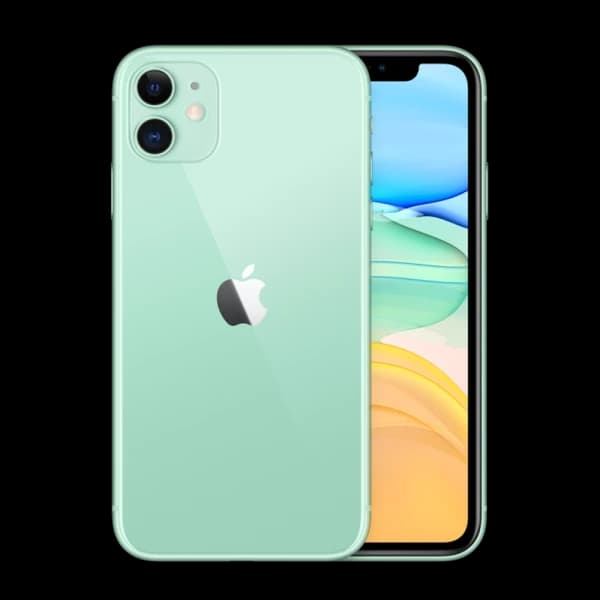 Apple
AppleApple iPhone 11 128GB
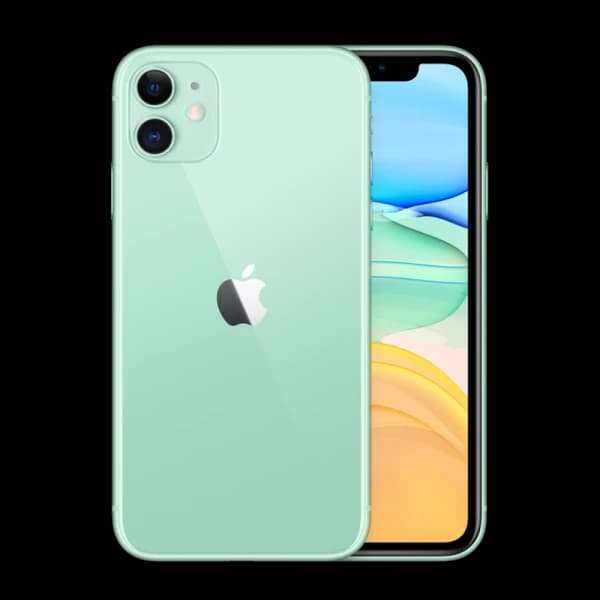 Apple
AppleApple iPhone 11 256GB
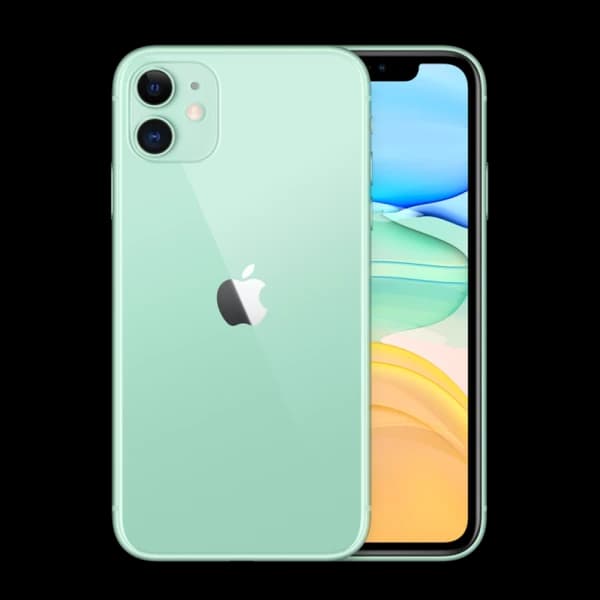 Apple
AppleApple iPhone 11 64GB
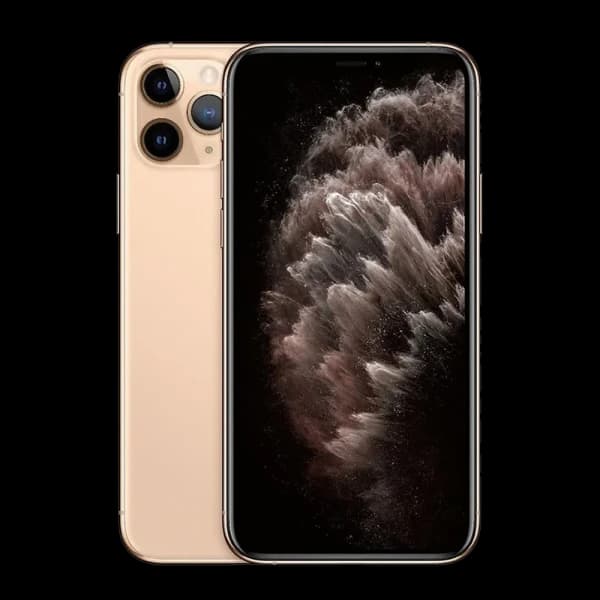 Apple
AppleApple iPhone 11 Pro 256GB
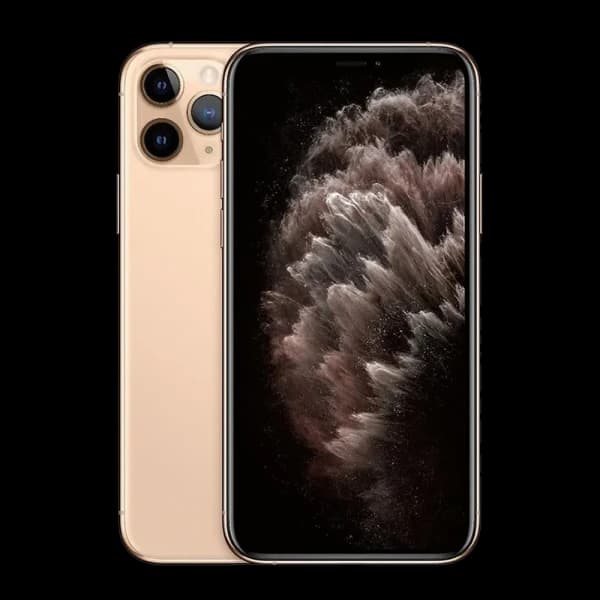 Apple
AppleApple iPhone 11 Pro 512GB
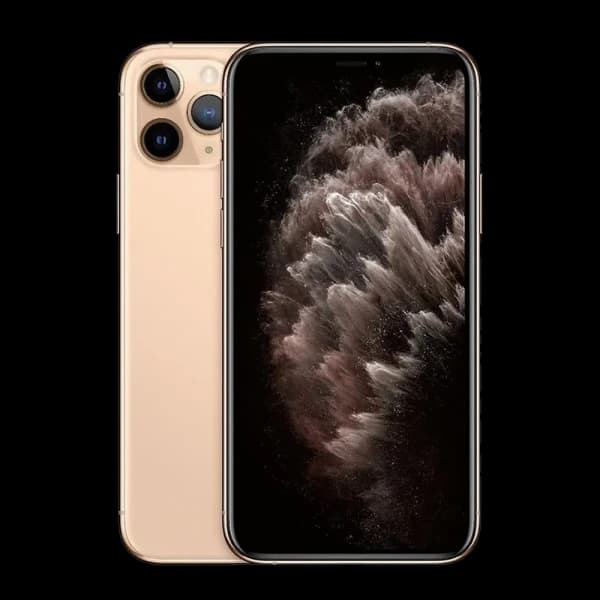 Apple
AppleApple iPhone 11 Pro 64GB
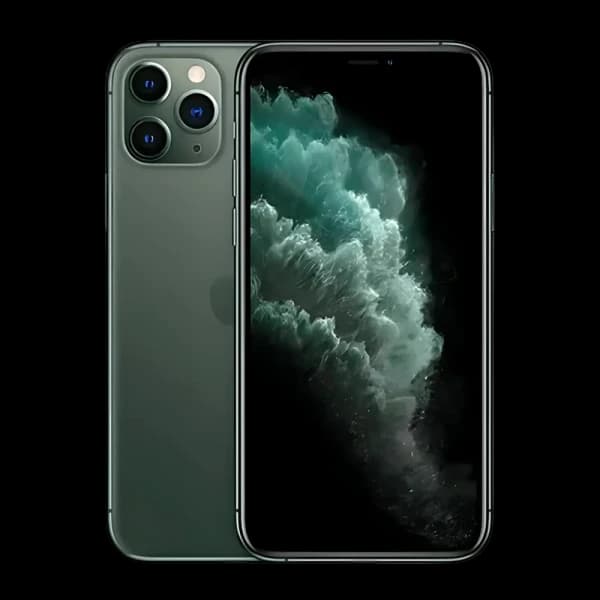 Apple
AppleApple iPhone 11 Pro Max 256GB
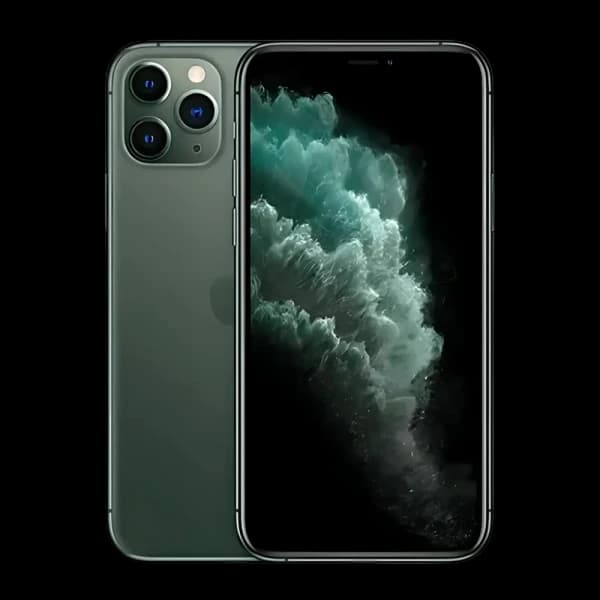 Apple
AppleApple iPhone 11 Pro Max 512GB
 Apple
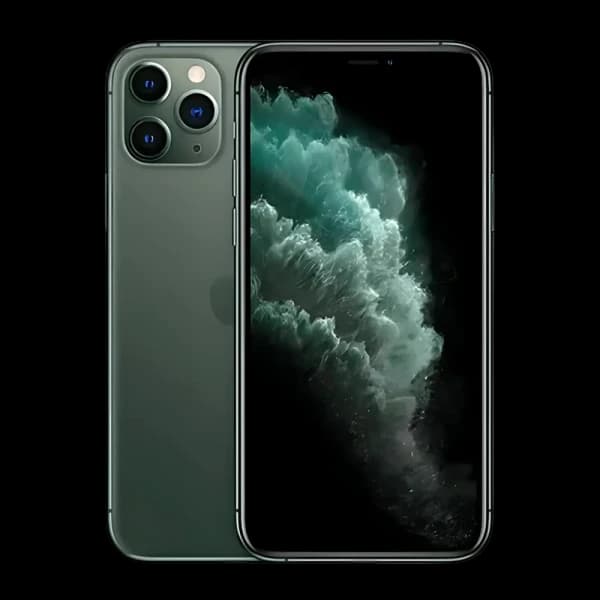
AppleApple iPhone 11 Pro Max 64GB
 Apple
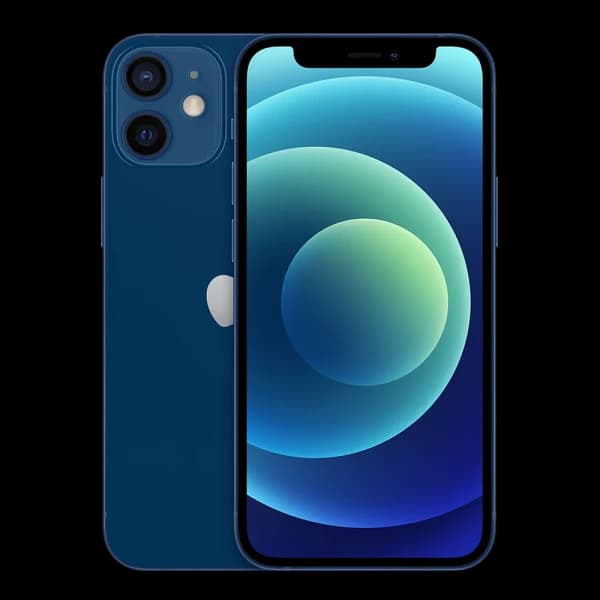
AppleApple iPhone 12 256GB
 Apple
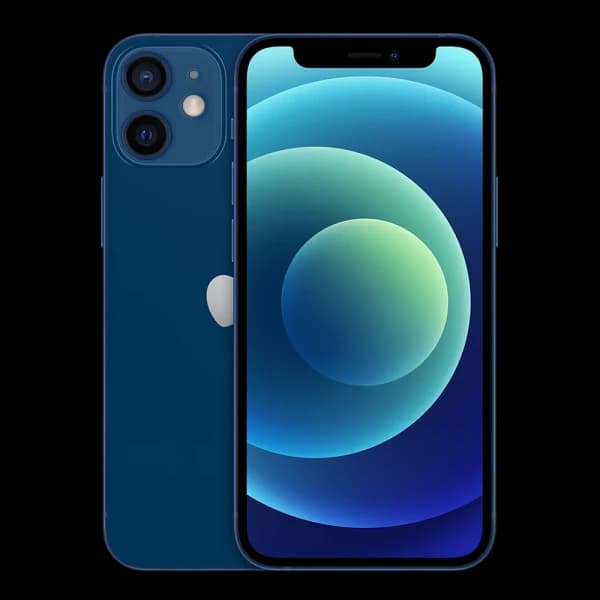
AppleApple iPhone 12 64GB
 Apple
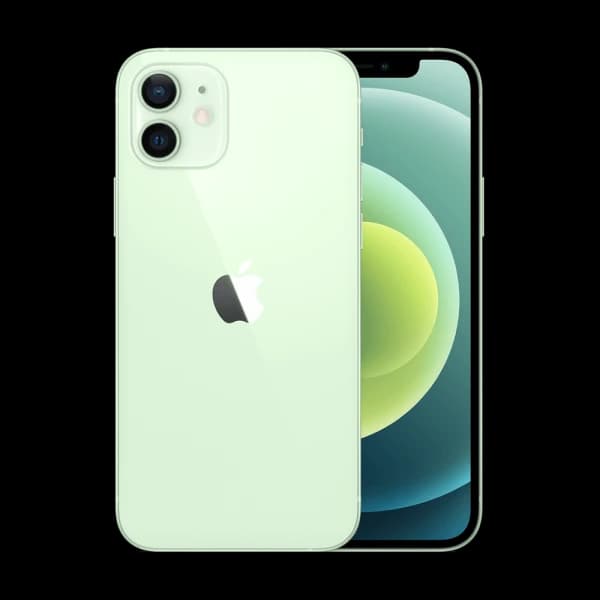
AppleApple iPhone 12 mini 128GB
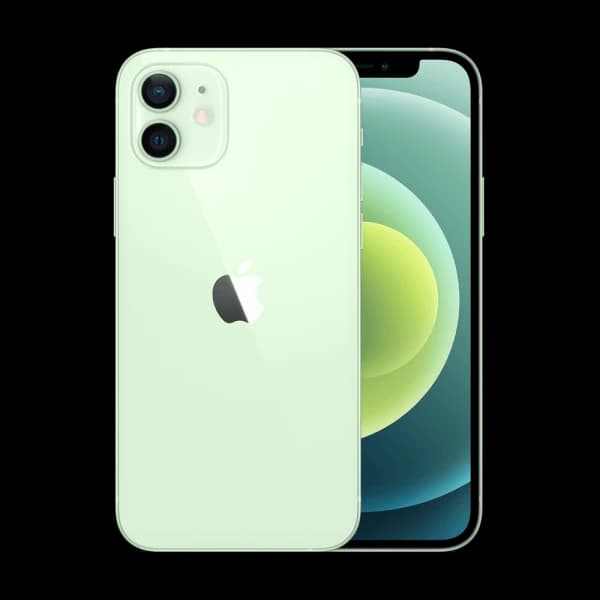 Apple
AppleApple iPhone 12 mini 256GB
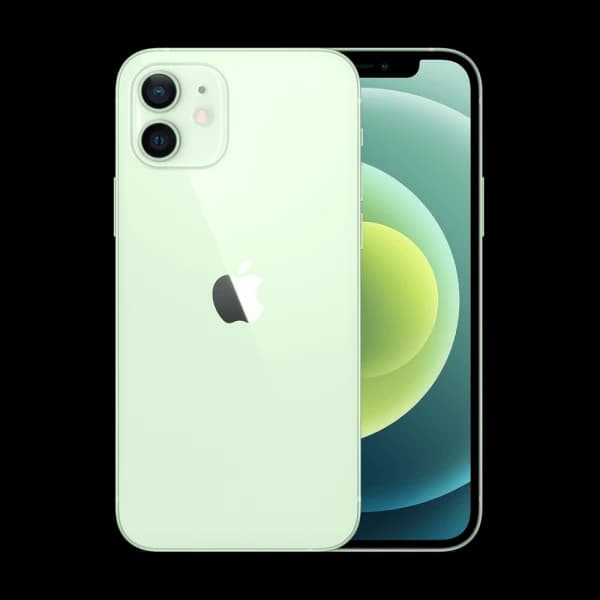 Apple
AppleApple iPhone 12 mini 64GB
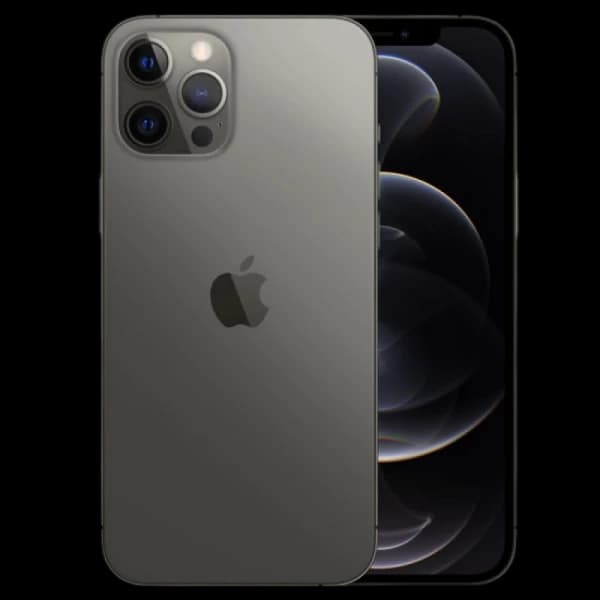 Apple
AppleApple iPhone 12 Pro 128GB
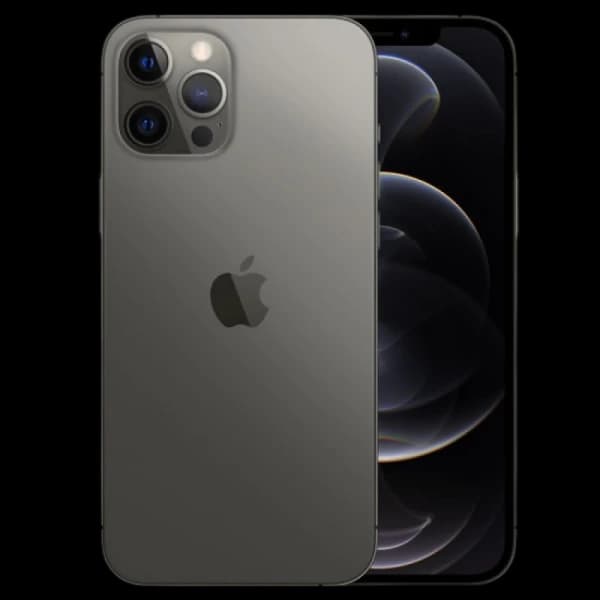 Apple
AppleApple iPhone 12 Pro 256GB
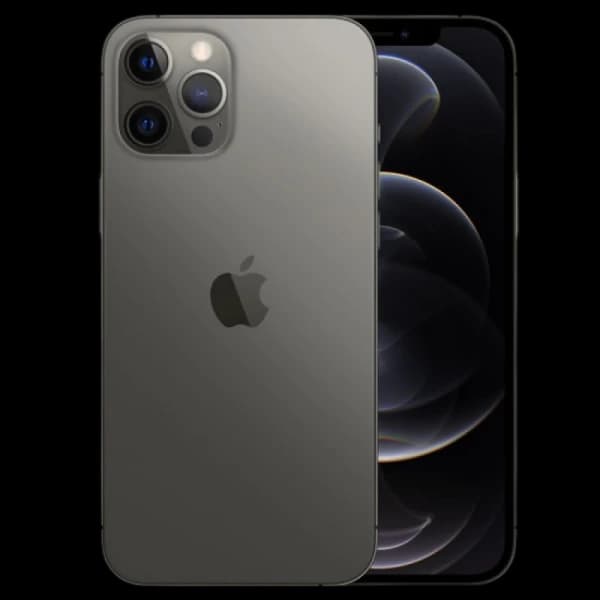 Apple
AppleApple iPhone 12 Pro 512GB
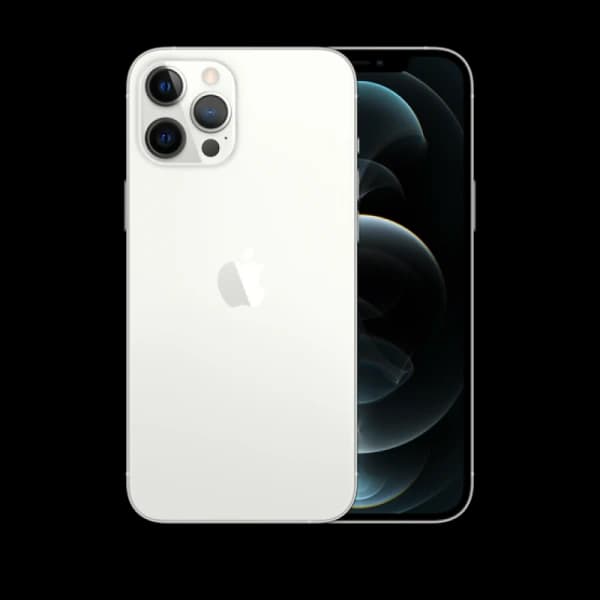 Apple
AppleApple iPhone 12 Pro Max 128GB
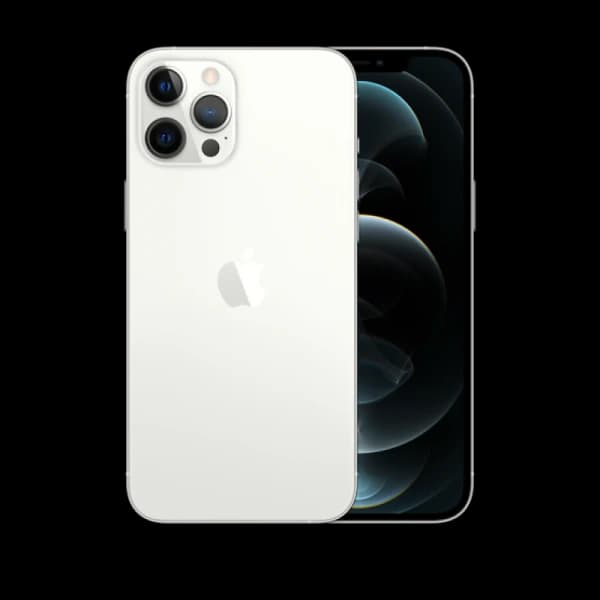 Apple
AppleApple iPhone 12 Pro Max 256GB
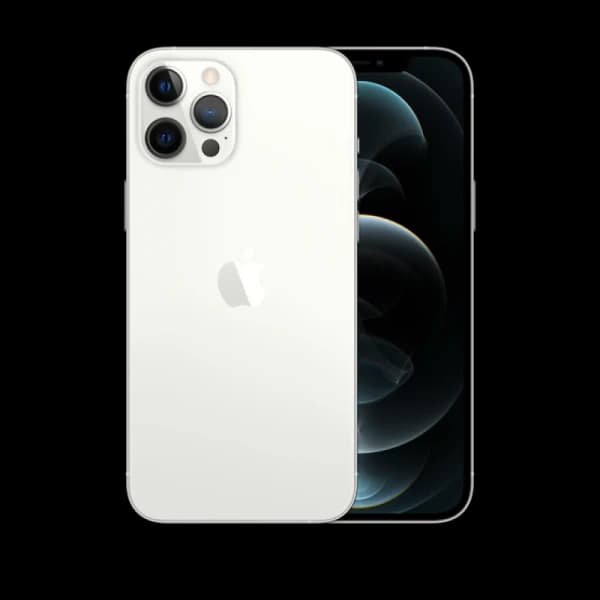 Apple
AppleApple iPhone 12 Pro Max 512GB
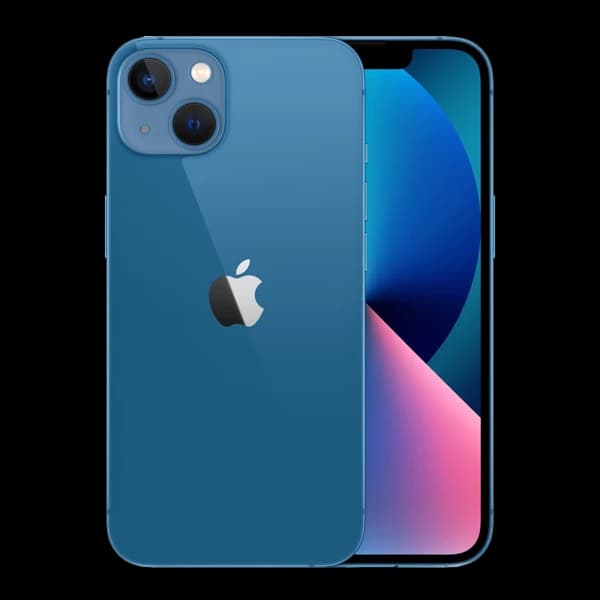 Apple
AppleApple iPhone 13 128GB
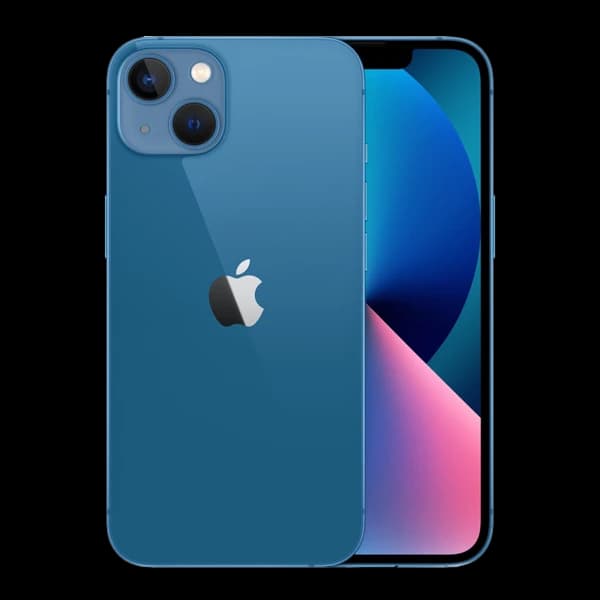 Apple
AppleApple iPhone 13 256GB
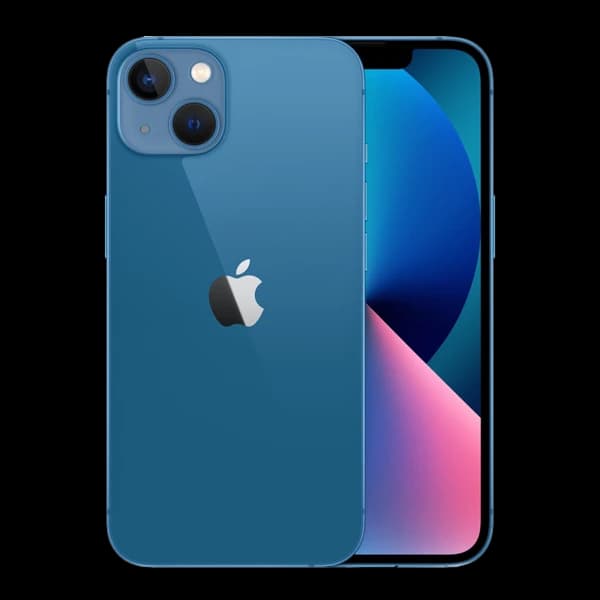 Apple
AppleApple iPhone 13 512GB
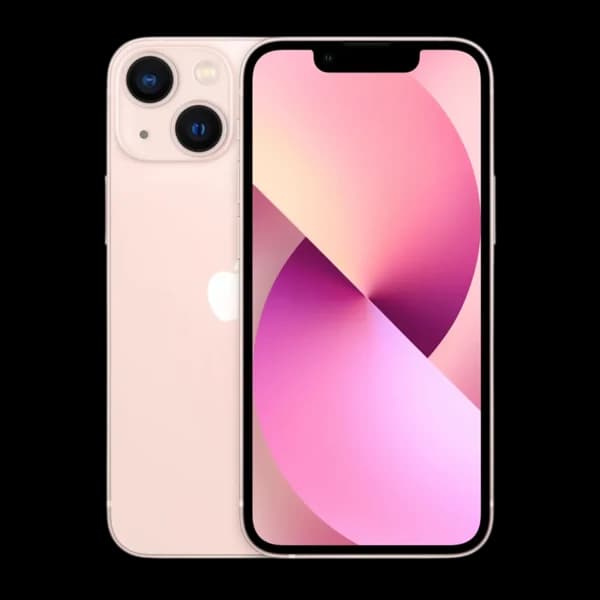 Apple
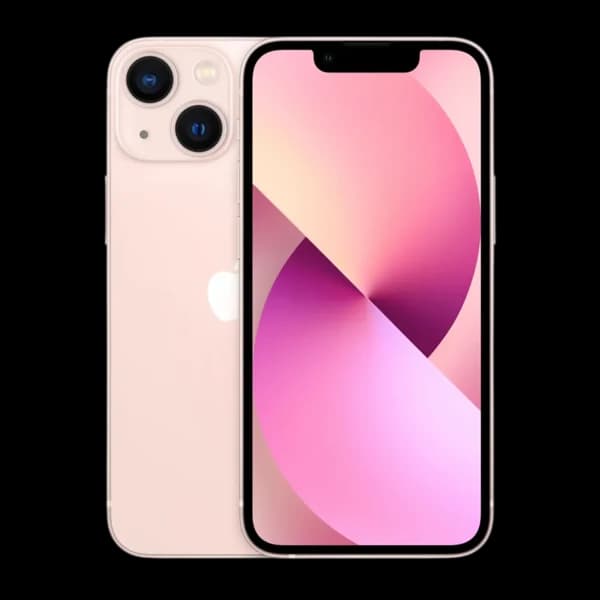
AppleApple iPhone 13 mini 128GB
 Apple
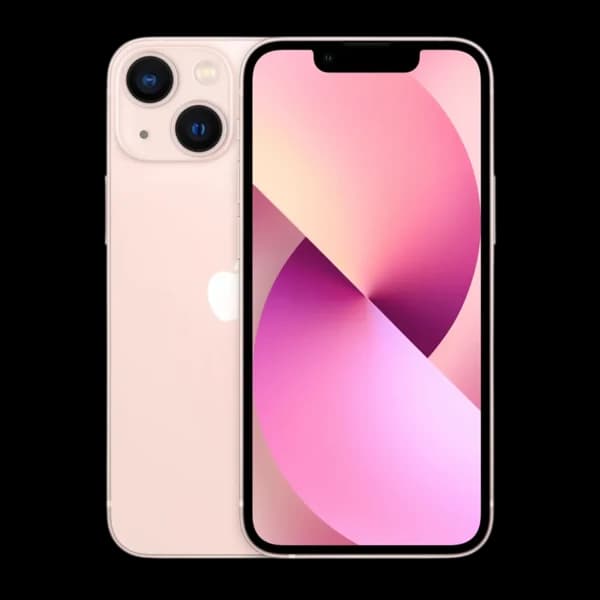
AppleApple iPhone 13 mini 256GB
 Apple
AppleApple iPhone 13 mini 512GB
 Apple
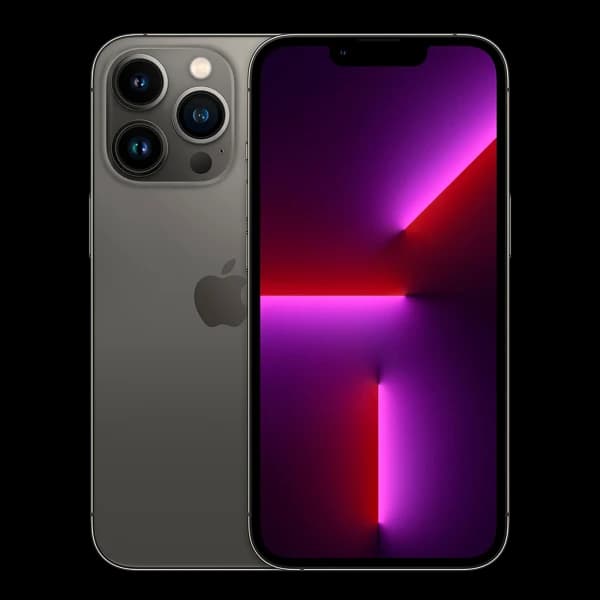
AppleApple iPhone 13 Pro 128GB
 Apple
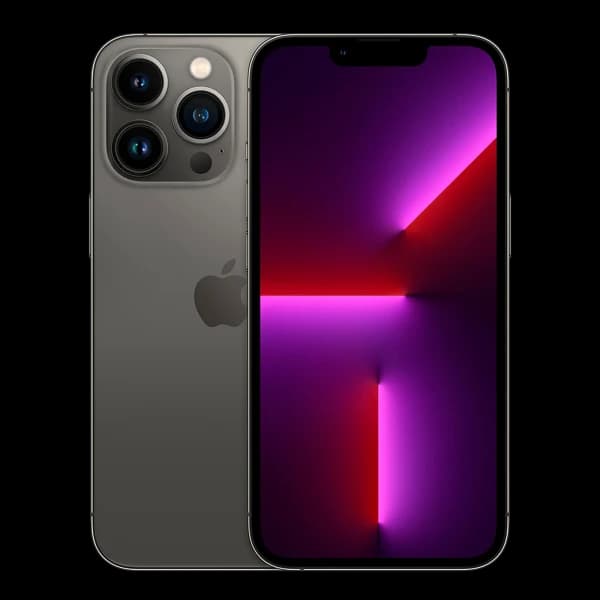
AppleApple iPhone 13 Pro 1TB
 Apple
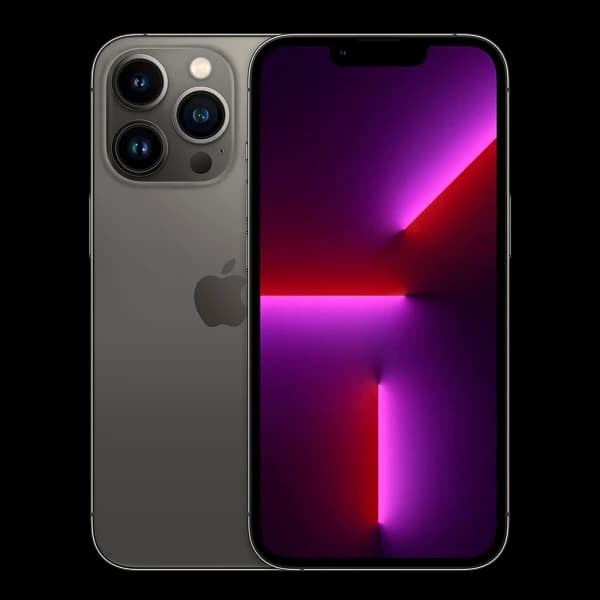
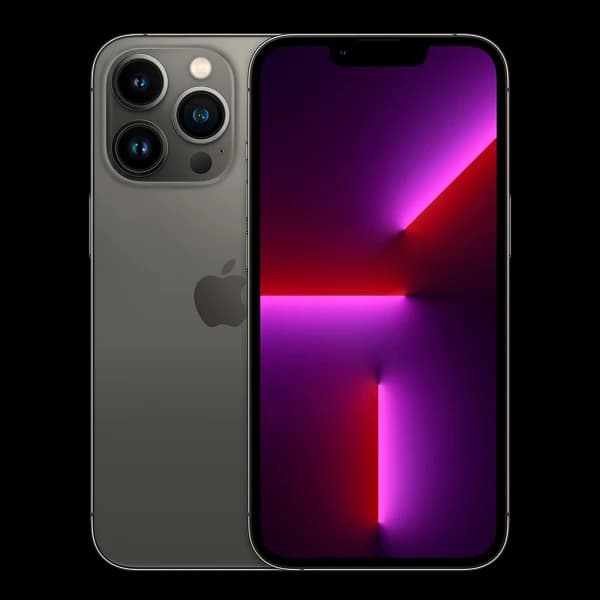
AppleApple iPhone 13 Pro 256GB
 Apple
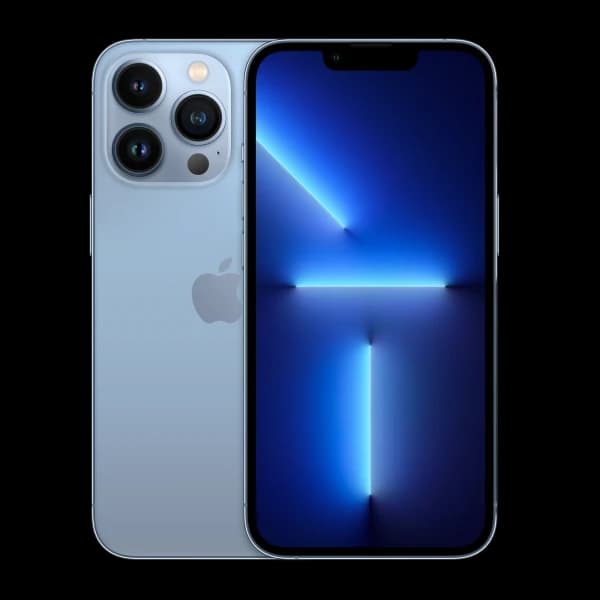
AppleApple iPhone 13 Pro 512GB
 Apple
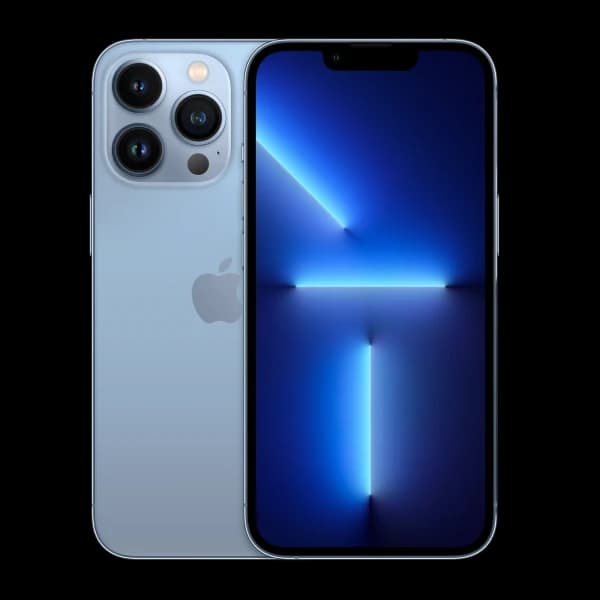
AppleApple iPhone 13 Pro Max 128GB
 Apple
AppleApple iPhone 13 Pro Max 1TB
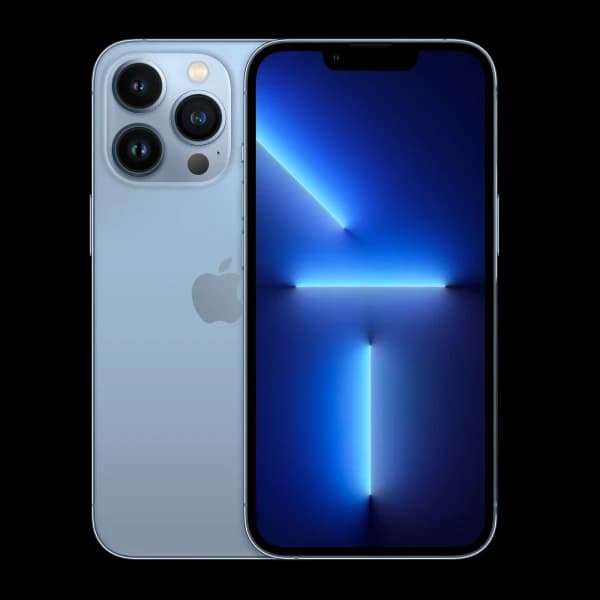 Apple
AppleApple iPhone 13 Pro Max 256GB
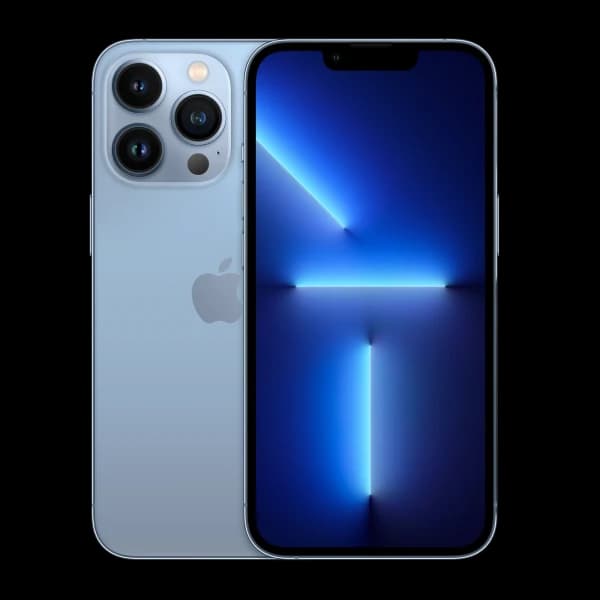 Apple
AppleApple iPhone 13 Pro Max 512GB
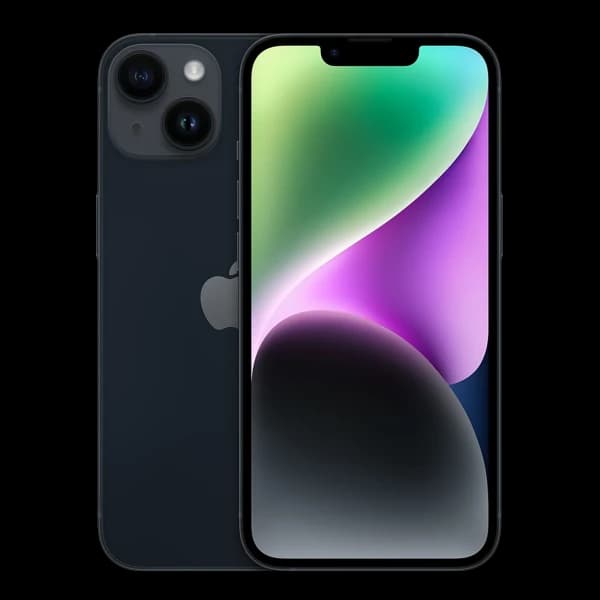 Apple
AppleApple iPhone 14 128GB
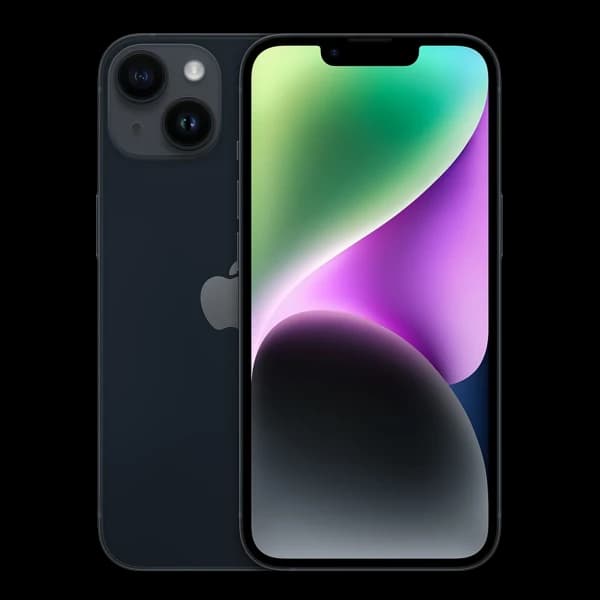 Apple
AppleApple iPhone 14 256GB
 Apple
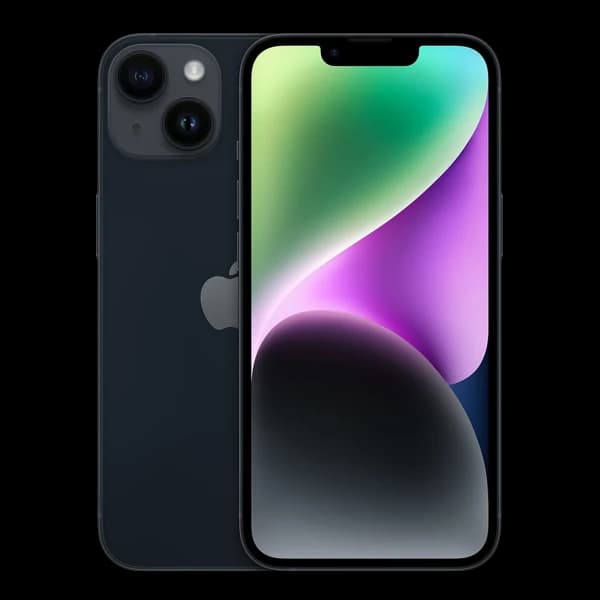
AppleApple iPhone 14 512GB
 Apple
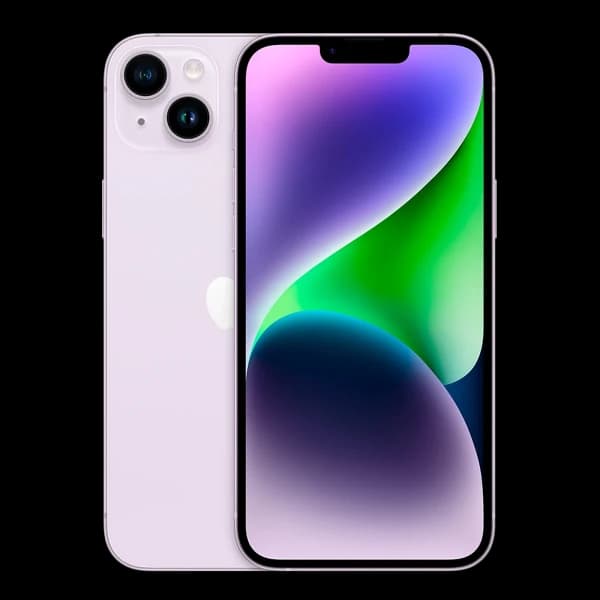
AppleApple iPhone 14 Plus 128GB
 Apple
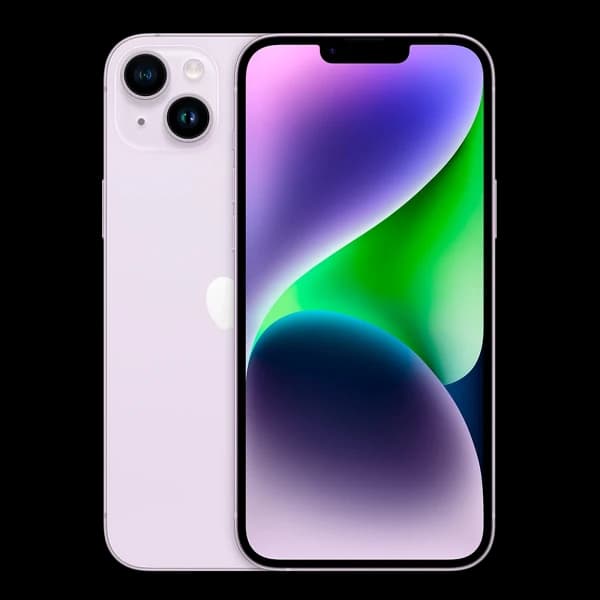
AppleApple iPhone 14 Plus 256GB
 Apple
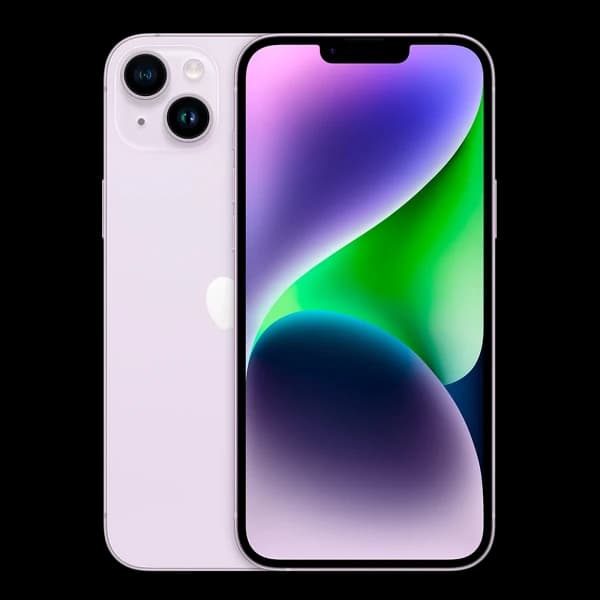
AppleApple iPhone 14 Plus 512GB
 Apple
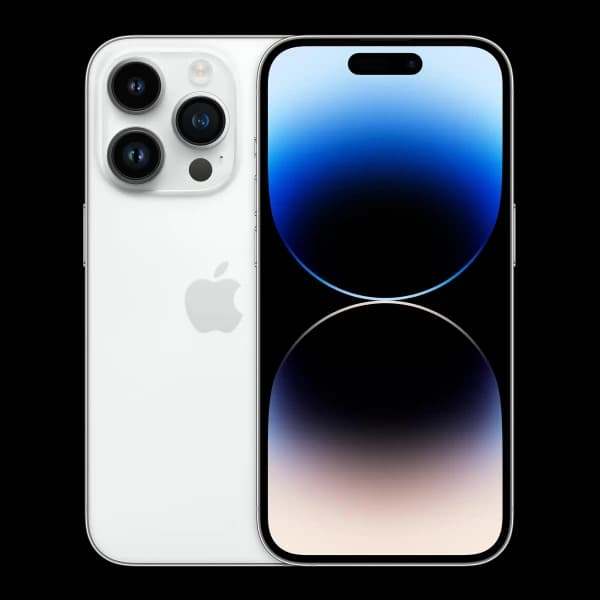
AppleApple iPhone 14 Pro 128GB
 Apple
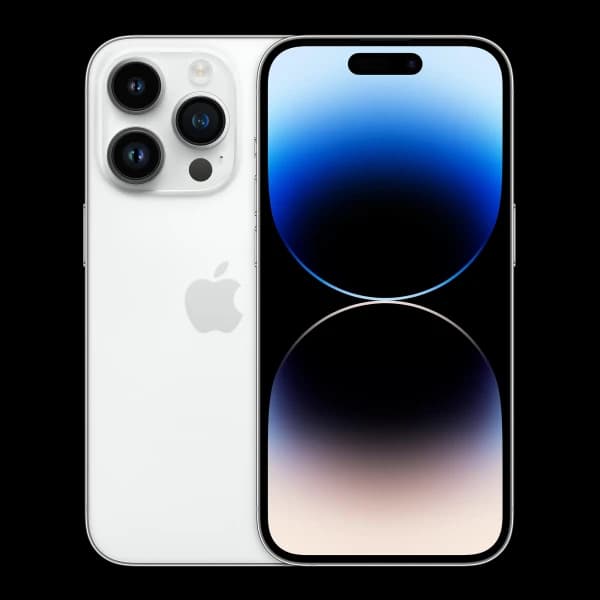
AppleApple iPhone 14 Pro 1TB
 Apple
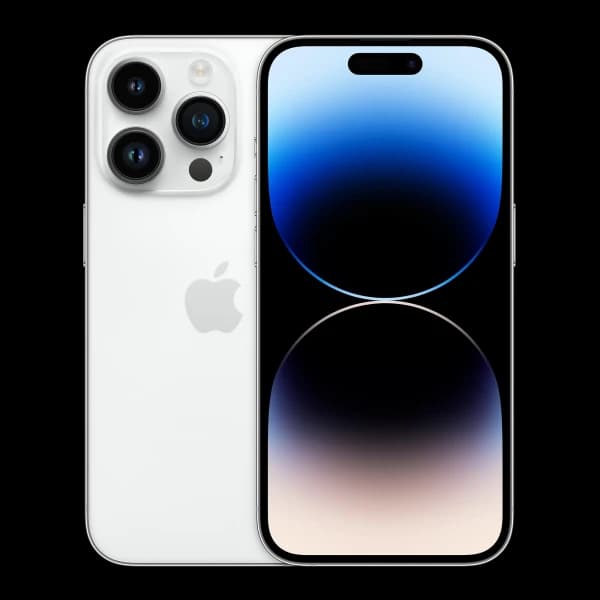
AppleApple iPhone 14 Pro 256GB
 Apple
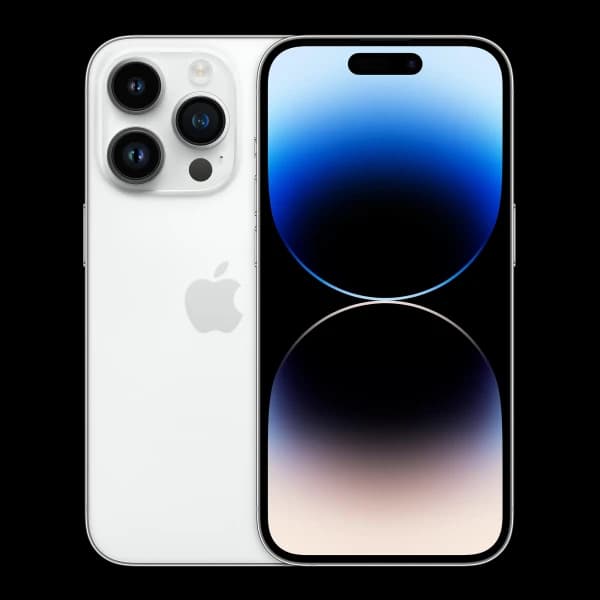
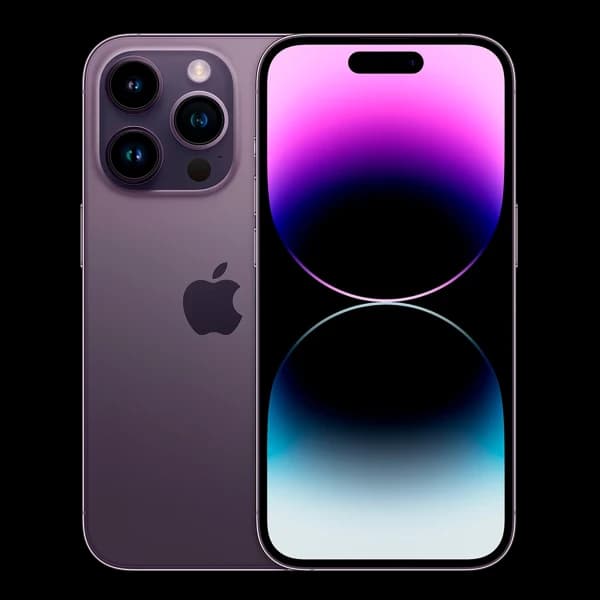
AppleApple iPhone 14 Pro 512GB
 Apple
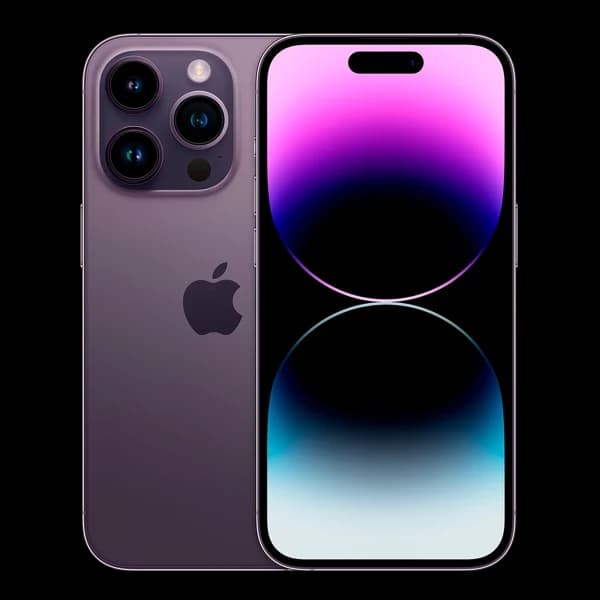
AppleApple iPhone 14 Pro Max 128GB
 Apple
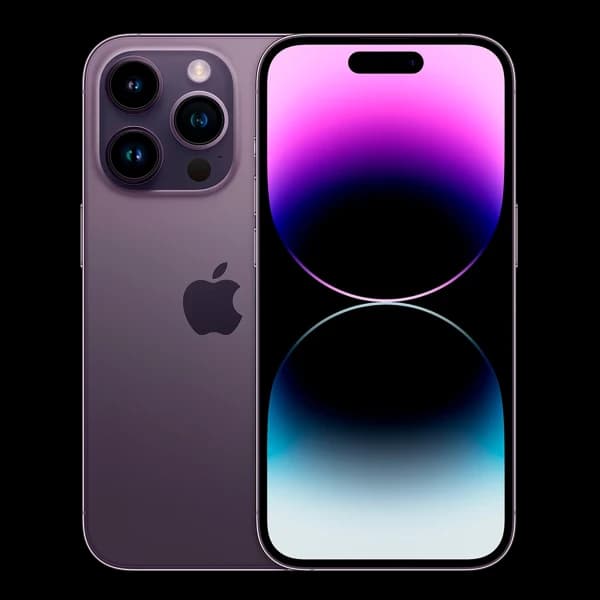
AppleApple iPhone 14 Pro Max 1TB
 Apple
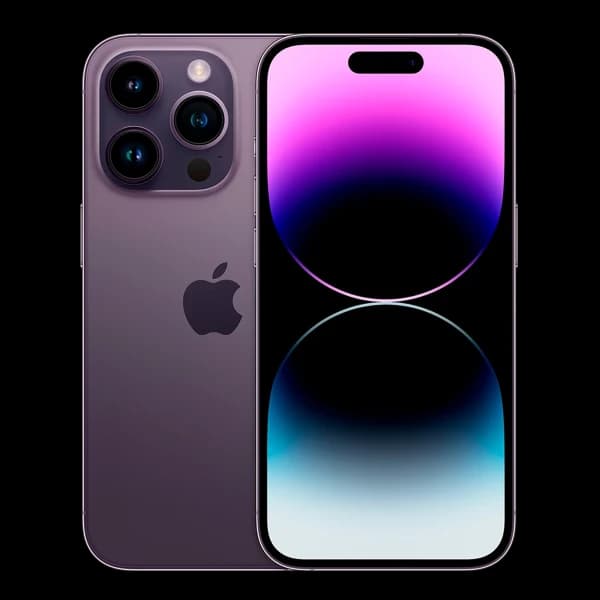
AppleApple iPhone 14 Pro Max 256GB
 Apple
AppleApple iPhone 14 Pro Max 512GB
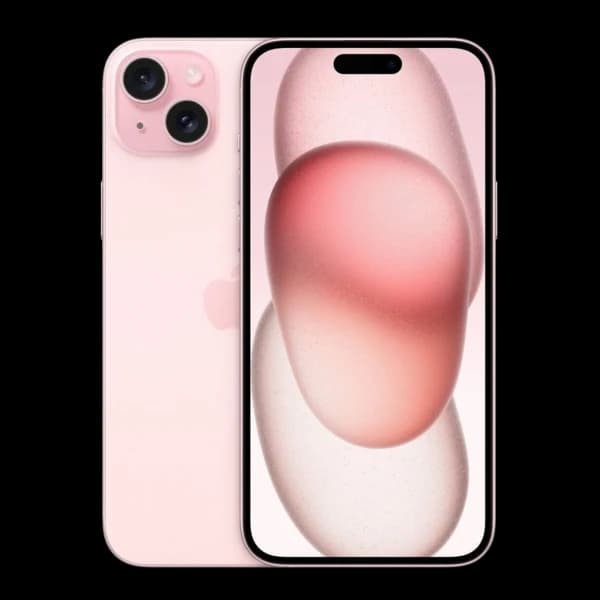 Apple
AppleApple iPhone 15 128GB
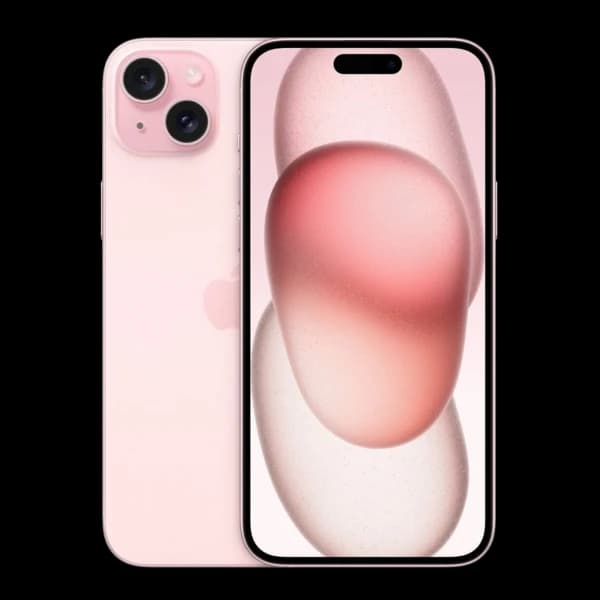 Apple
AppleApple iPhone 15 256GB
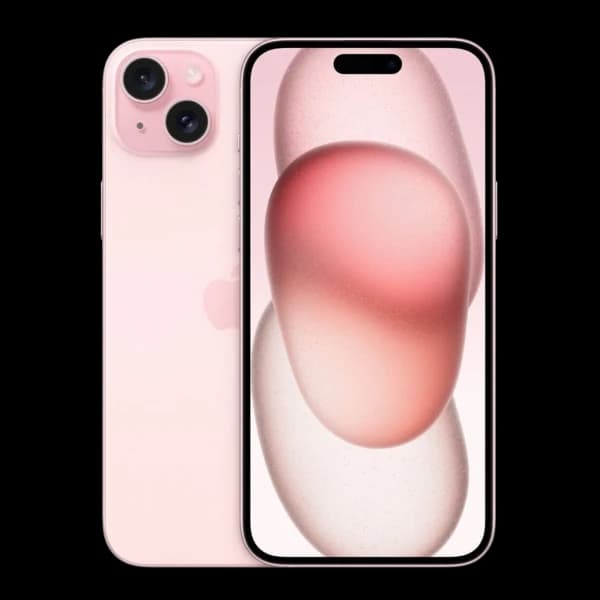 Apple
AppleApple iPhone 15 512GB
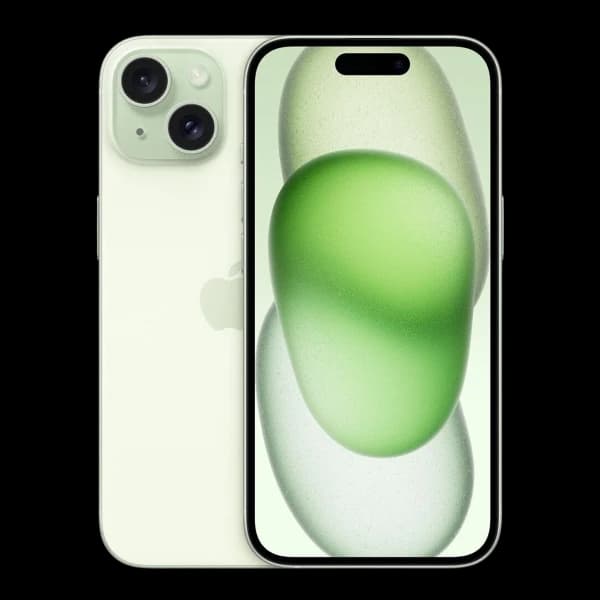 Apple
AppleApple iPhone 15 Plus 128GB
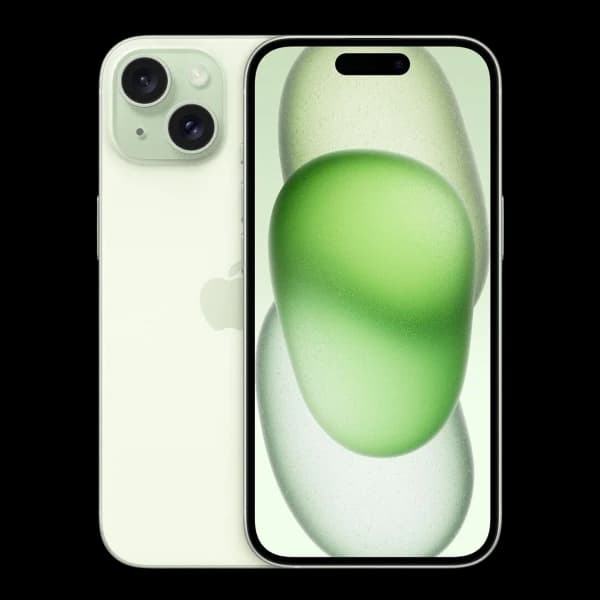 Apple
AppleApple iPhone 15 Plus 256GB
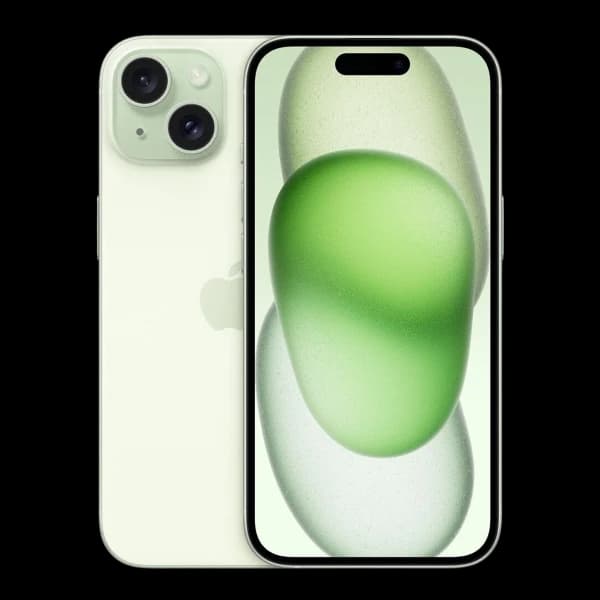 Apple
AppleApple iPhone 15 Plus 512GB
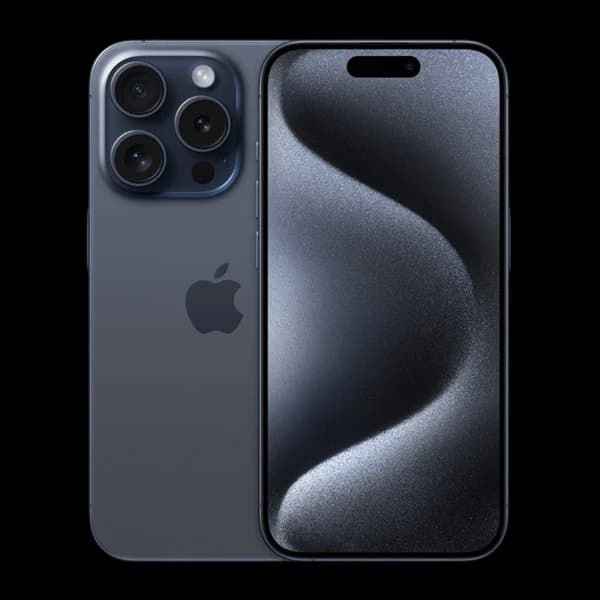 Apple
AppleApple iPhone 15 Pro 128GB
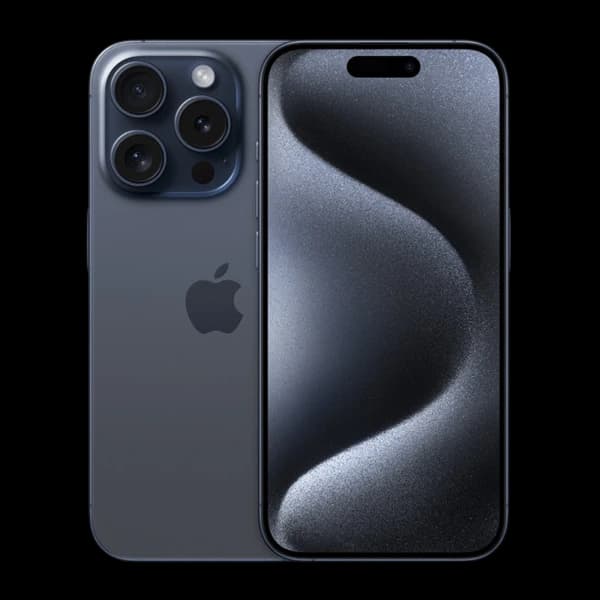 Apple
AppleApple iPhone 15 Pro 1TB
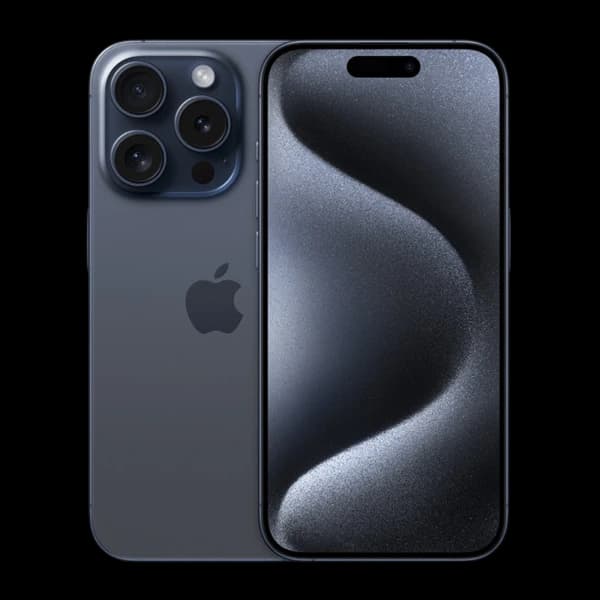 Apple
AppleApple iPhone 15 Pro 256GB
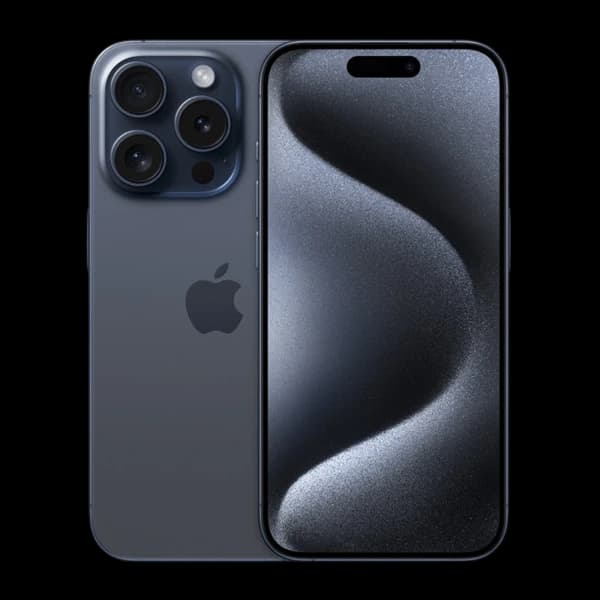 Apple
AppleApple iPhone 15 Pro 512GB
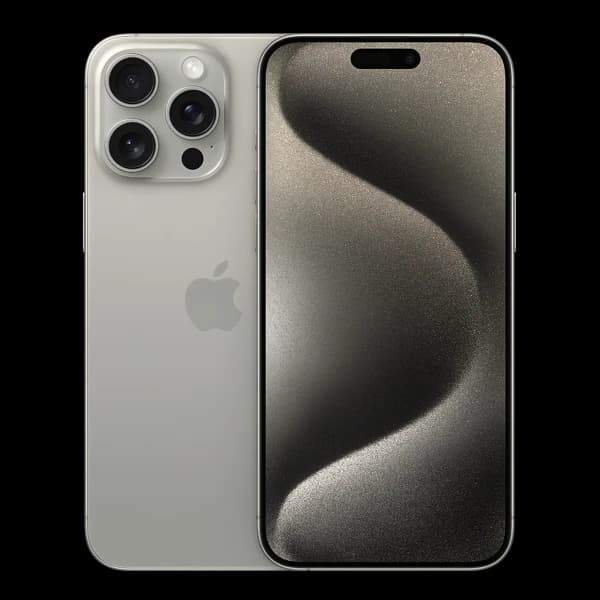 Apple
AppleApple iPhone 15 Pro Max 1TB
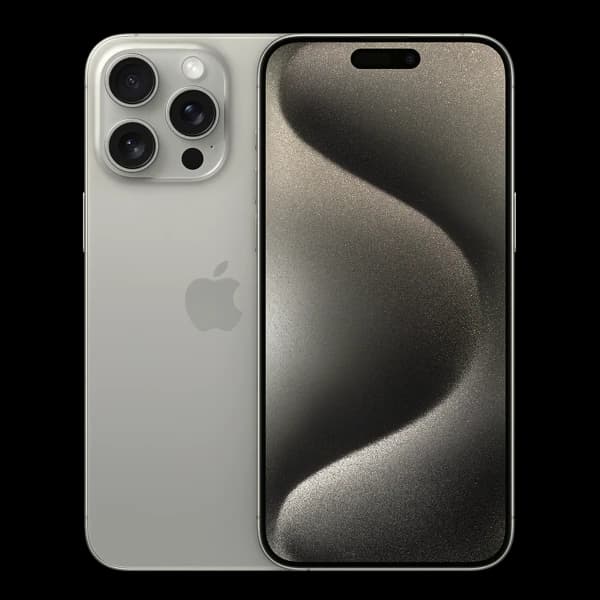 Apple
AppleApple iPhone 15 Pro Max 256GB
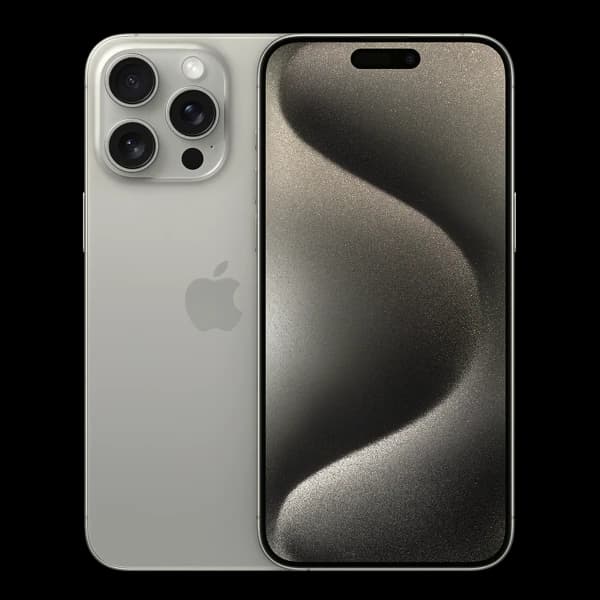 Apple
AppleApple iPhone 15 Pro Max 512GB
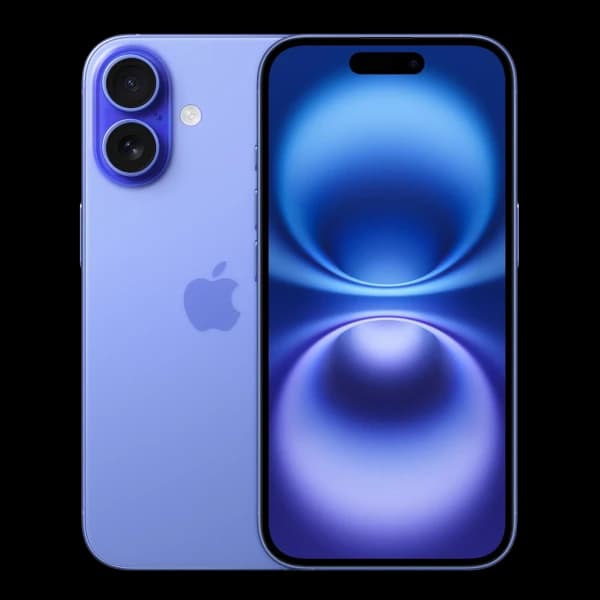 Apple
AppleApple iPhone 16 128GB
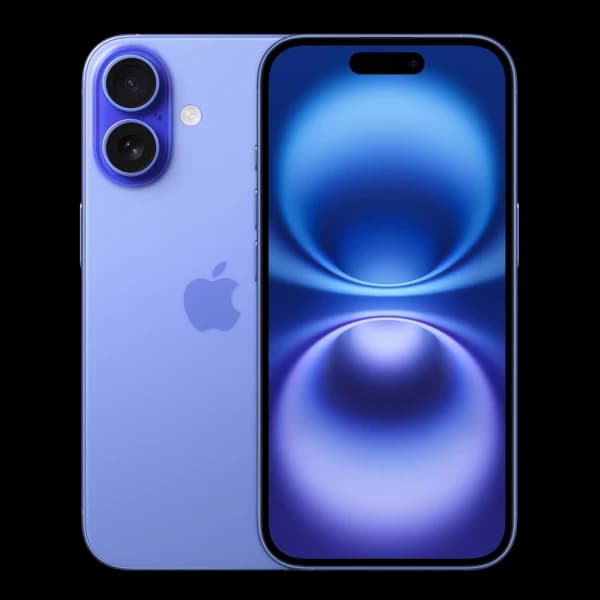 Apple
AppleApple iPhone 16 256GB
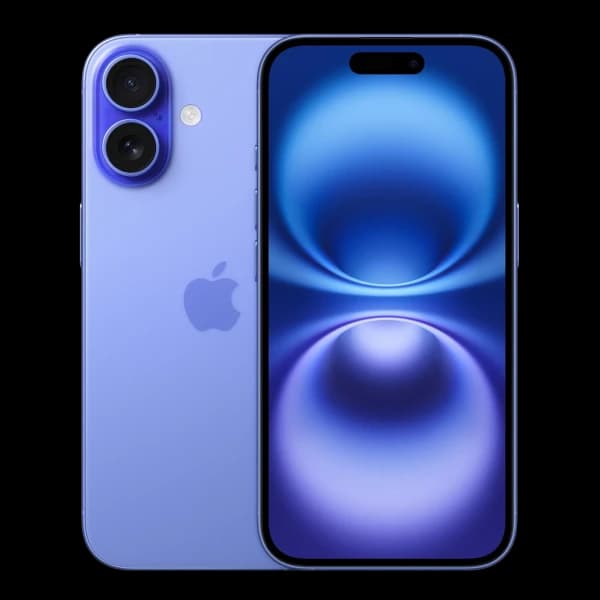 Apple
AppleApple iPhone 16 512GB
 Apple
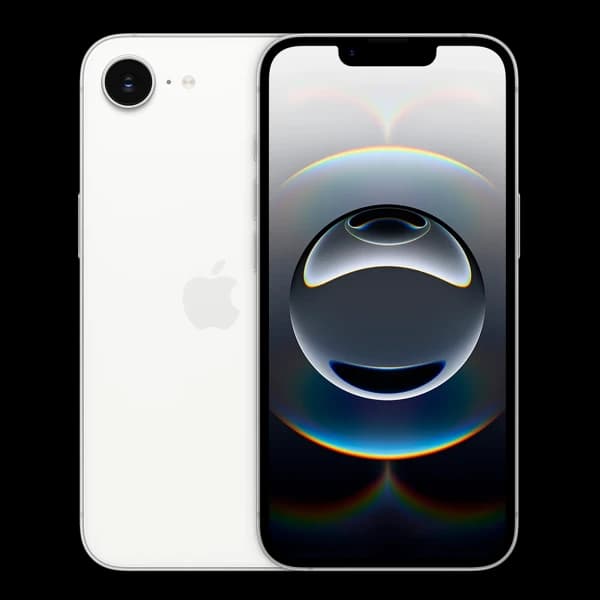
AppleApple iPhone 16e 128GB
 Apple
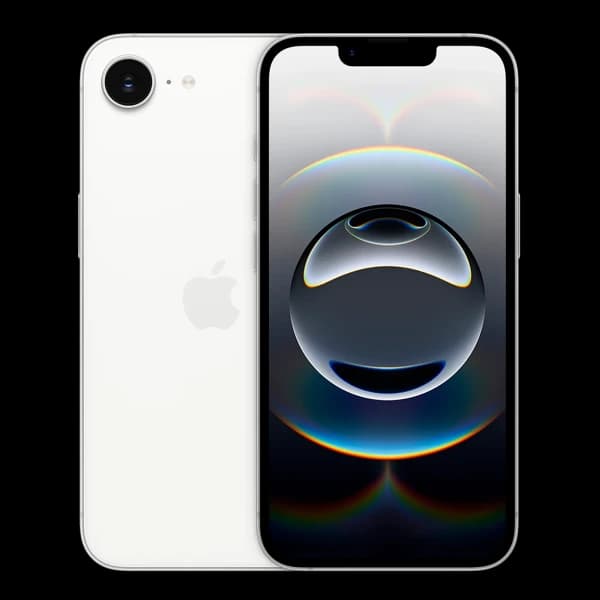
AppleApple iPhone 16e 256GB
 Apple
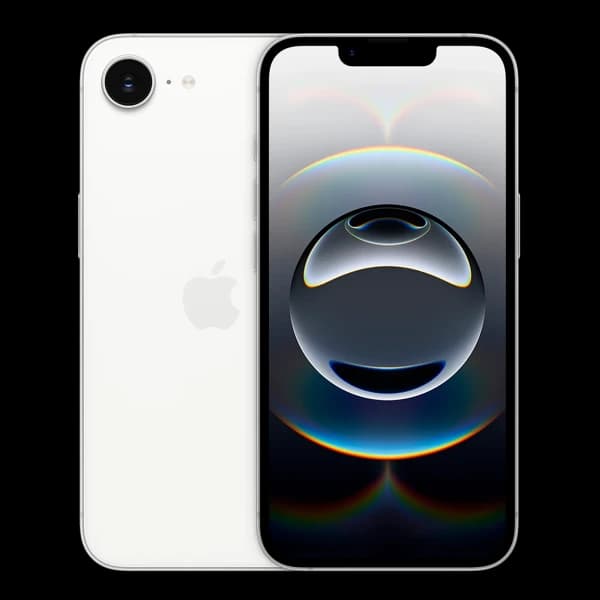
AppleApple iPhone 16e 512GB
 Apple
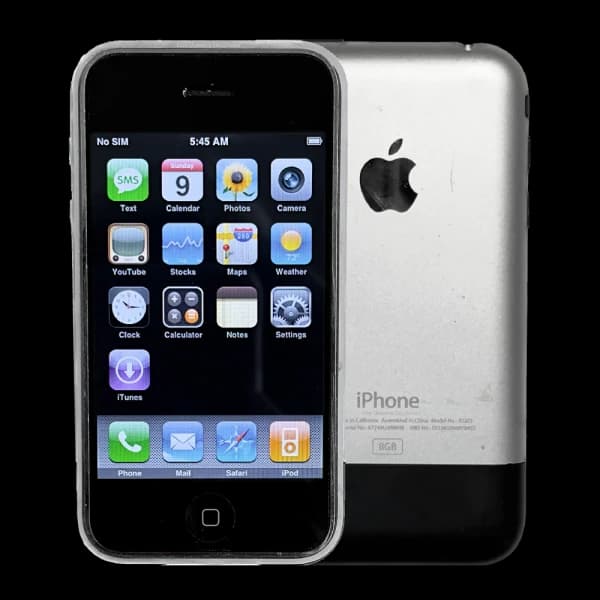
AppleApple iPhone 16GB
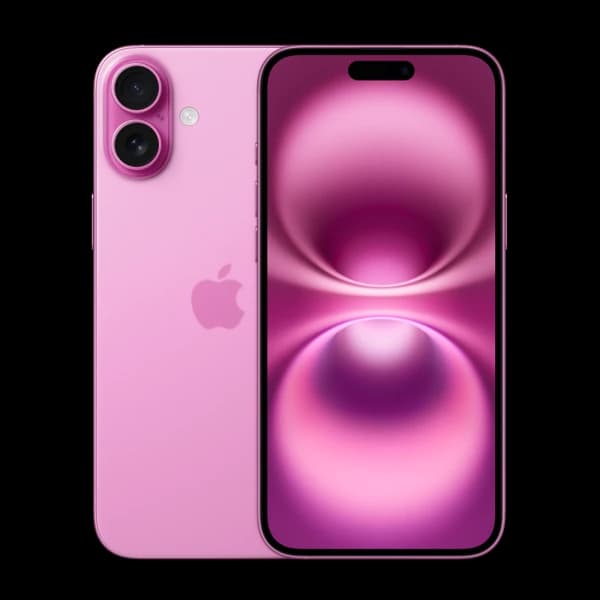 Apple
AppleApple iPhone 16 Plus 128GB
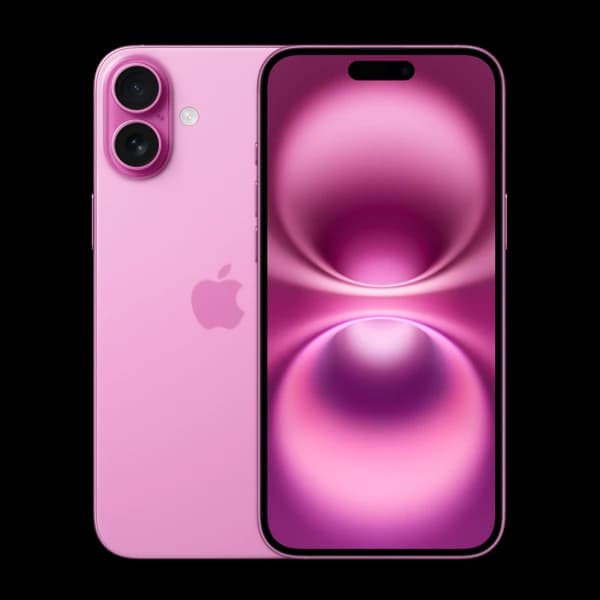 Apple
AppleApple iPhone 16 Plus 256GB
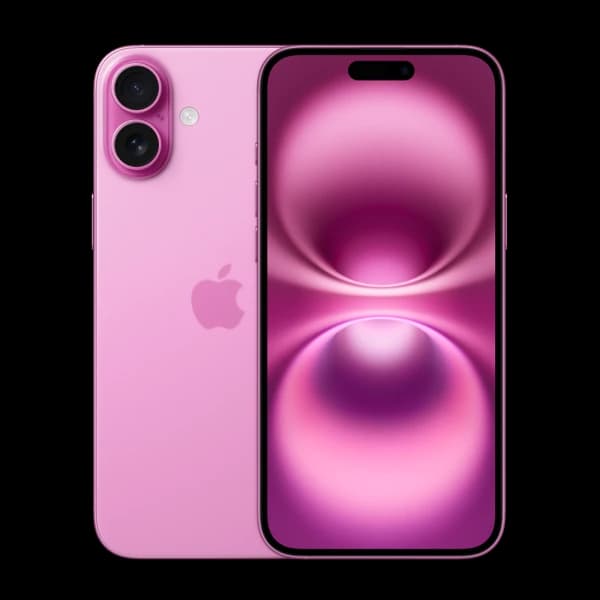 Apple
AppleApple iPhone 16 Plus 512GB
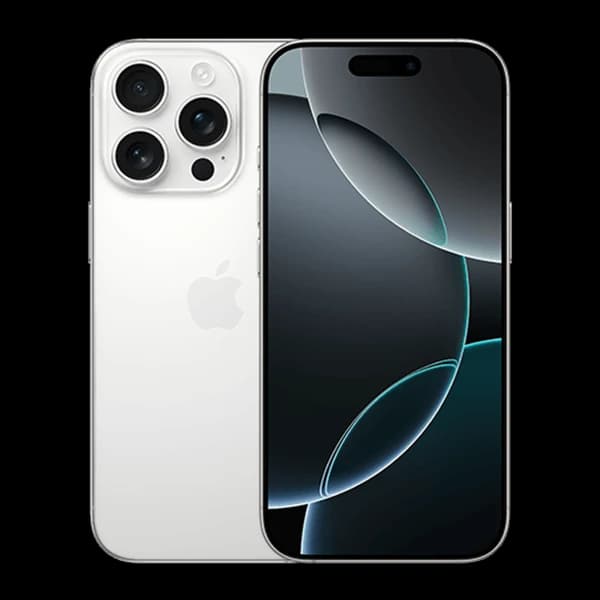 Apple
AppleApple iPhone 16 Pro 128GB
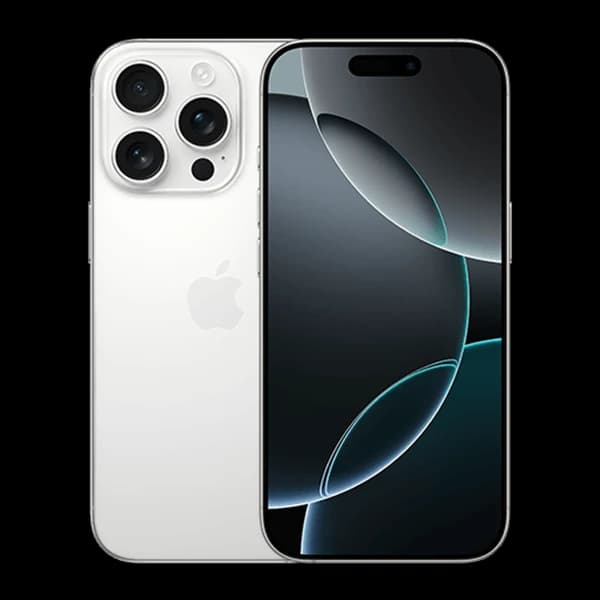 Apple
AppleApple iPhone 16 Pro 1TB
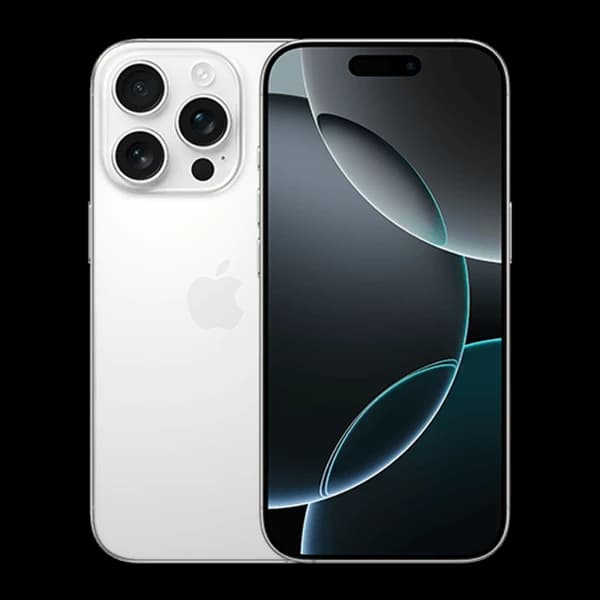 Apple
AppleApple iPhone 16 Pro 256GB
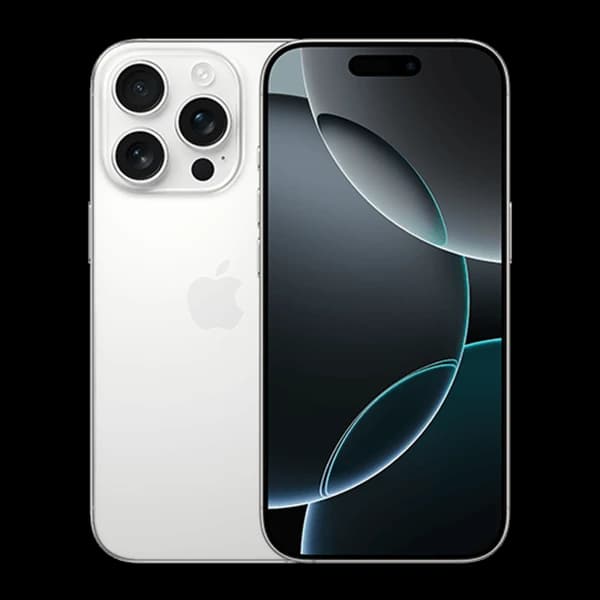 Apple
AppleApple iPhone 16 Pro 512GB
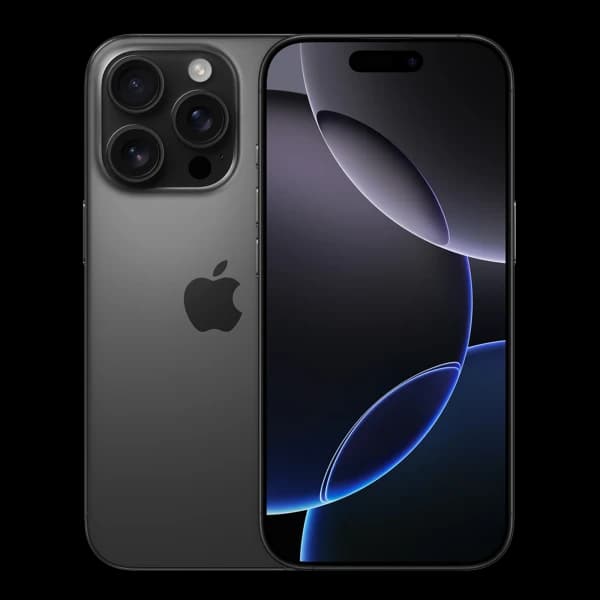 Apple
AppleApple iPhone 16 Pro Max 1TB
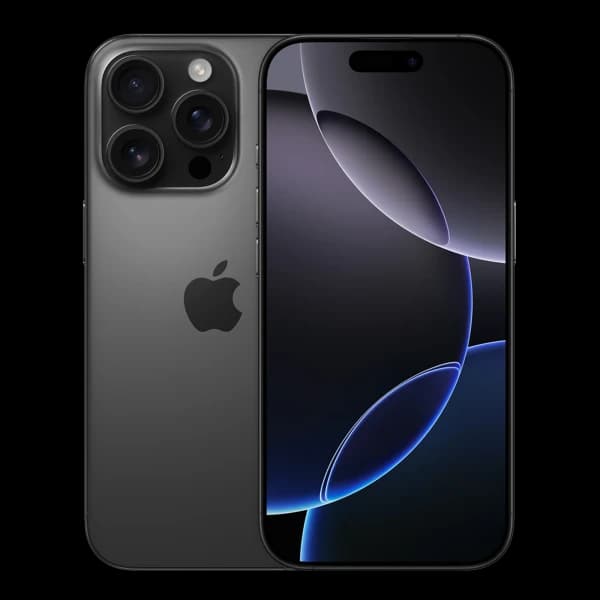 Apple
AppleApple iPhone 16 Pro Max 256GB
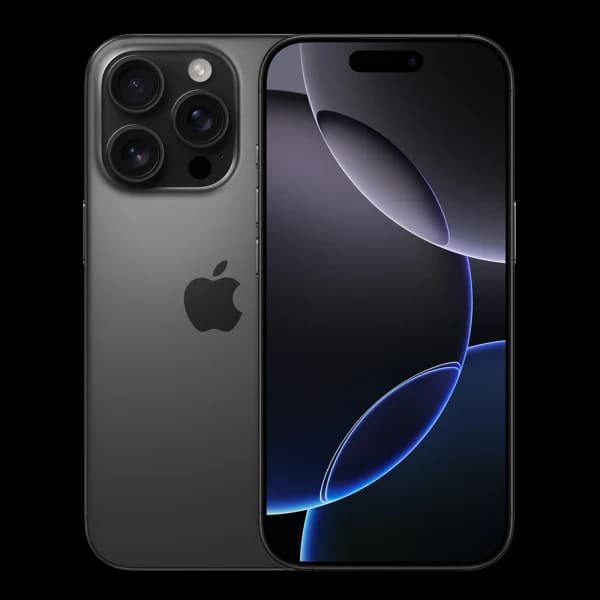 Apple
AppleApple iPhone 16 Pro Max 512GB
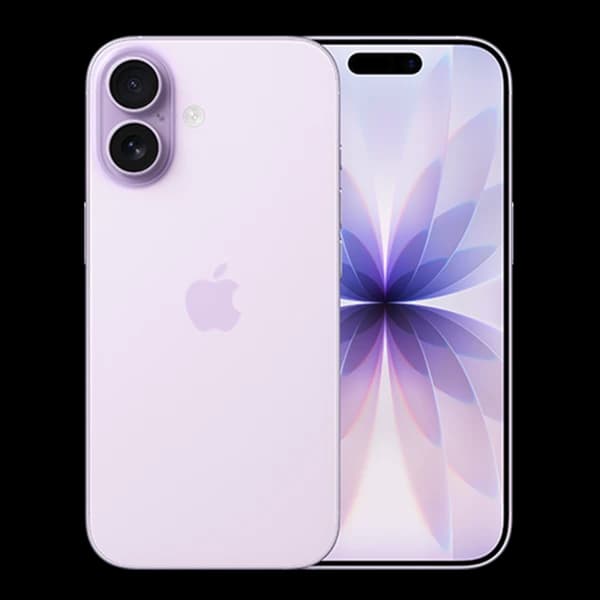 Apple
AppleApple iPhone 17 256GB
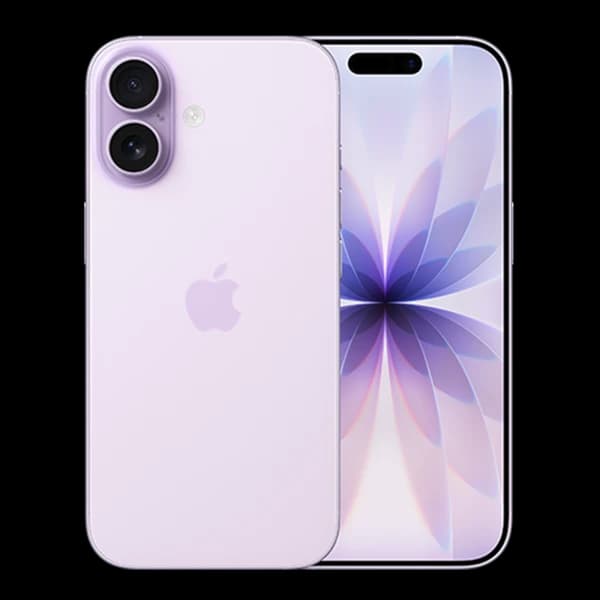 Apple
AppleApple iPhone 17 512GB
 Apple
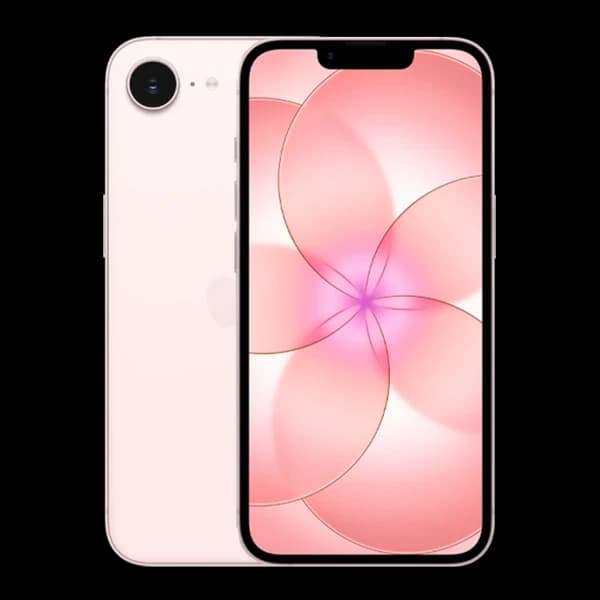
AppleApple iPhone 17e 256GB
 Apple
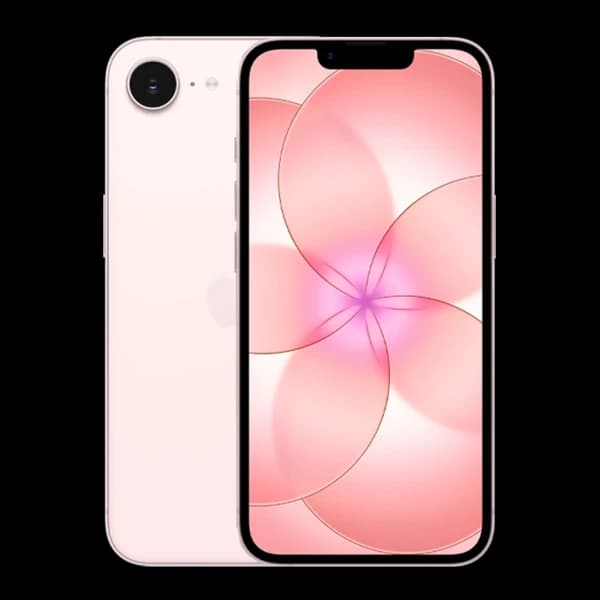
AppleApple iPhone 17e 512GB
 Apple
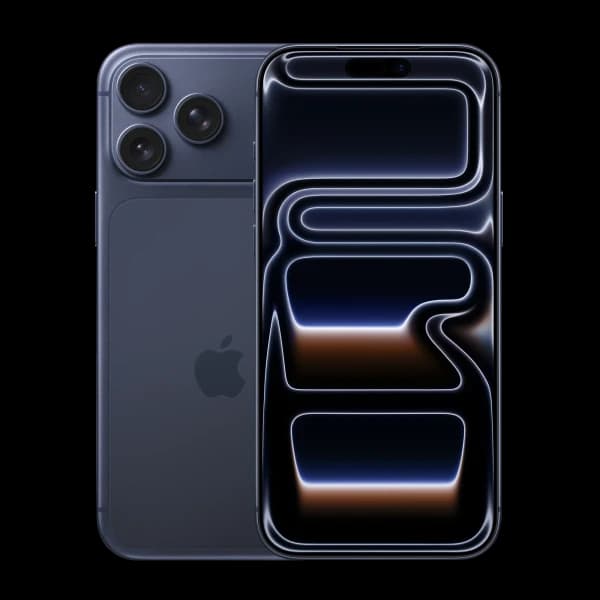
AppleApple iPhone 17 Pro 1TB
 Apple
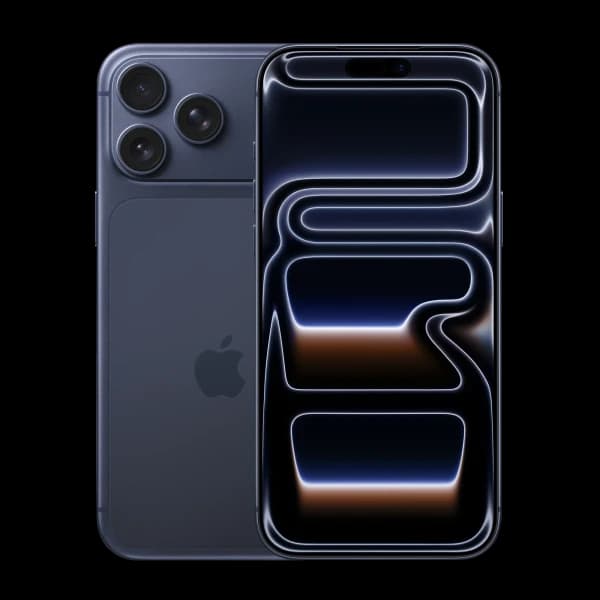
AppleApple iPhone 17 Pro 256GB
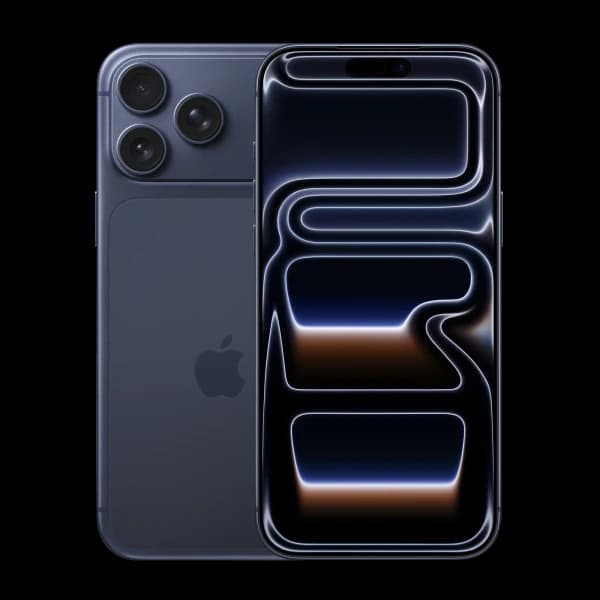 Apple
AppleApple iPhone 17 Pro 512GB
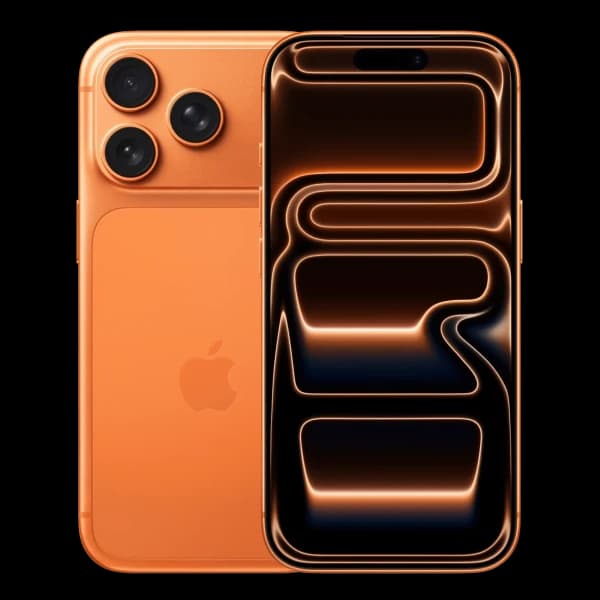 Apple
AppleApple iPhone 17 Pro Max 1TB
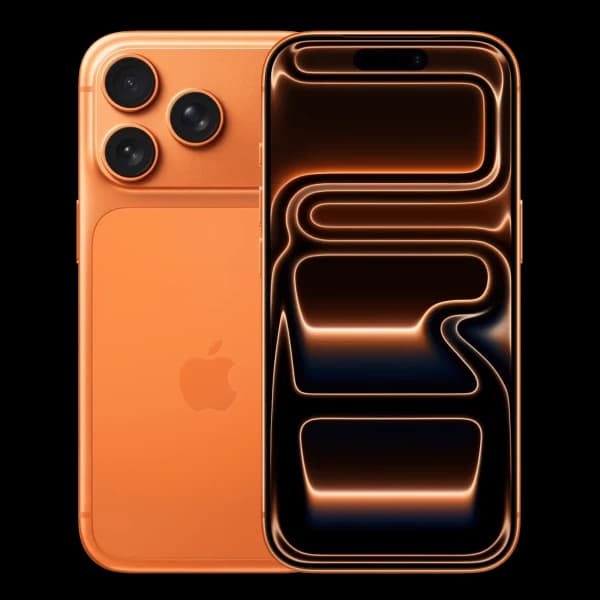 Apple
AppleApple iPhone 17 Pro Max 256GB
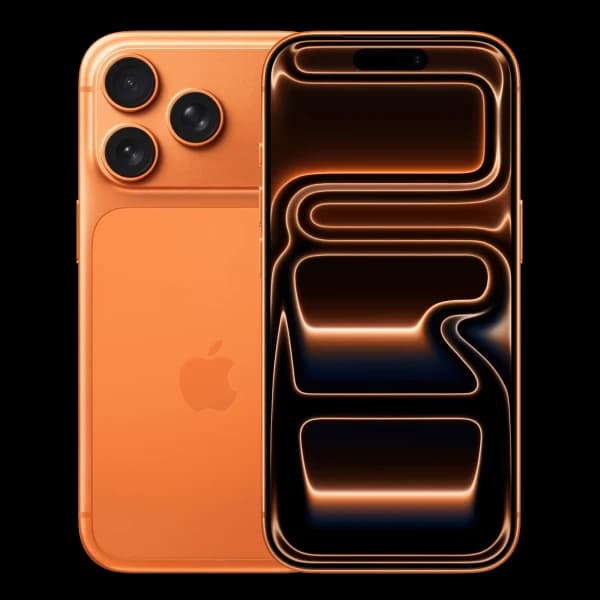 Apple
AppleApple iPhone 17 Pro Max 2TB
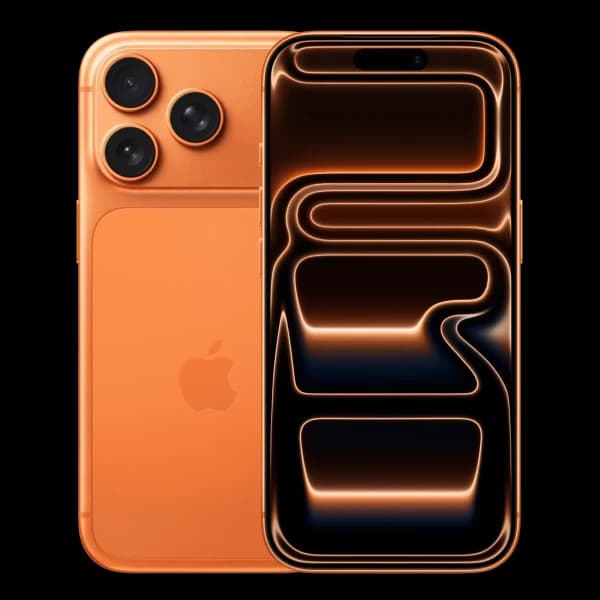 Apple
AppleApple iPhone 17 Pro Max 512GB
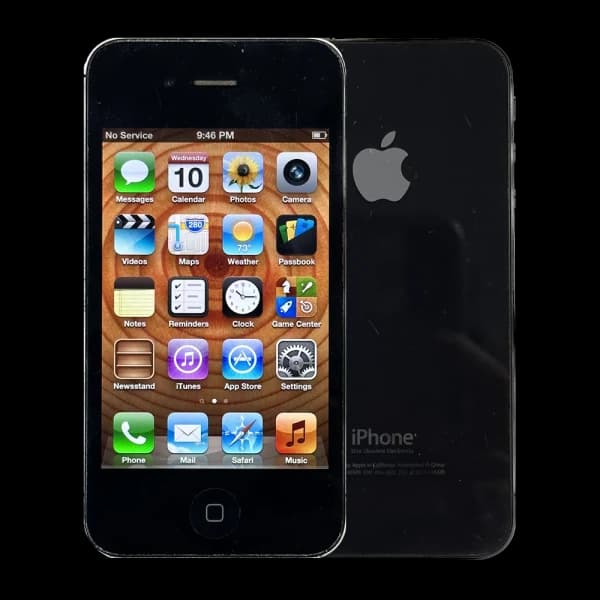 Apple
AppleApple iPhone 4 16GB
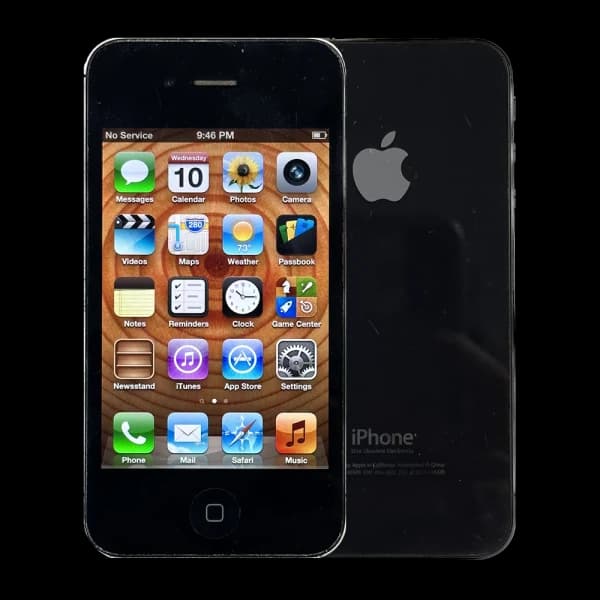 Apple
AppleApple iPhone 4 32GB
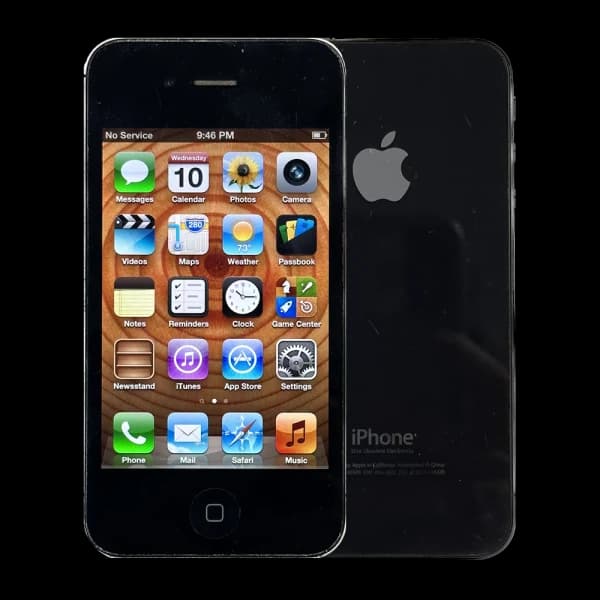 Apple
AppleApple iPhone 4 8GB
 Apple
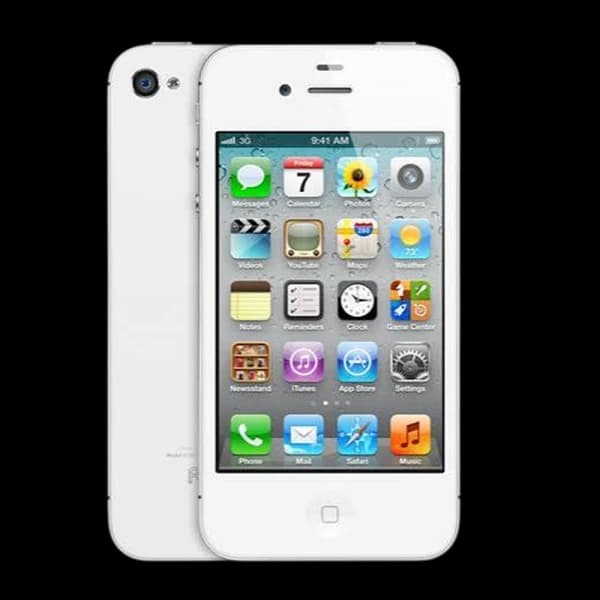
AppleApple iPhone 4s 16GB
 Apple
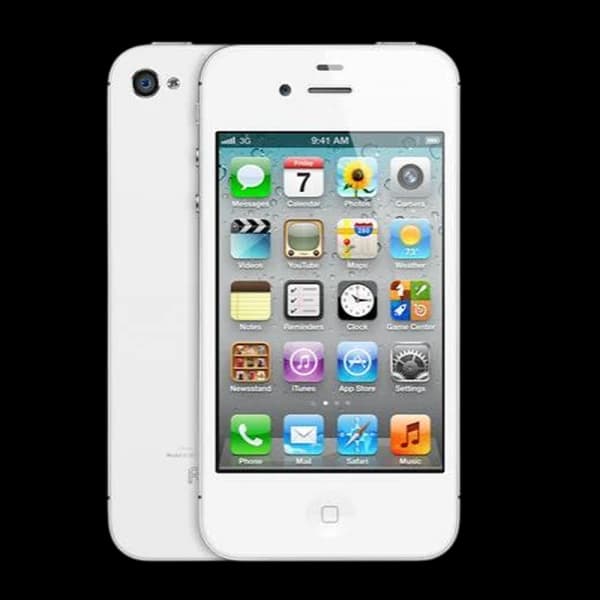
AppleApple iPhone 4s 32GB
 Apple
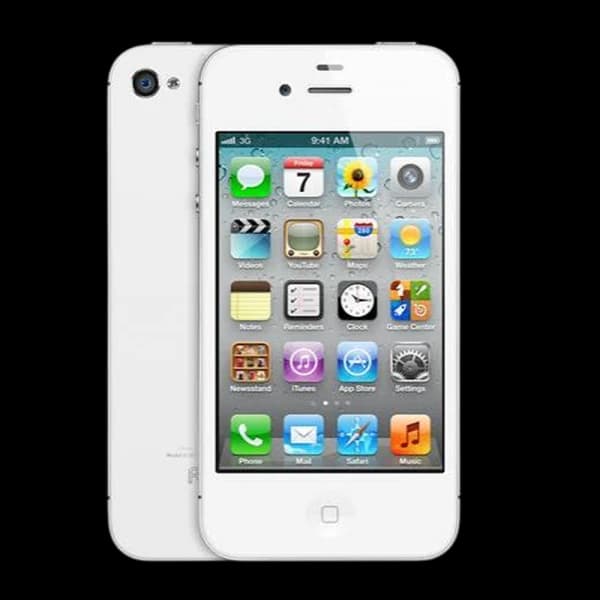
AppleApple iPhone 4s 64GB
 Apple
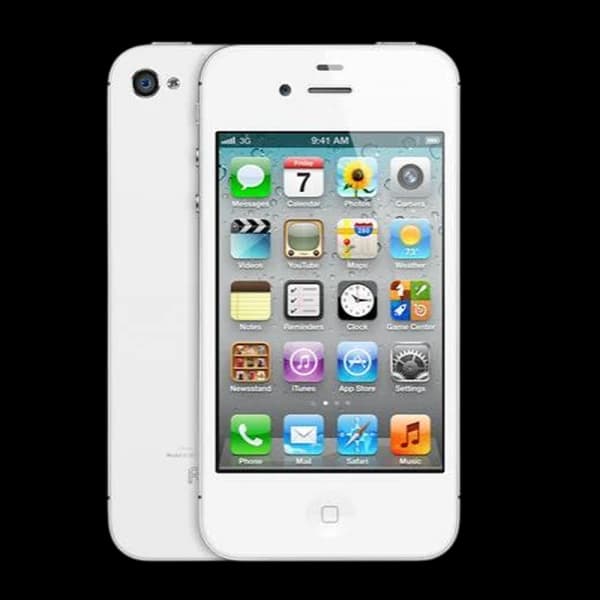
AppleApple iPhone 4s 8GB
 Apple
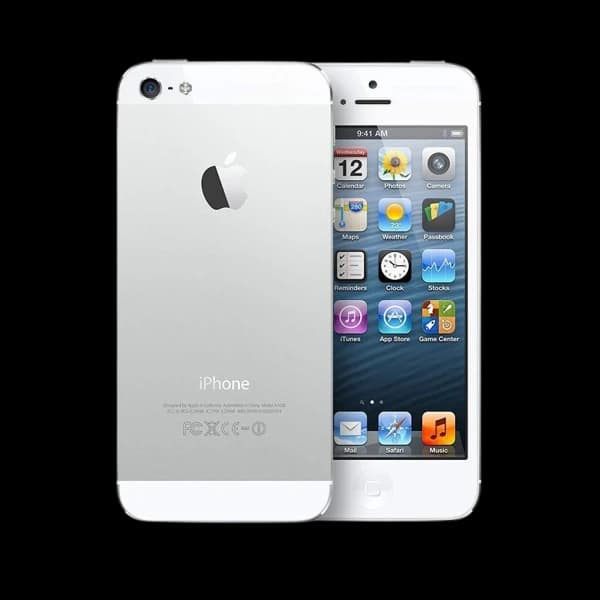
AppleApple iPhone 5 16GB
 Apple
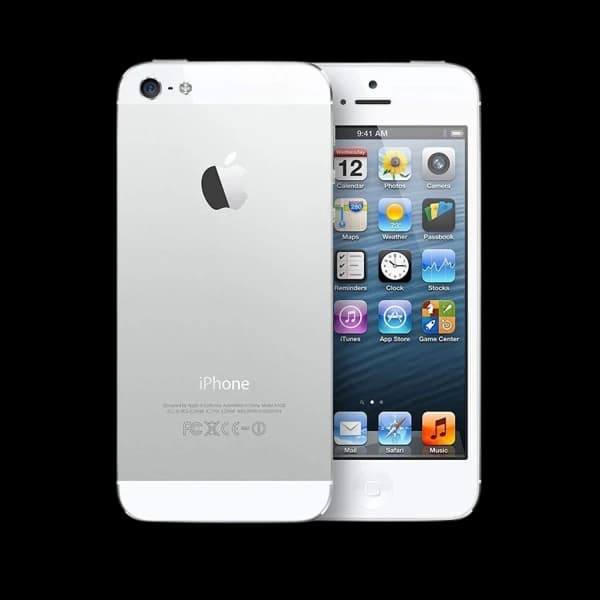
AppleApple iPhone 5 32GB
 Apple
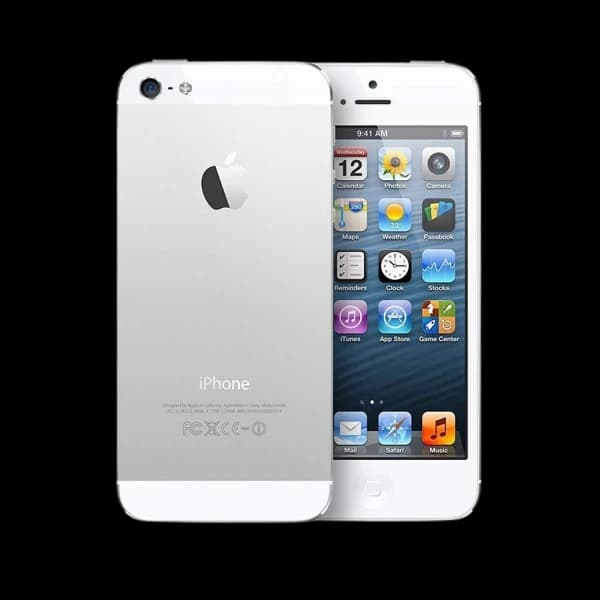
AppleApple iPhone 5 64GB
 Apple
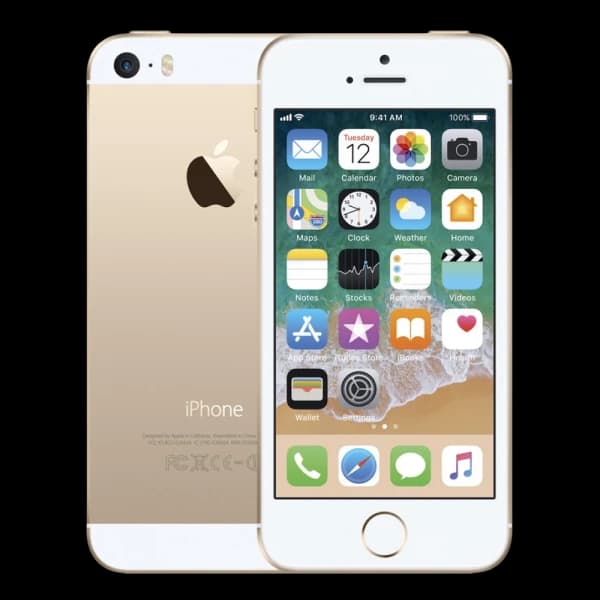
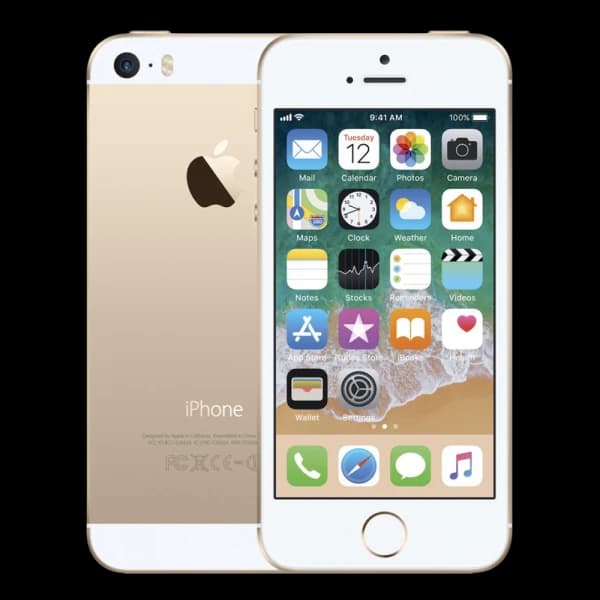
AppleApple iPhone 5s 16GB
 Apple
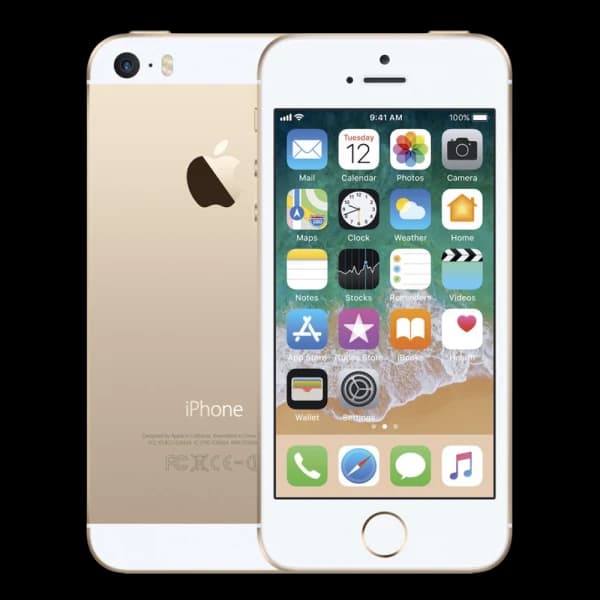
AppleApple iPhone 5s 32GB
 Apple
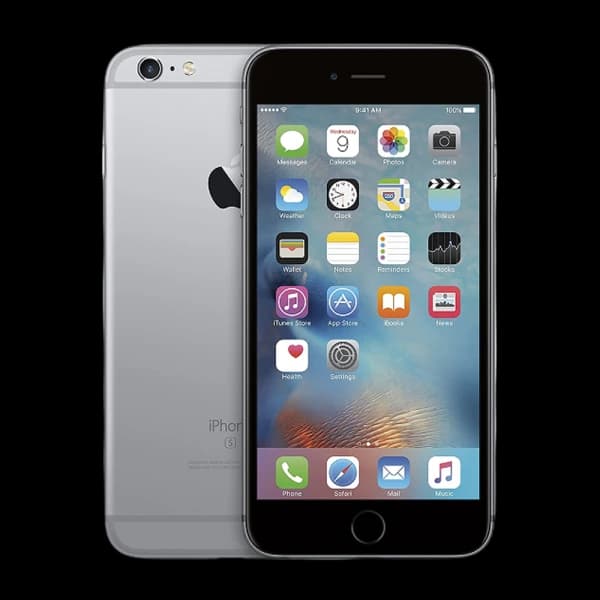
AppleApple iPhone 5s 64GB
 Apple
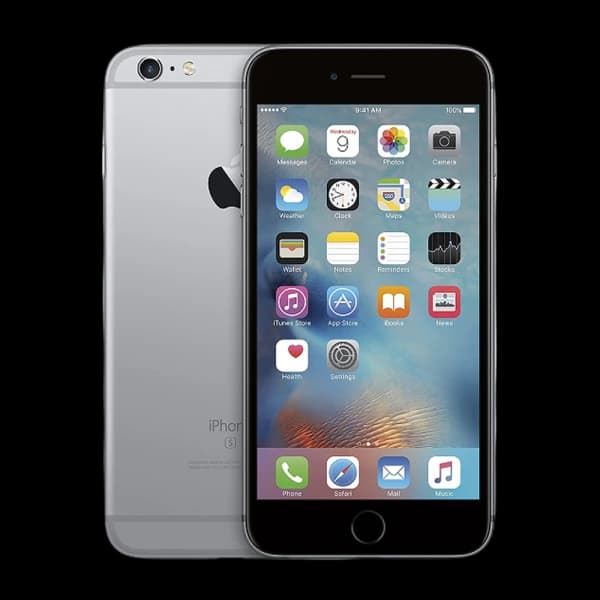
AppleApple iPhone 6 128GB
 Apple
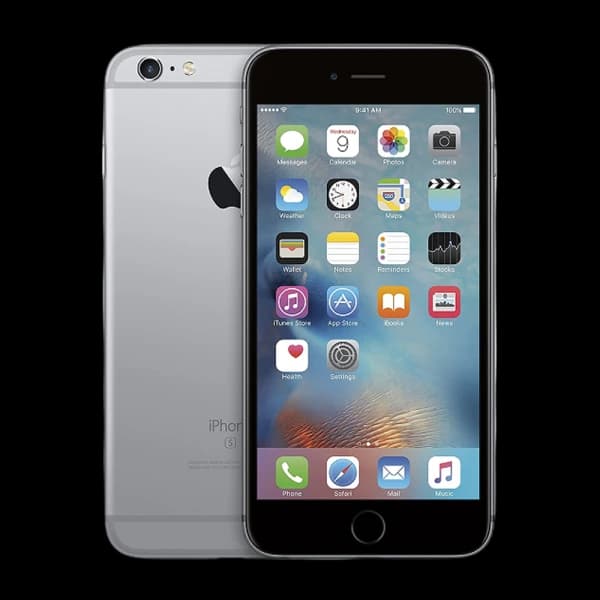
AppleApple iPhone 6 16GB
 Apple
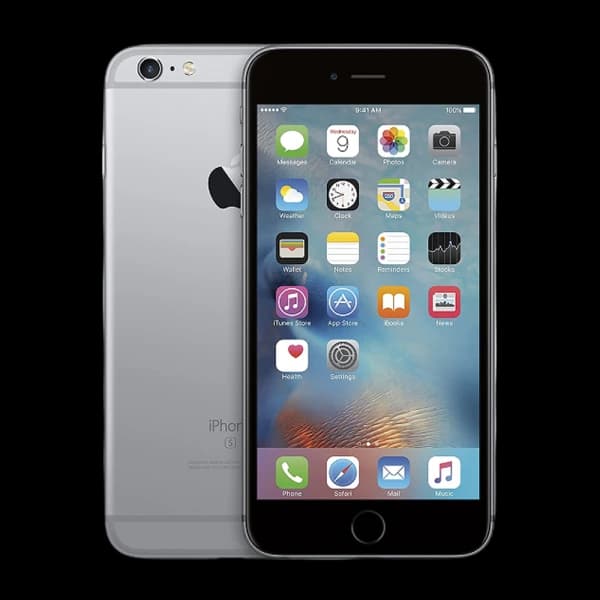
AppleApple iPhone 6 32GB
 Apple
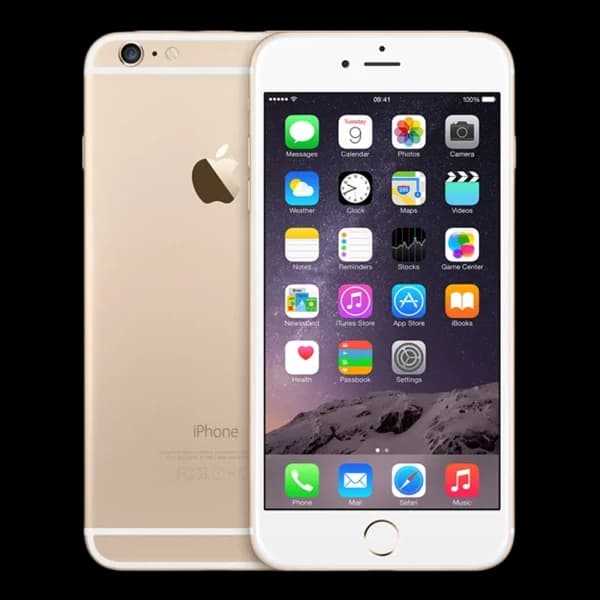
AppleApple iPhone 6 64GB
 Apple
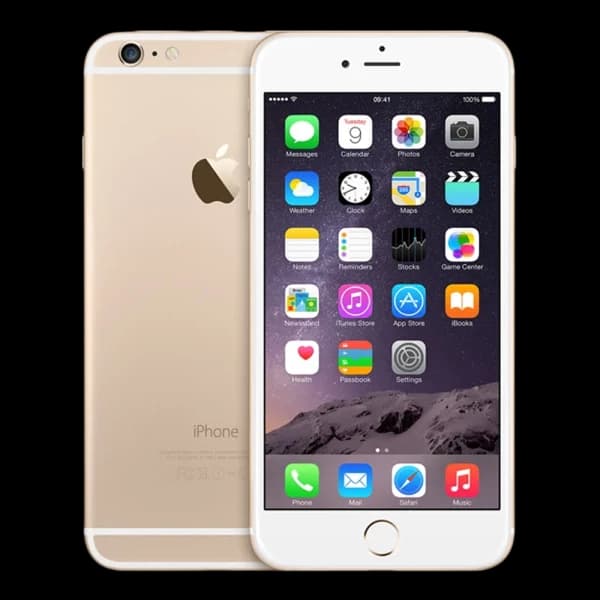
AppleApple iPhone 6 Plus 128GB
 Apple
AppleApple iPhone 6 Plus 16GB
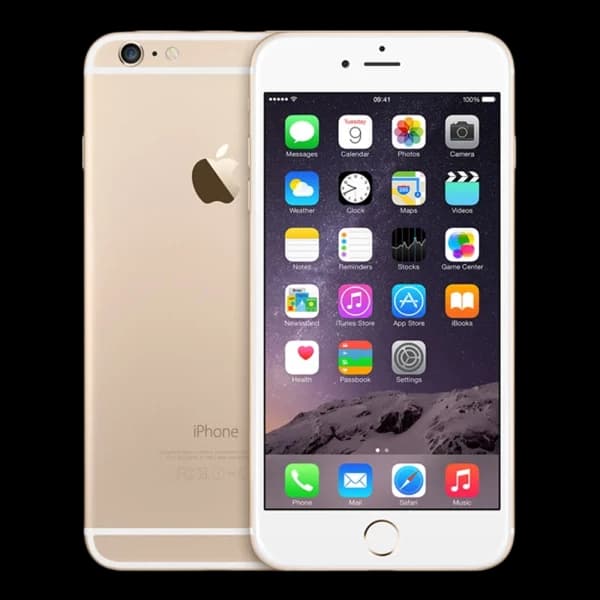 Apple
AppleApple iPhone 6 Plus 64GB
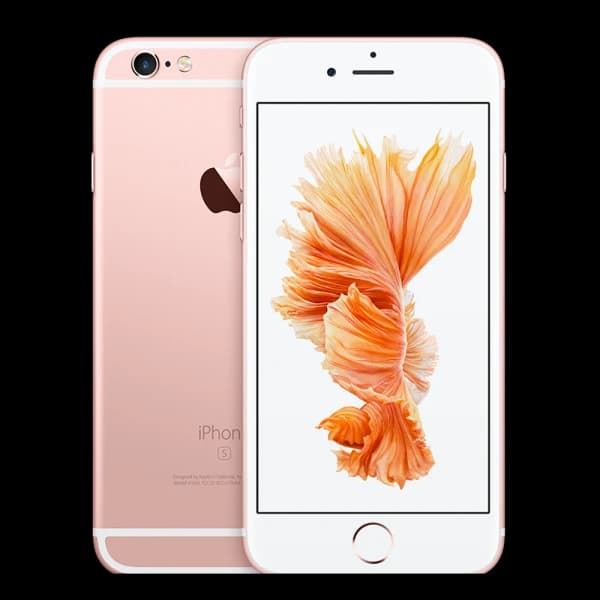 Apple
AppleApple iPhone 6s 128GB
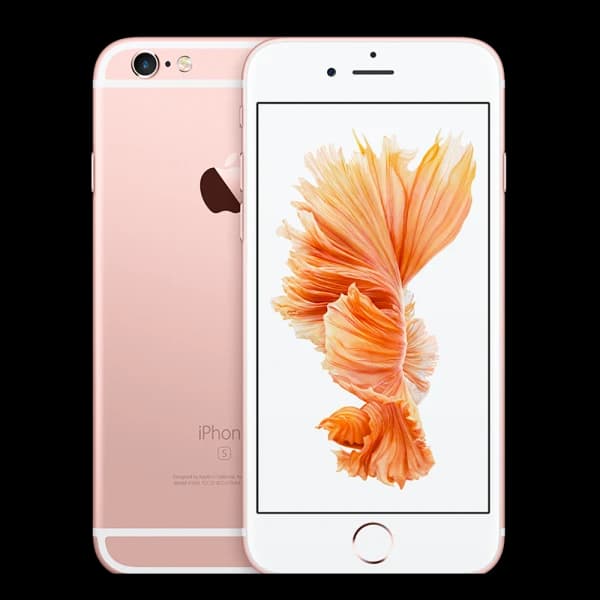 Apple
AppleApple iPhone 6s 16GB
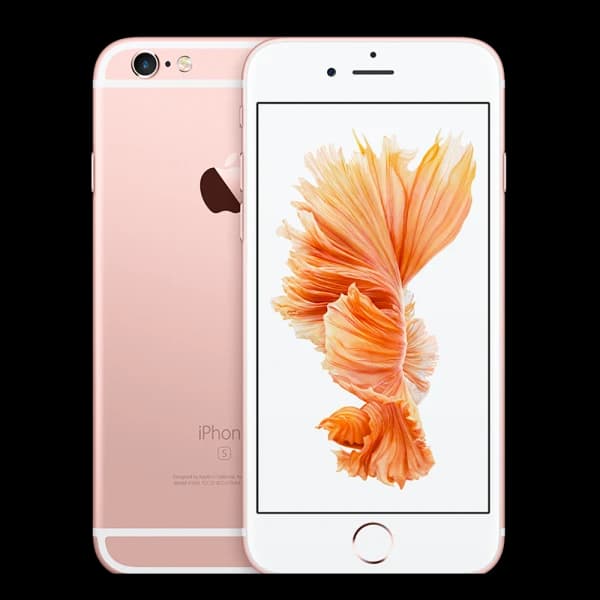 Apple
AppleApple iPhone 6s 32GB
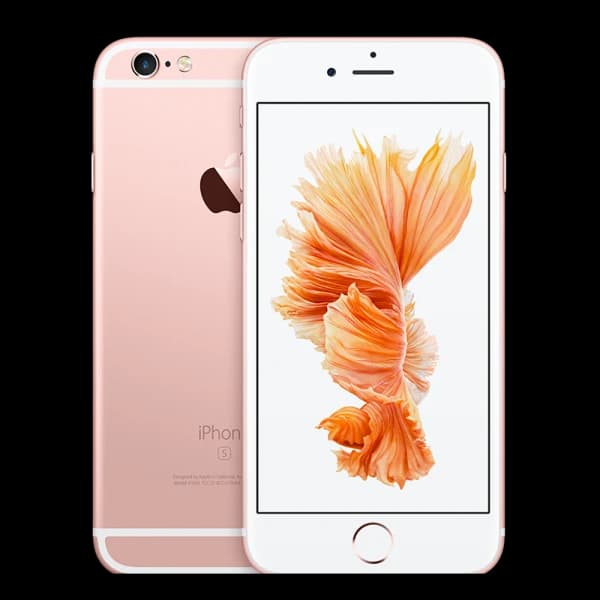 Apple
AppleApple iPhone 6s 64GB
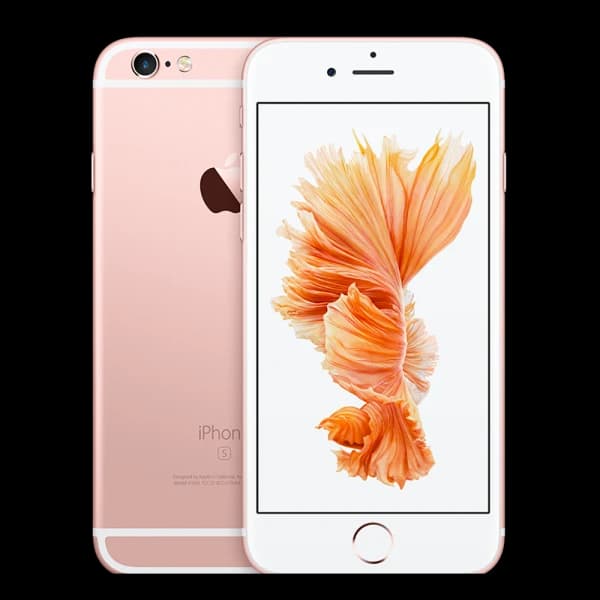 Apple
AppleApple iPhone 6s Plus 128GB
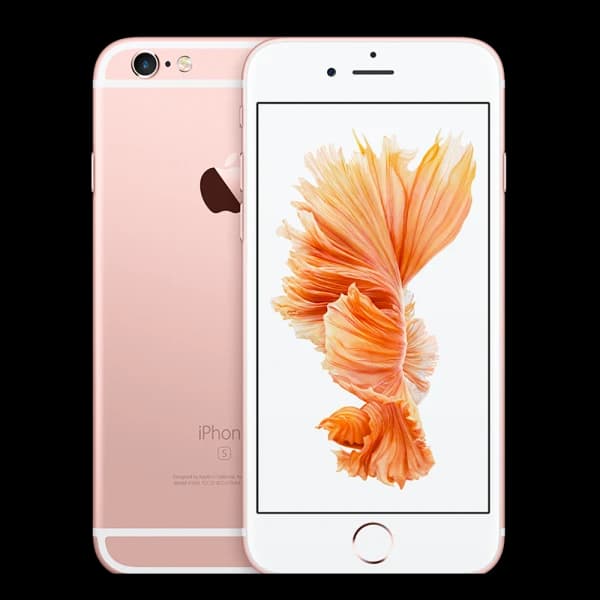 Apple
AppleApple iPhone 6s Plus 16GB
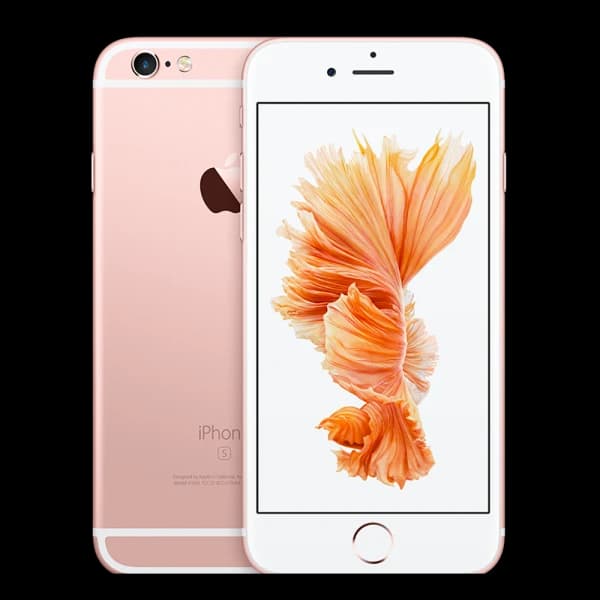 Apple
AppleApple iPhone 6s Plus 32GB
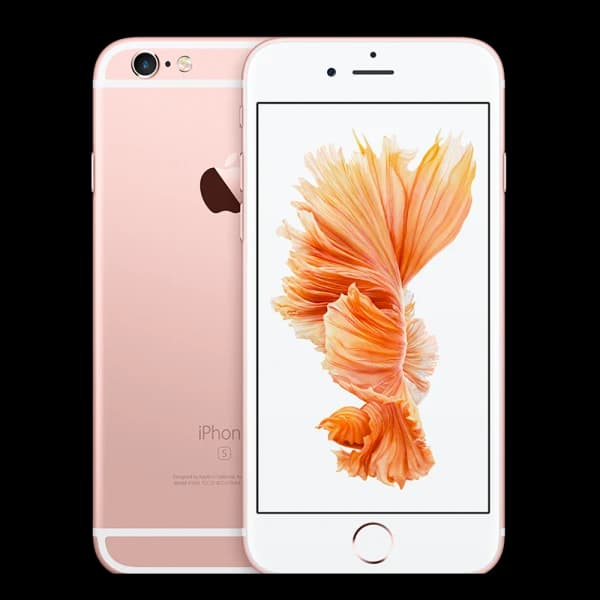 Apple
AppleApple iPhone 6s Plus 64GB
 Apple
AppleApple iPhone 7 128GB
 Apple
AppleApple iPhone 7 256GB
 Apple
AppleApple iPhone 7 32GB
YOUR IPHONE QUOTATION
Four details shape your iPhone quote.
Their exact combination determines the amount or choice shown.
START WITHYour exact iPhone
One accurate match keeps the quotation relevant.
Exact model
Generation and variant separate a standard iPhone from Plus, Pro, mini, SE or Air.
Storage
Choose the capacity shown in Settings so the quotation opens on the right product.
Condition
Describe the screen, body and functions honestly using the four condition grades.
Relevant options
The product page asks only for options that matter for that iPhone, such as network.
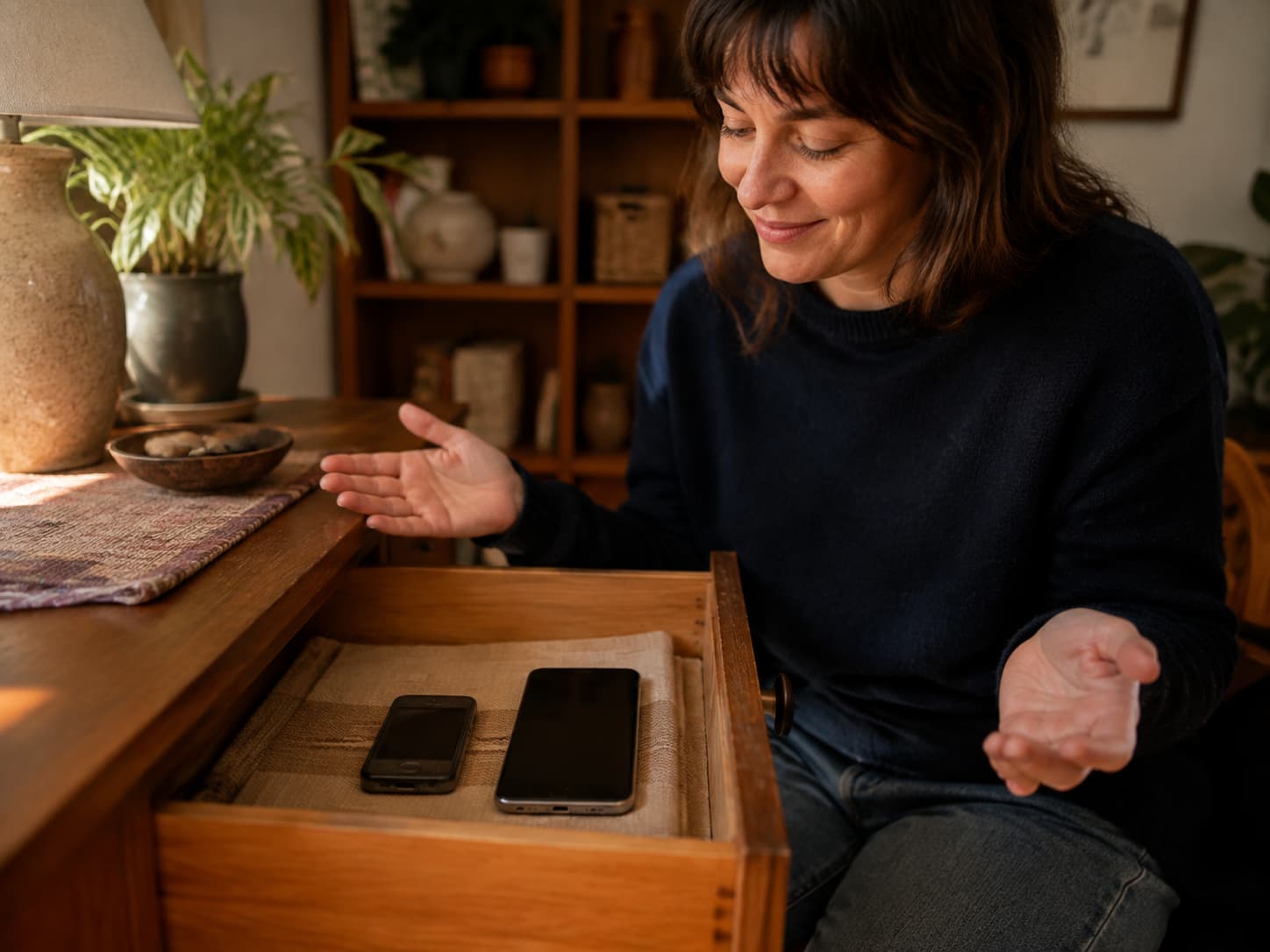
RECENT AND OLDER IPHONES
Sell used or unwanted iPhones for cash.
Match the exact model and storage to see whether a cash quote is available.
Recent iPhones
Find the exact model and storage to check the quotation currently available.
Pro, Plus and mini
Use the full variant name because each iPhone can receive a different quotation.
Older iPhones
Search drawer phones too. The result may be cash, free recycling or no offer.
IF YOU DECIDE TO SELL
Prepare your iPhone before sending it.
Back it up, remove Activation Lock and erase your personal data correctly.
Back up first
Save or transfer the information you want to keep.
Unpair your Watch
Unpair an Apple Watch before erasing the iPhone.
Erase correctly
Use Transfer or Reset, then Erase All Content and Settings.
Stop at Hello
Remove the SIM and leave the erased iPhone at the Hello screen.
CHECK IT HONESTLY
Give your iPhone a quick check.
Check what works and describe its condition as accurately as you can.
Display and back glassFace ID or Touch IDCameras, speakers and microphonesCharging and battery healthButtons and touch responseParts and Service History, if shown

WHEN TO CHECK YOUR IPHONE VALUE
A useful quote starts with the right moment.
Check before upgrading, after transferring data or when an old iPhone resurfaces.
CHECK THE MODELS
Before an upgrade
Check the current quotation before deciding whether to keep or replace your iPhone.
CHECK THE MODELS
After data transfer
Move your data first, then prepare and erase the old iPhone before sending it.
CHECK THE MODELS
From the drawer
Older models can still be searched even when they have been unused for years.
SELL MY IPHONE FAQS
Questions before you sell an iPhone.
Clear answers about models, damage, repairs, Activation Lock and older iPhones.
Browse every frequently asked questionHow do I find my exact iPhone model and storage?
Open Settings, General, then About and note the Model Name, Capacity and Model Number. If the iPhone will not switch on, use the A-number on the device, box or purchase record and compare it with Apple’s identification list.
Can I sell a broken or cracked iPhone?
Some damaged iPhones can receive a cash quote. Others may show free recycling or unavailable. Find the exact model and select Damaged to see what is offered, subject to inspection and safe handling.
Can I sell an iPhone that will not switch on?
Possibly, when the exact iPhone supports the Damaged grade. Identify it from the model number, box or purchase record, remove it from Find My remotely if possible, and do not send an unsafe battery.
Do I need to remove Find My and Activation Lock?
Yes. Apple says erasing through Settings turns off Find My and Activation Lock. If you no longer have the iPhone, use Find Devices on iCloud.com to erase it and remove it from your account.
Can I sell an iPhone with a replaced screen or battery?
Possibly. Check Settings, General, then About for Parts and Service History, describe the iPhone honestly and use the exact product page. Inspection confirms the device and condition.
Can I sell a very old iPhone?
Search for the exact iPhone first. An older model may show a cash quote, a £0 free-recycling choice or no offer. The exact model and condition decide what appears.